


Email shows gibberish when opening

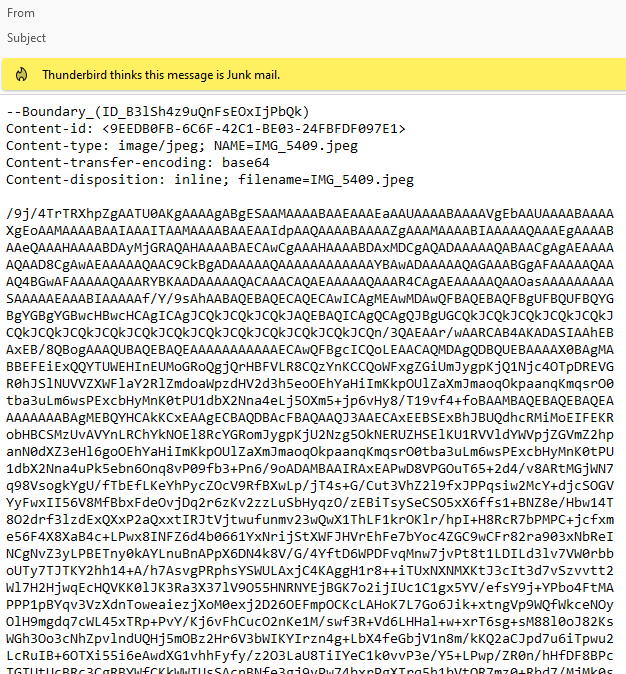
Hi. I'm sending this on behalf of someone. She is running the latest Thunderbird for Windows [I checked] on Windows 11. All emails show up correctly when she sees the Emails in her inbox. But when she opens up some messages [no commonality between them], she gets the gibberish as in the attachment. Odd that every message with the issue has the same file name mentioned [IMG_5409.JPG]. If she gets an Email she is fine. She gets another Email and she gets the attached message. Later she could get another Email from the individual and she's fine again. Thoughts? Ed
所有回复 (2)
选择的解决方案
Are you using version 128.3.3?
Does the problem permanently go away after repairing affected folders by right+click > properties > repair?
Please post results. Thanks
As I mentioned in my original question, the individual was then at the latest. I gave your instructions and it fixed the issue. Thanks