Don't remember password to mail.com account
I was having issues with the app for my mail.com account so my thought was to delete it and then reinstall it Just prior to doing that I wasn't sure if I remembered my password or not because I never log out of the app anyway I went to forget password and put in the info and it said it sent an email to an old phone number that I used to have and I don't have access to anymore. I've sent three emails to support at mail.com to no avail so I went to Google passwords to see if there was anything in there, there wasn't. So I was playing around looking to see if I could figure it out and turned off the synchronization and it logged me out up until then I had access emailed support again again still haven't got a response then I remembered Firefox Mozilla had some sort of password thing I just had to find it maybe it would be in there so I ran across this website of mozilla's logged in and it had my Yahoo account as a primary and my mail.com as a secondary I'm not sure how all this works and I'm not sure if I did the right thing or not but I was able to reverse them make mail.com The primary and my Yahoo the secondary I'm not sure how to use this thing as I'm not all that savvy on this kind of thing anybody any help would be appreciated, thank you, Scott Stone
所有回复 (2)

Unfortunately that isn't a Firefox issue but your mail server support issue.
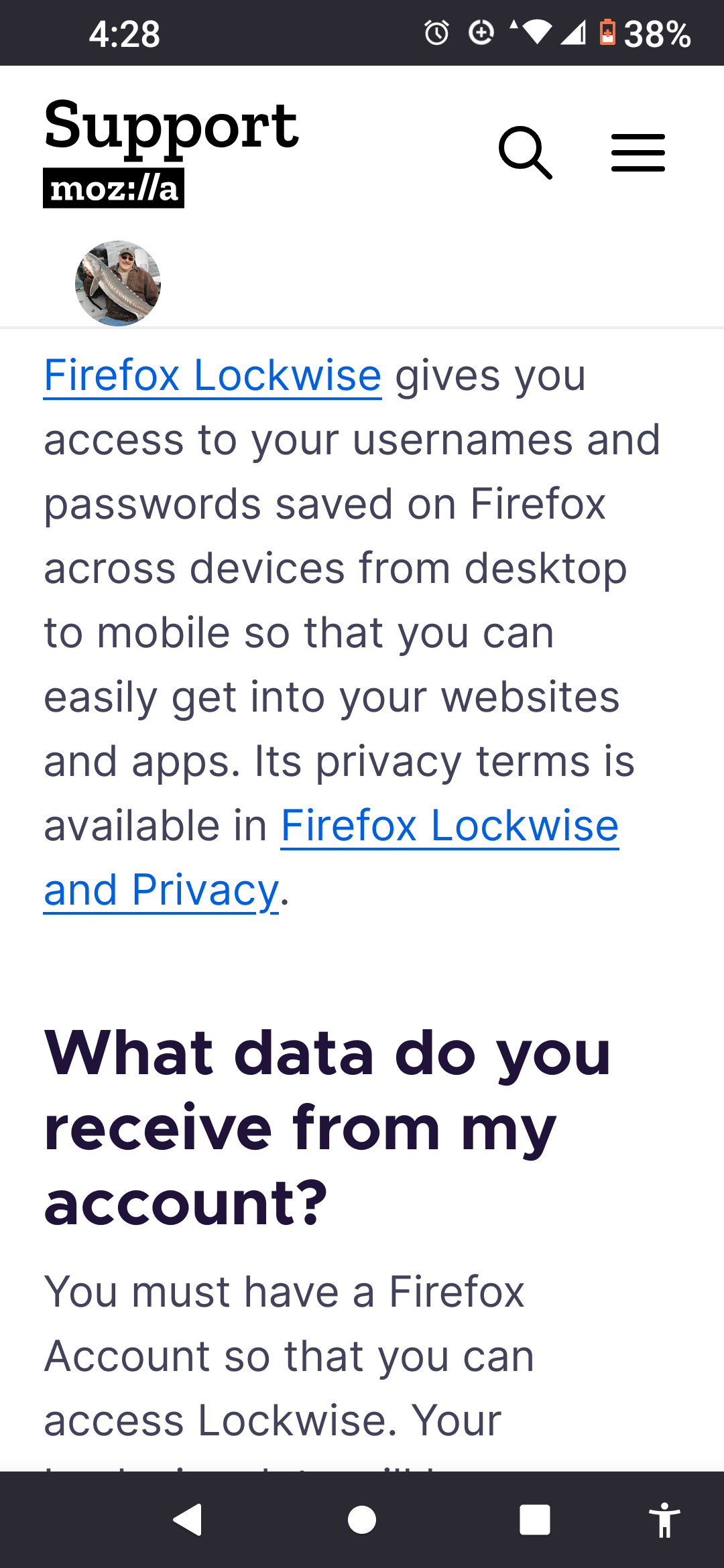
Hey Mark thanks for your response, Firefox lockwise is the name of the thing that I think Mozilla has that can get me back into my mail.com account, do you happen to know anything about it as I don't and I don't want to make things worse any help would be appreciated thanks Scott
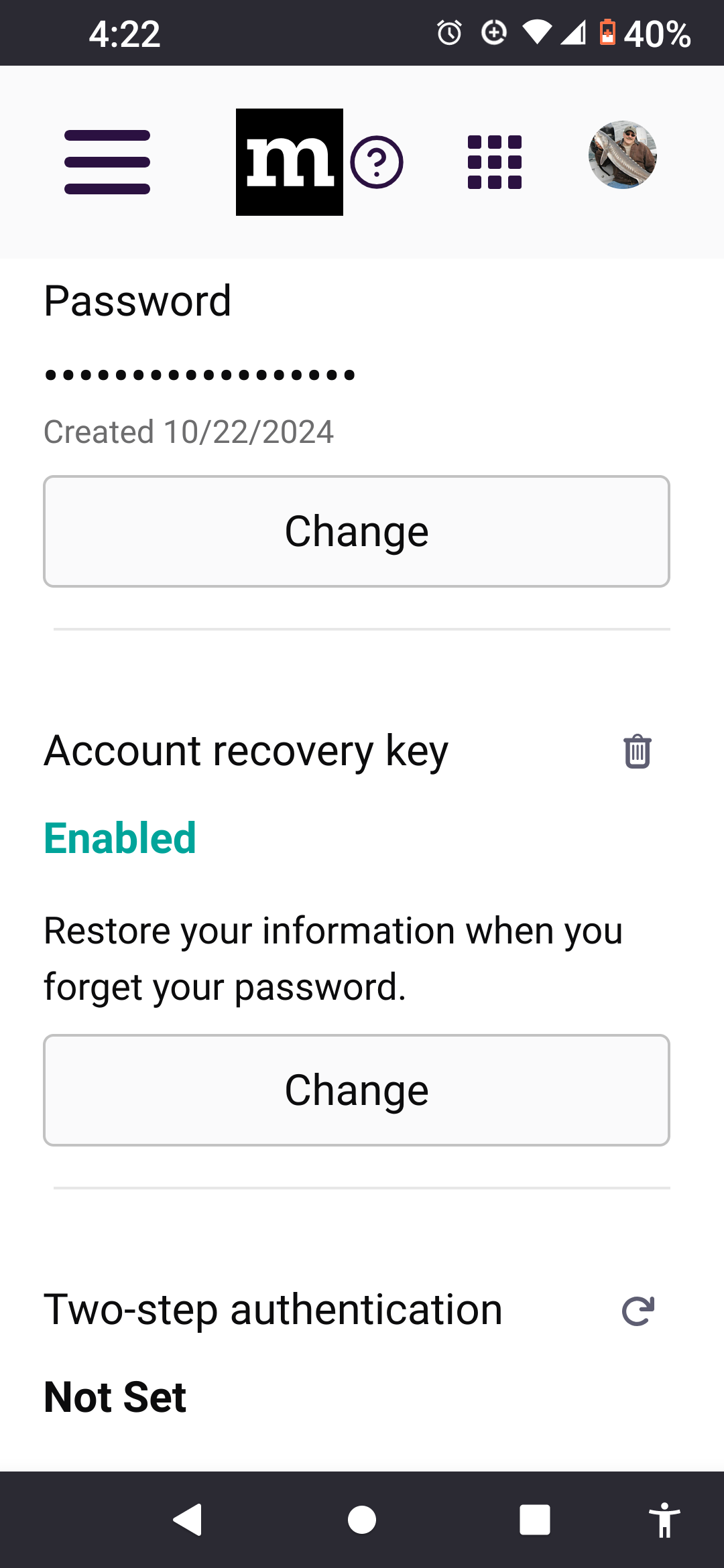
I added some screenshots of the Firefox lockwise.