


Spell Check (GB) highlighting false positives

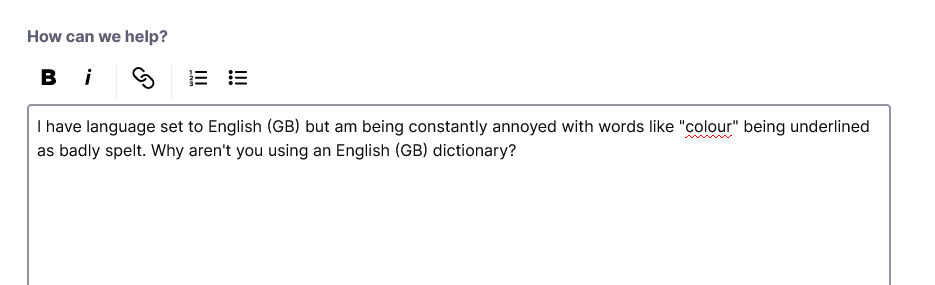
I have language set to English (GB) but am being constantly annoyed with words like "colour" being underlined as badly spelt. Why aren't you using an English (GB) dictionary?
被采纳的解决方案
Right-click the textbox > Languages > English (United Kingdom).
If you don't see it, make sure the British English Dictionary is installed.
定位到答案原位置 👍 0所有回复 (3)
选择的解决方案
Right-click the textbox > Languages > English (United Kingdom).
If you don't see it, make sure the British English Dictionary is installed.
adampembs said
Why aren't you using an English (GB) dictionary?
from https://support.mozilla.org/en-US/kb/how-do-i-use-firefox-spell-checker
Not all locales come with a dictionary installed due to licensing reasons.
If you are not using the en-US locale then you likely will have to install a dictionary.
Note on https://addons.mozilla.org/firefox/language-tools/ the Language Packs are a way to change the language of the user interface like the menus as the spellchecker uses dictionaries.
由James于修改