


cardbook list

I have my adresses in Cardbook as a internet addressbokk on my NAS server.
and clicking I made two addresslist. One for a club and one to send christmas cards.
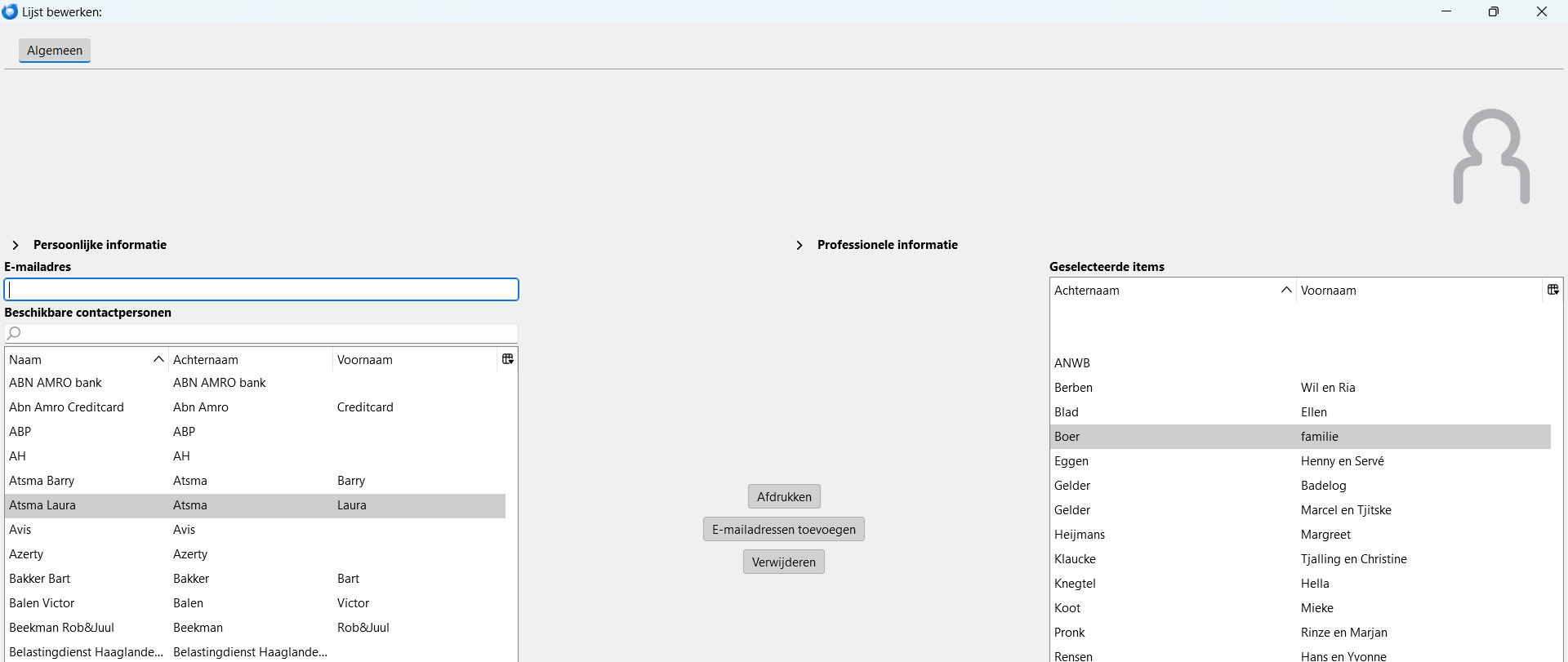
It is impossible to give them a name In cardbook they appear as a blank line. clicking on one of them gives the list, but it is always a surpirise which one. Right click on one of them and chosing new e-mail them gives the addresses in the to field of new message. But printing the list is impossible. I can open the list, add addresses (by right click an entry in the list on the left) or delete one. But print (afdrukken) in the middle gives me nothing
How to???????
所有回复 (1)
That sounds like a card book issue, not a Thunderbird one.
The cardbook download page https://addons.thunderbird.net/en-us/thunderbird/addon/cardbook/?src=search list this as the support site for the product. https://gitlab.com/CardBook/CardBook/-/issues