


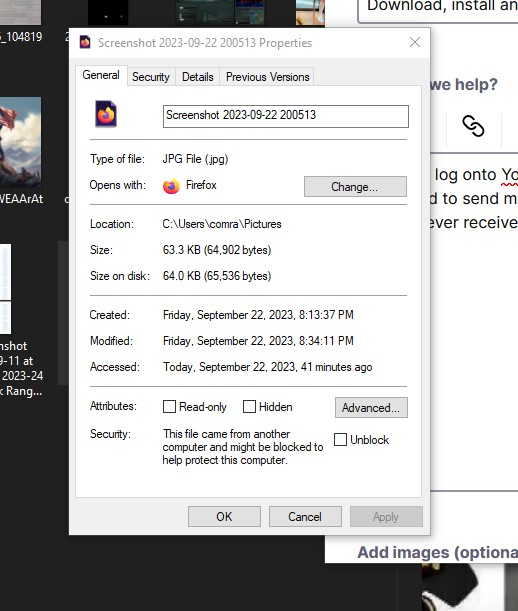
All photos Changed from JPEG to JPG file..........................

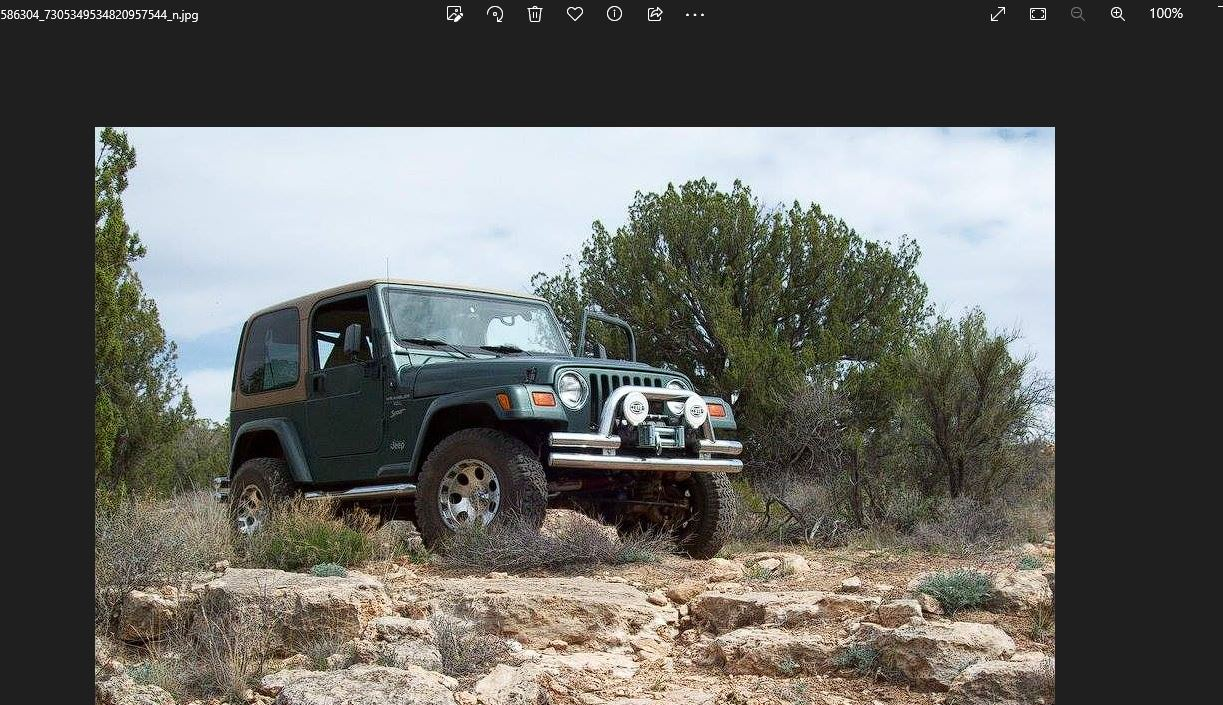
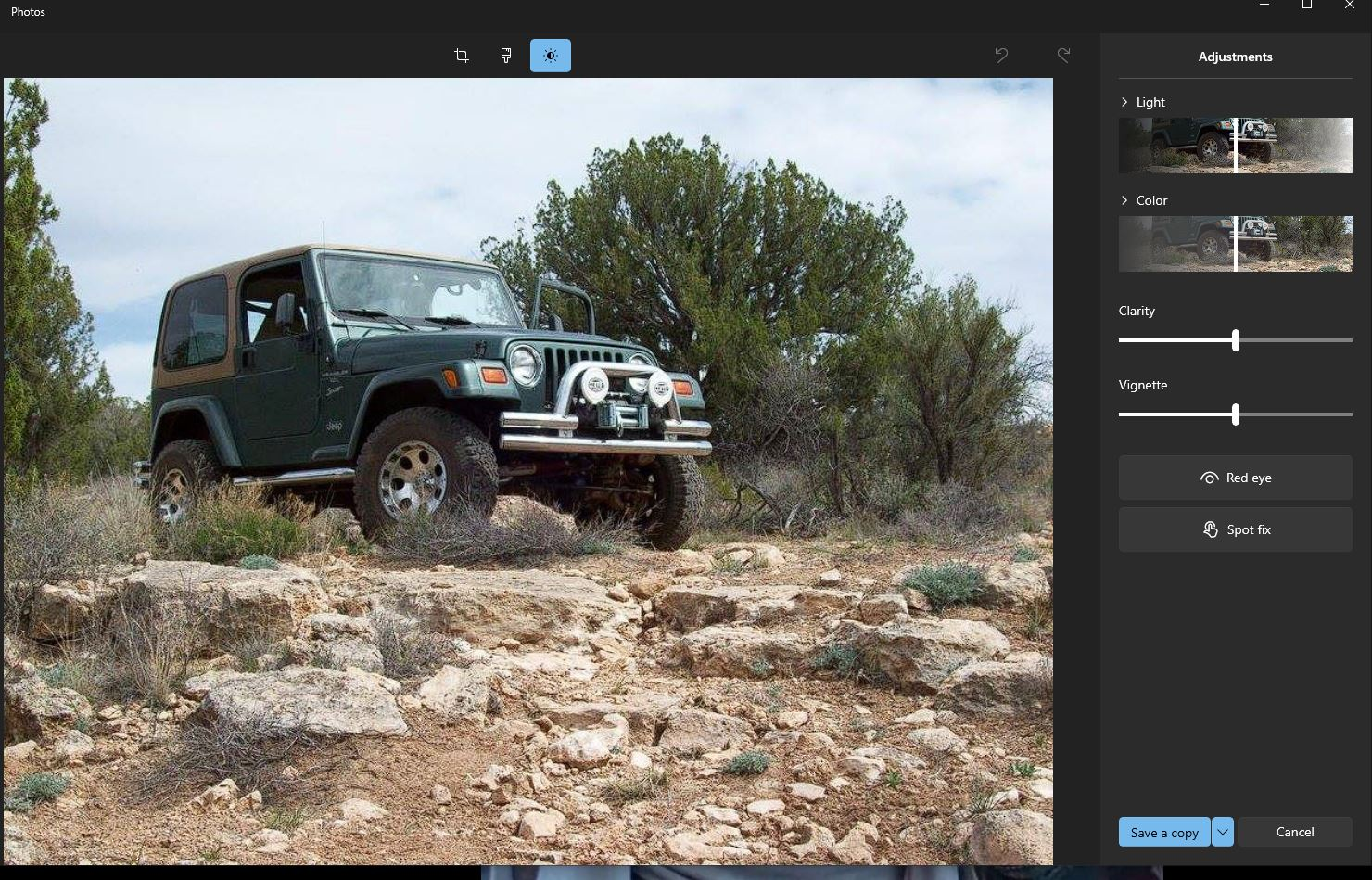
I tried to log onto Youtube so I could make a few comments on a football game. They had to send me a code to my email (HOTMAIL) BTW I never received a code to LOG into YouTube. I used "Snip & Sketch" as I have many many times before but now I open a photo to edit it and Microsoft has taken over my photos. I mean as far as my editing capabilities. I've tried all the "OPEN WITH" options but can not get to the basic photo editor. Need some help here... Thanks in advance Steve
所有回复 (2)
Old school Photo Edit.
When/where do you notice this change to the file extension?
Note that these days the file extension you see in a URL (link) doesn't mean that much as websites can change the image format on the fly to a format they think that the browser supports due to user agent sniffing and the HTTP accept header.
You can inspect the MIME database key with the registry editor (regedit.exe) and do a search for that MIME type (file extension) via Ctrl+F. Be cautious with editing the registry as there is NO UNDO possible: all changes are applied immediately. You can export key(s) in the registry editor before making changes. You can check specific file extension keys (e.g. .jpg or .jpeg) in the registry with the registry editor.
- HKEY_CLASSES_ROOT\.xxx
You can check possibly linked MIME types in the MIME Database registry key.
- HKEY_CLASSES_ROOT\MIME\Database\Content Type\