Windows 10 reached EOS (end of support) on October 14, 2025. For more information, see this article.

搜索 | 用户支持

防范以用户支持为名的诈骗。我们绝对不会要求您拨打电话或发送短信,及提供任何个人信息。请使用“举报滥用”选项报告涉及违规的行为。

详细了解

Embedded Google Maps not working on Firefox

  • 3 个回答
  • 1 人有此问题
  • 53 次查看
  • 最后回复者为 jonzn4SUSE

更多选项

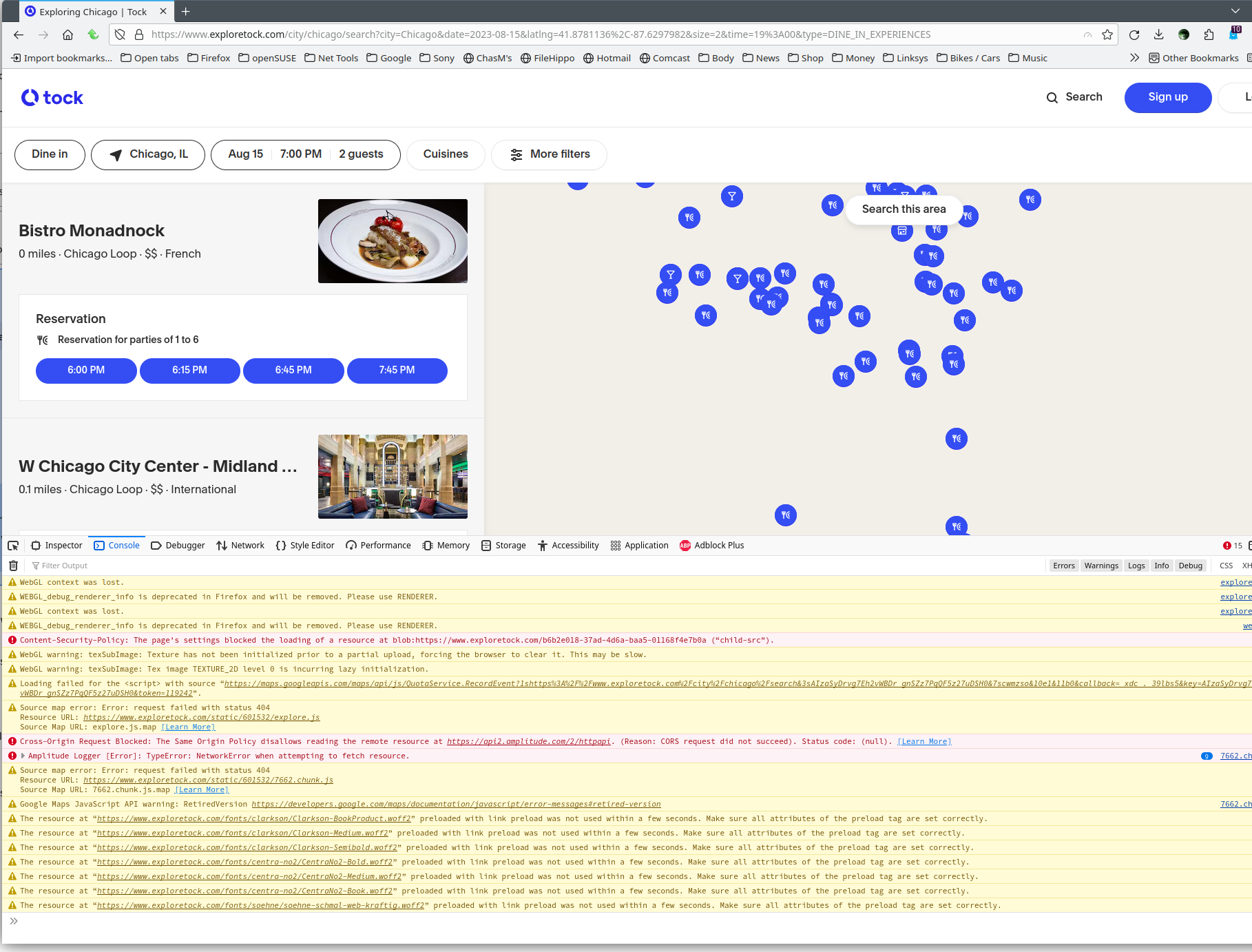
Ever since I switched to Firefox I've noticed many websites with embedded Google Maps don't work properly on Firefox. It got really annoying but I ended up opening those websites on Chrome. I tried troubleshooting by clearing cache, disabling themes, and trying private mode but no dice. After some searching I came across a suggestion to disable WebGL (set webgl.disabled to true in about:config). That fixed the map issue but wondering if there's a solution that allows me to use these websites without disabling WebGL.

Attaching screenshots of the map issue with WebGL enabled and the fix with WebGL disabled.
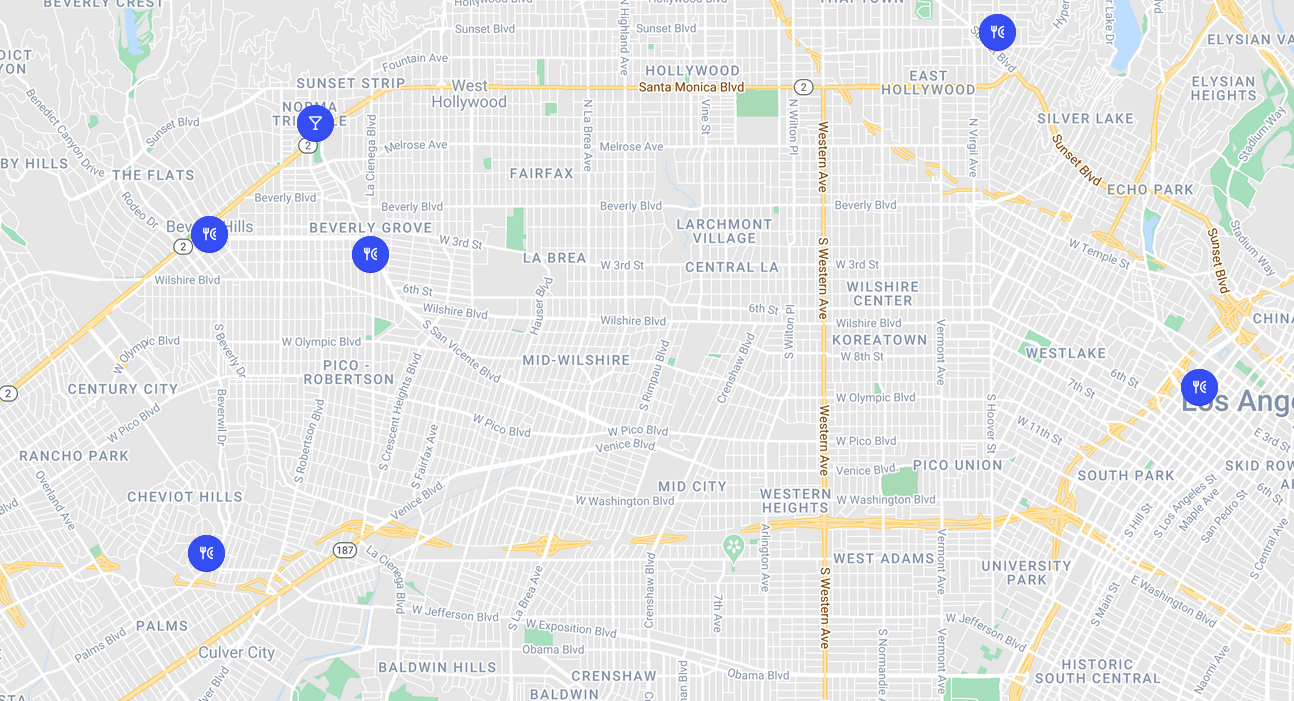
Ever since I switched to Firefox I've noticed many websites with embedded Google Maps don't work properly on Firefox. It got really annoying but I ended up opening those websites on Chrome. I tried troubleshooting by clearing cache, disabling themes, and trying private mode but no dice. After some searching I came across a suggestion to disable WebGL (set webgl.disabled to true in about:config). That fixed the map issue but wondering if there's a solution that allows me to use these websites without disabling WebGL. Attaching screenshots of the map issue with WebGL enabled and the fix with WebGL disabled.
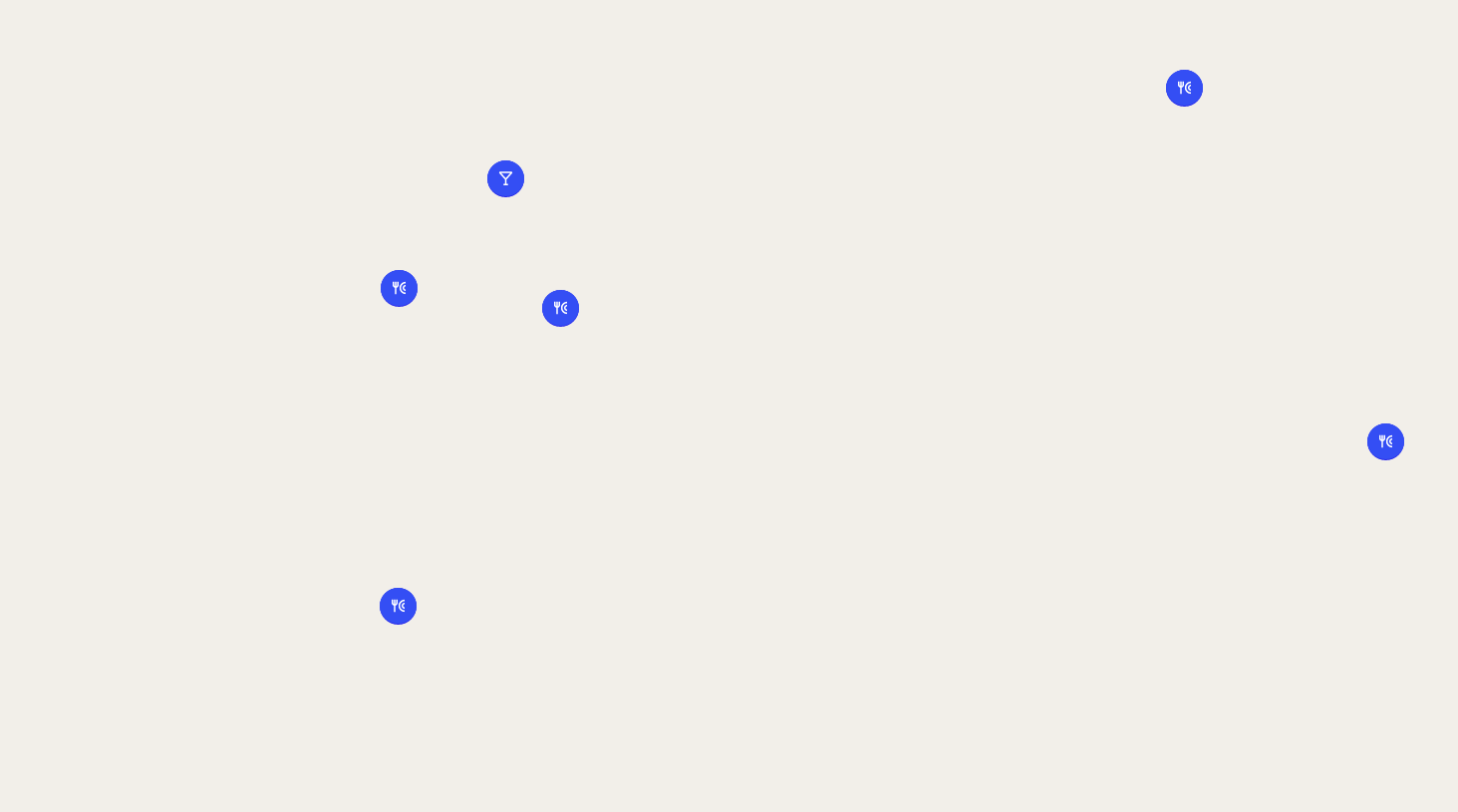
已附加屏幕截图

所有回复 (3)

更多选项

Links to replicate the issue please.

更多选项
更多选项

I'm able to replicate the issue.

由jonzn4SUSE于修改