


Password Migration from Chrome to Firefox

Moving from Windows to Linux and in the process moving from Chrome to Firefox. In Linux, there seems to be an issue where Firefox isn't recognizing that I have installed Chrome. No problem, I went into Windows to do the move instead. But since the data isn't saved and you have to have an instance of Firefox running (?) to actually sync, I decided to download Firefox on my iPhone, get my passwords from Chrome, then sync to my iPhone, boot back to Linux, then sync on Linux with the data on my iPhone, and somehow in the process locked myself out of logging into Firefox on my iPhone due to how many times I've had to log in to Firefox to figure out this convoluted and broken process. People are wanting to switch to Firefox due to ad blocking support, and this is a massive barrier to entry. Can we just fix importing from a csv file?
选择的解决方案
Commenting again for anyone searching for an answer, this is indeed a bug: https://bugzilla.mozilla.org/show_bug.cgi?id=1768792
Fix is to uncheck syncing Logins, Sync, then enable syncing Logins again, then sync again. I then went onto my iPhone and did the same, and my logins populated. I assume I will have to do the same thing over on Linux, so this seems to do the trick. Hopefully this issue can be resolved by the Mozilla team!
所有回复 (3)

In Windows, are you able to see your data and you are signed into your account? If so, then just go into Linux and sign into your account and the sync should happen as long as you have everything check in Windows and Linux.
https://support.mozilla.org/en-US/kb/how-do-i-set-sync-my-computer https://support.mozilla.org/en-US/kb/how-do-i-choose-what-information-sync-firefox
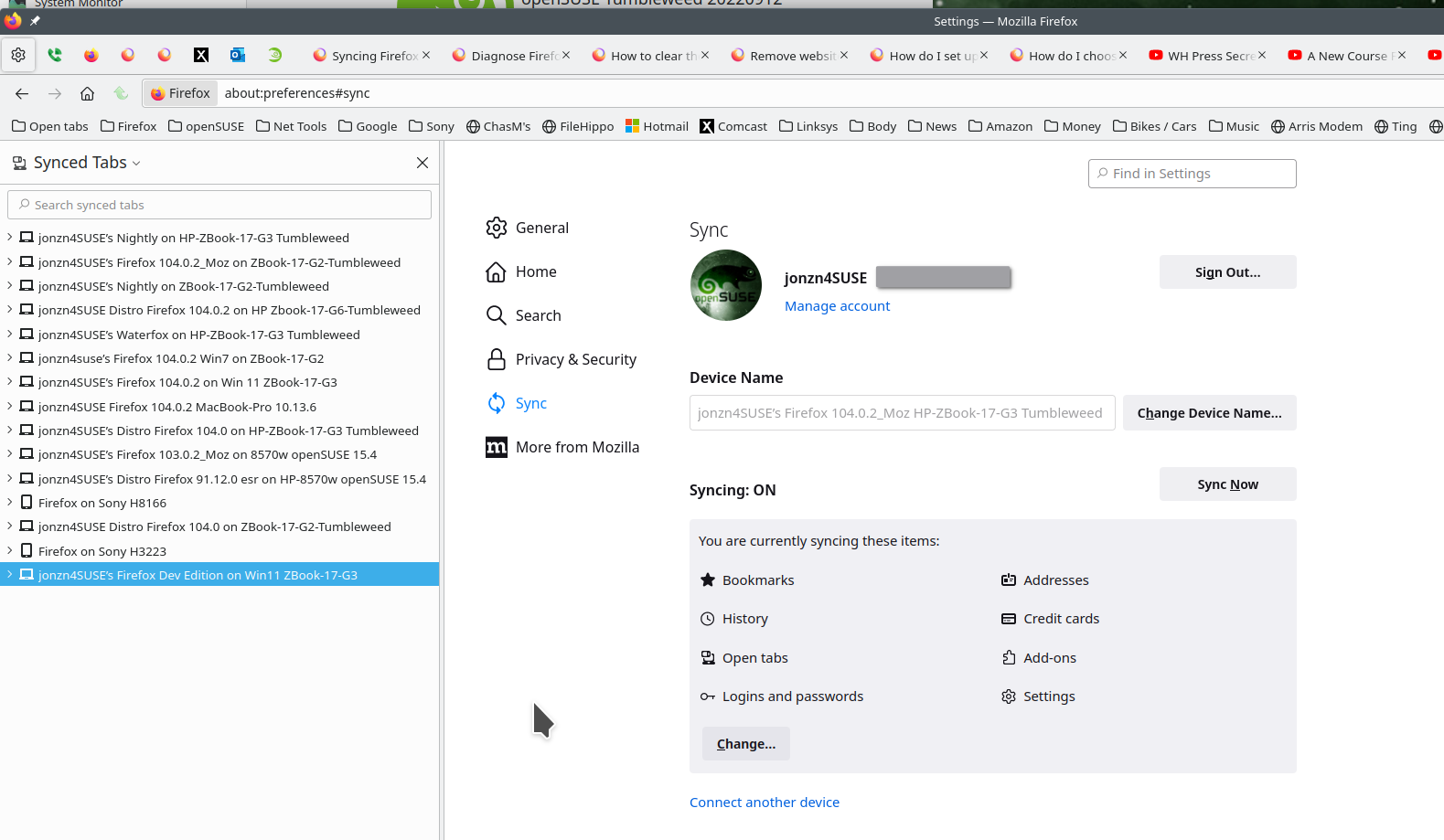
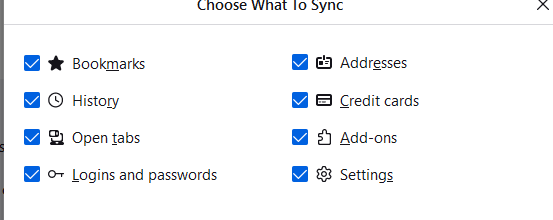
The issue is specifically the passwords. I can see the passwords listed on Windows, but it isn't syncing anywhere else. I am signed into Firefox on windows, where I have imported all of the logins and passwords from Chrome. I have attached the setting showing I have enabled the sync, but Firefox isn't syncing across devices.
选择的解决方案
Commenting again for anyone searching for an answer, this is indeed a bug: https://bugzilla.mozilla.org/show_bug.cgi?id=1768792
Fix is to uncheck syncing Logins, Sync, then enable syncing Logins again, then sync again. I then went onto my iPhone and did the same, and my logins populated. I assume I will have to do the same thing over on Linux, so this seems to do the trick. Hopefully this issue can be resolved by the Mozilla team!