


TradingView Tabs Limit

I'm using Firefox to chart on TradingView and my PC has 64GB of RAM however the issue is that I cannot open as much tabs on Firefox as I want. I have around 100 Tabs opened for TradingView and the Memory Consumption is around 40%. When I'm opening a new tab, the TradingView chart is not getting loaded. Is there any way or Parameter change to solve this issue?
选择的解决方案
Toggling security.csp.enable to false on the about:config page works for me.
由jonzn4SUSE于修改
所有回复 (3)
Is this a live chart live? Can you provide steps to replicate the issue and show us what you are seeing when opening the chart? Are you running 95.0.2?
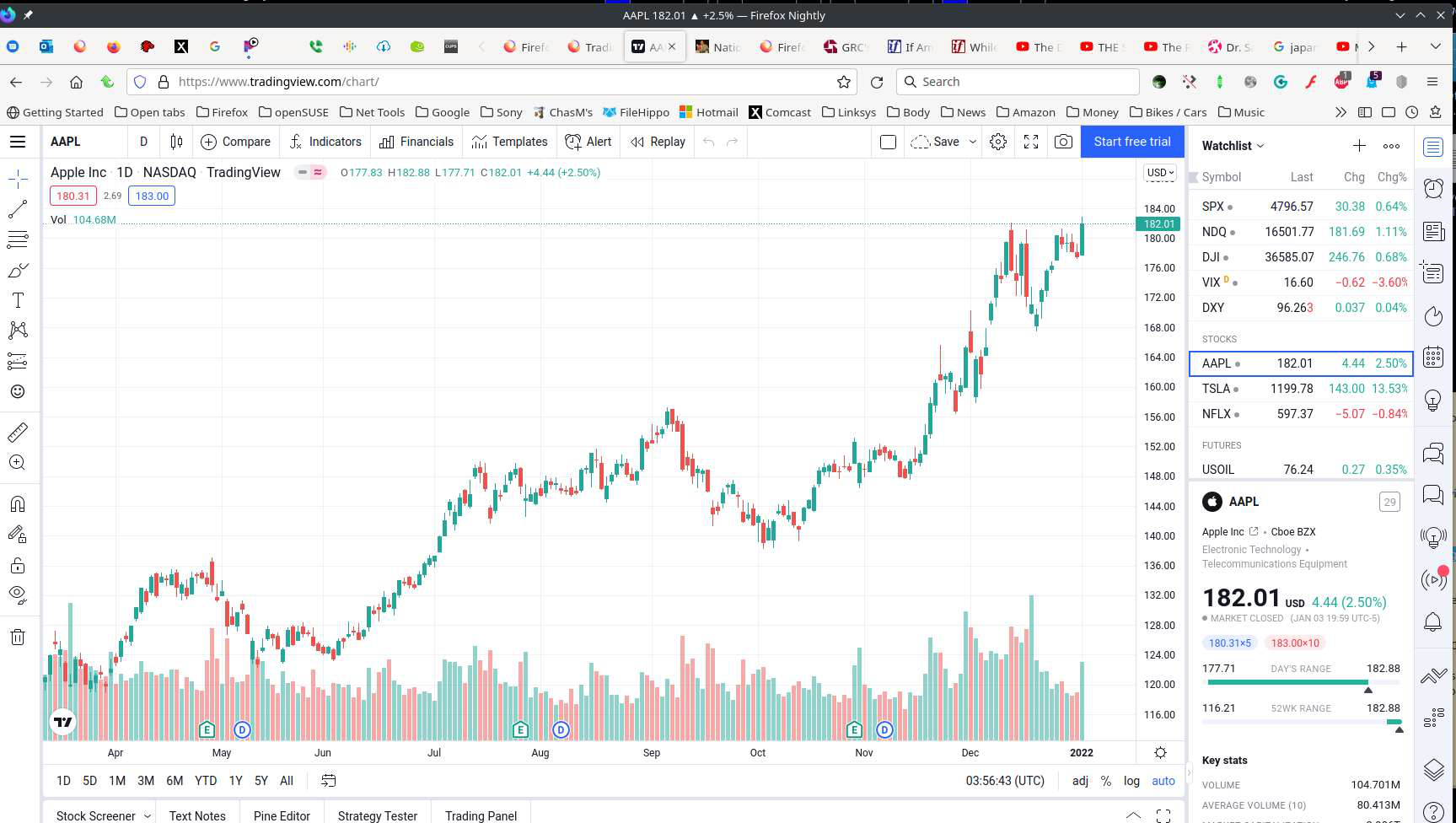
Yes. it is live chart with real-time data.
I currently have around 100 Tabs opened and whenever I open a new one, it will show the attached.
Also I provided the memory consumption and capacity in the attachments.
选择的解决方案
Toggling security.csp.enable to false on the about:config page works for me.
由jonzn4SUSE于修改
This question has been locked because the original author has deleted their account. While you can no longer post new replies, the existing content remains available for reference.