


FireFox Display is Jacked up.

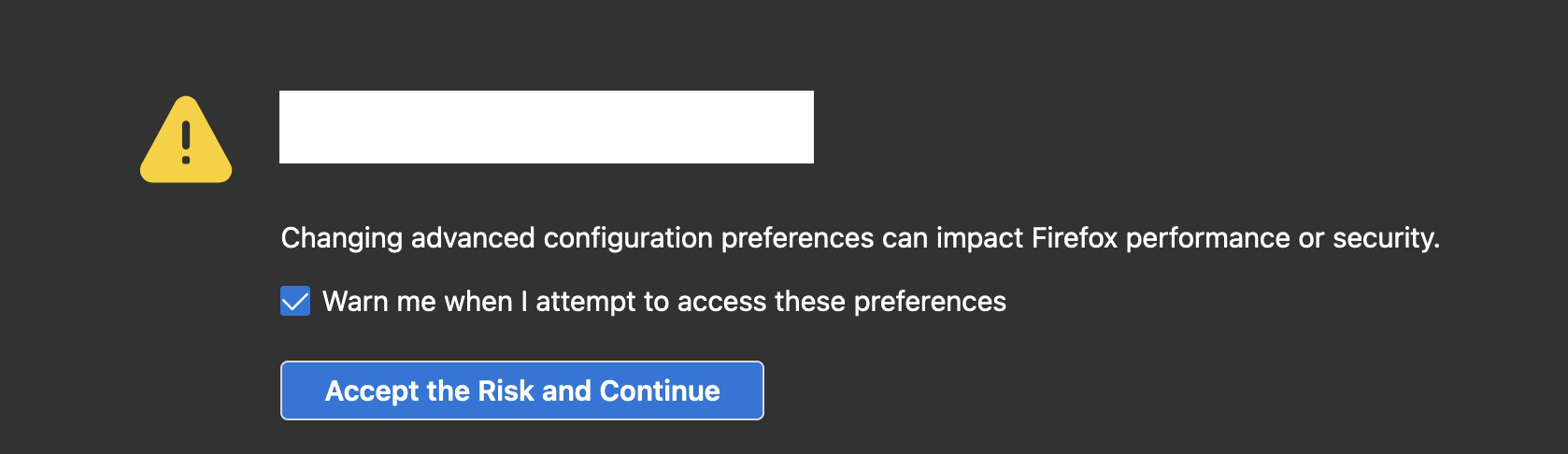
Out of now where today FireFox is not displaying pages correctly. There are white boxes around sections on pages which shouldn't be.
I have completely dumped all the profiles and cache, uninstalled, removed all traces of FireFox directories and reinstalled and am currently on 91.0.1 (64-bit) in Troubleshooting Mode and the issue still exists. Even the about:config page and white boxes around words on the msn website etc.
I have added images below as examples. Any help is appreciated to resolve. Thank you

所有回复 (2)
选择的解决方案
This could be a problem with High Contrast Mode on Mac.
See "New" in the release notes.
Firefox now automatically enables High Contrast Mode when "Increase Contrast" is checked on MacOS in the Accessibility settings.
Make sure you allow pages to choose their own colors.
- Settings -> General: Fonts & Colors -> Colors: "Override the colors specified by the page with my selections above" => Never
- https://support.mozilla.org/en-US/kb/disable-high-contrast-mode-firefox
- https://support.apple.com/guide/mac-help/change-display-preferences-for-accessibility-unac089/mac
Thank you, your response led me to the issue in FireFox 91.0.1 (64-bit) Preferences > General > Colors > Override the colors specified by the page with your selections above > "Never".
It was set to "Only with High Contrast themes".
由refox_support于修改