


Yahoo mail printing on Firefox produces giant X and other symbol which I can't get rid of

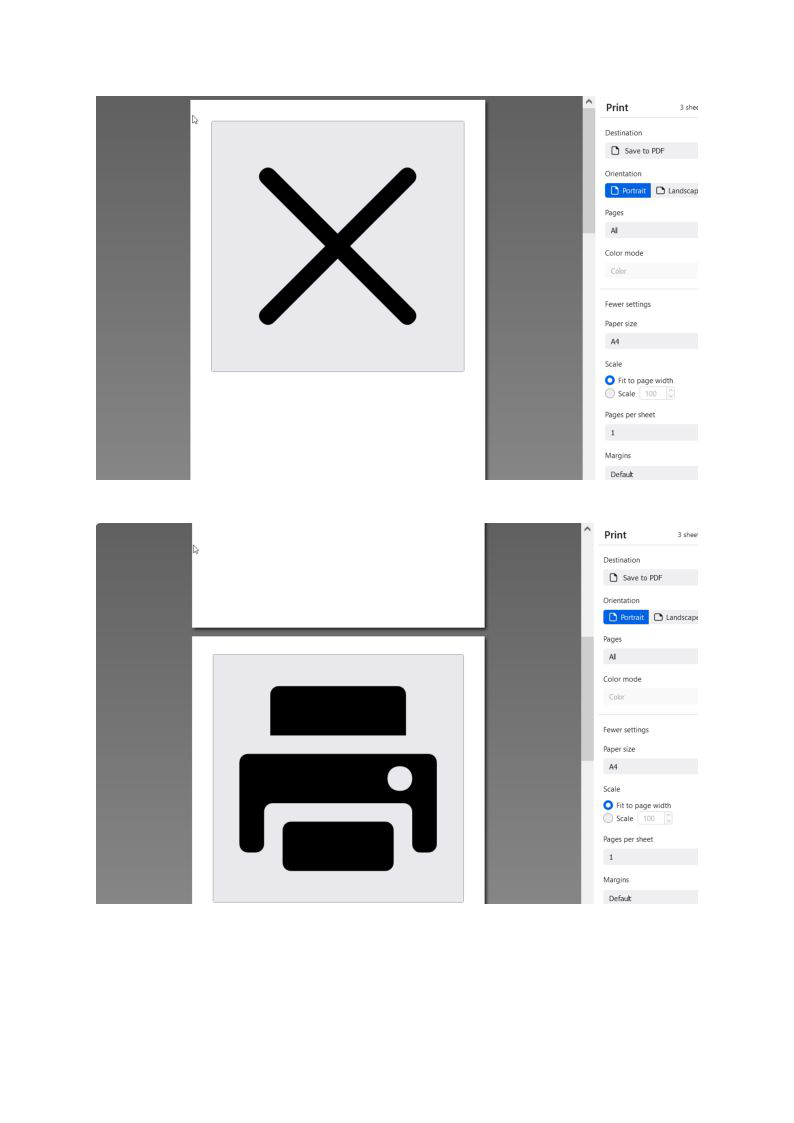
Hi, I didn't consciously change any settings but every time I try to print from Yahoo Mail in Firefox only, I get these 2 huge symbols - an "X" and something else that looks like it comes from Space Invaders! - see pic.
These 2 symbols take up almost 1 page each and only then the content that I actually want to print follows.
This printing issue only seems to happen with Yahoo Mail in Firefox. I have printed docs from Hotmail in Firefox and it doesn't happen.
I also used Chrome as my browser and printed the same doc from Yahoo Mail and it didn't happen.
So any help appreciated as I don't need to have Firefox and Chrome open at the same time ... especially just to print something
thanks in advance : -)
所有回复 (2)
Another user reported this last week: https://support.mozilla.org/questions/1341461 (unsolved)
There must be something in common between your two Firefoxes -- maybe an add-on. Or possibly a particular Yahoo setting?
Thanks jscher2000,
Great advice that it could be a Yahoo issue rather than with Firefox. Without spending endless time, I went back to Yahoo and looked at the settings again. Didn't check the add ons but don't have many. I have found the following solution:
On the Inbox page of Yahoo Mail (assuming you are using the latest version of Yahoo Mail):
Select settings on the top right of page In drop down menu select … more settings Select Switch to basic Mail on left hand side of the screen options
Presto … when you go to print the annoying large ‘X’ and other symbol are now gone!
This method may not have solved the technical problem of why these symbols appear when printing.
However, this at least gets you around the annoying printing problem and provides a solution! The classic version of Yahoo Mail isn’t bad anyway : -)
Thanks again !