


stopping a specific pop up ad

I keep getting a very annoying pop up ad from Bing Wallflower while on my home page. How do I get rid of that annoying pop up ad? Thank you.
所有回复 (14)

What is your home page? Some adblockers can be set to remove selected items.
https://addons.mozilla.org/en-US/firefox/addon/ublock-origin/ uBlock Origin by Raymond Hill Finally, an efficient wide-spectrum content blocker. Easy on CPU and memory.
FredMcD, thanks for the reply. My home page is MSN.
Can you attach a screenshot?
- https://support.mozilla.org/en-US/kb/how-do-i-create-screenshot-my-problem
- use a compressed image type like PNG or JPG to save the screenshot
FredMcD, here is the screen shot you requested, I hope. Having trouble verifying a screen shot worked for some reason? Hopefully, the uploaded images link below can help if you can view them. Thanks.


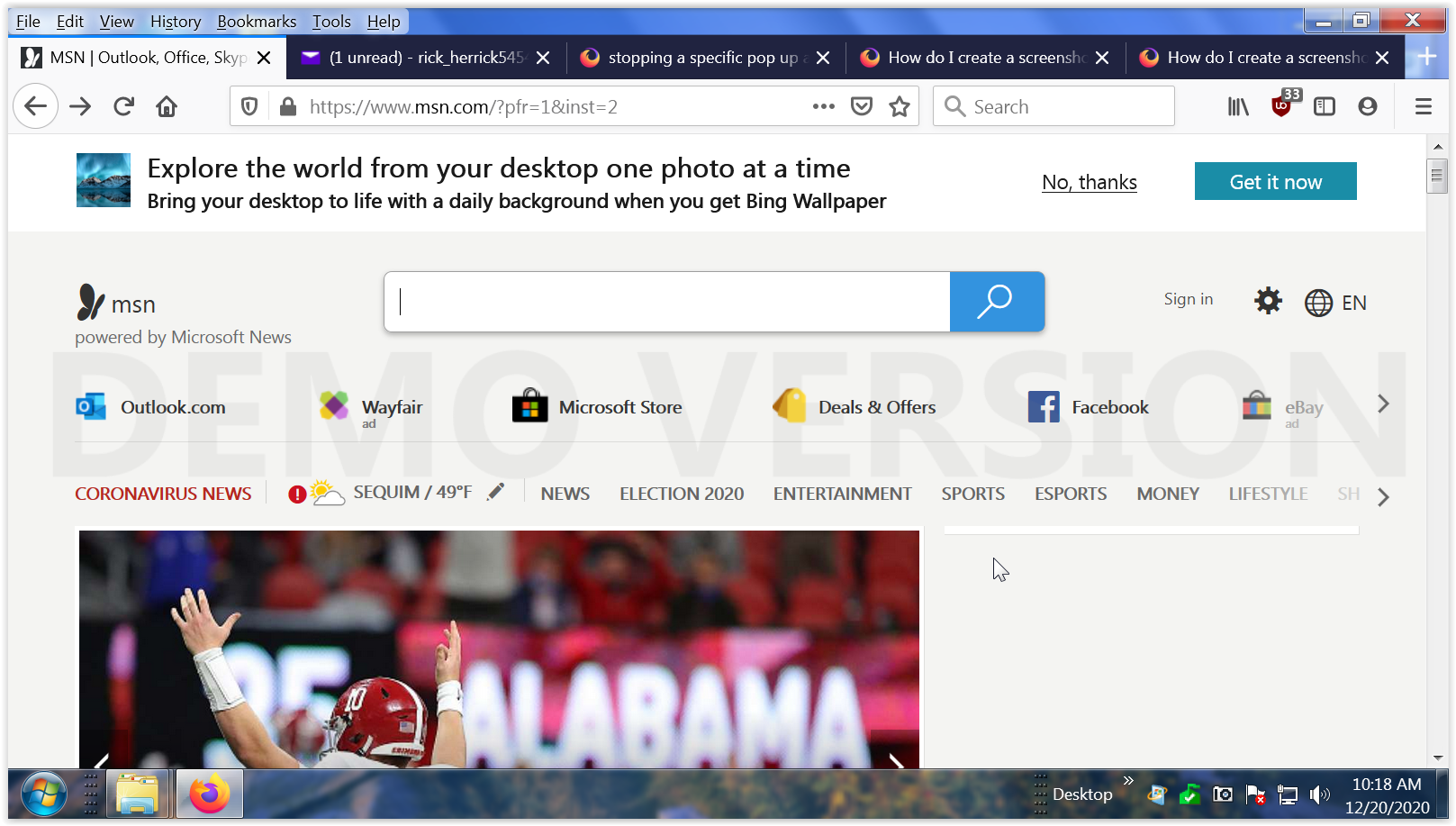
Have you been clicking 'No Thanks'?
Did you install uBlock Origin? Right-click in the element and select Block Element.
FredMcD, yes, I have been clicking on the no thanks link, and I do have uBlock Origin. When I click on the block element link, I still get the annoying pop up. So, that didn't work. What do you suggest now? Thanks.
FredMcD, I did that and it didn't work. I still get the pop up. What other suggestions do you have?

Here is what I see and I use Adblocker Plus and Ghostery. No ads!!! ;-))
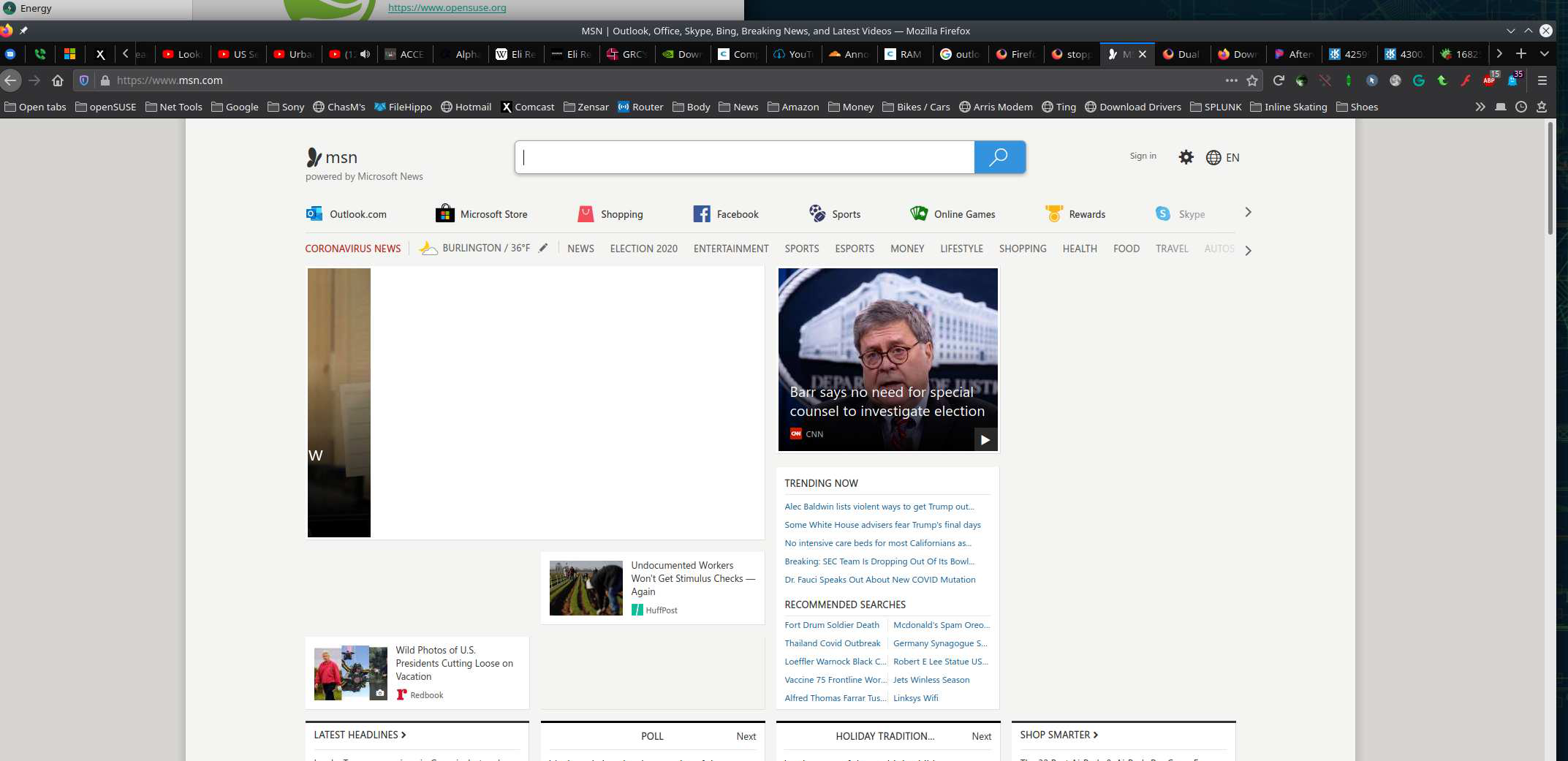
I used to use Adblocker Plus but caused too many problems with my computer, so switched to uBlock. For the most part I really don't have problems with uBlock. But, this pop up by Bing Wallpaper is very persistent evidently. As I mentioned, clicking on block element didn't do any good to block it. Thanks for the reply.
Looks like uBlock has dropped the ball. In Adblocker Plus there is an option to block elements of a page, is that an option in uBlock? see screenshot
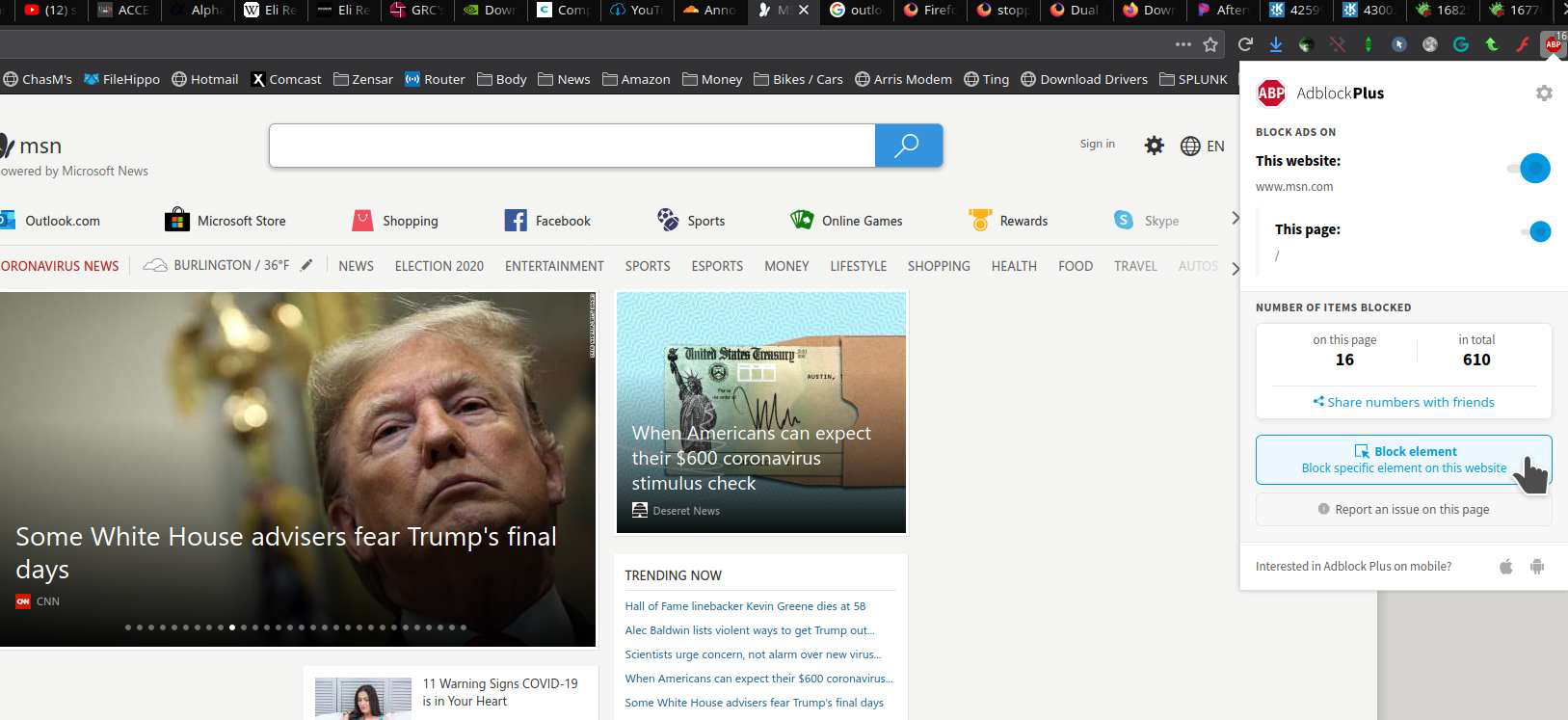
Thanks for your reply. Yes, there is a option like I mentioned to block that element with uBlock in the drop down menu after right clicking like FredMcD suggested. But, it doesn't work after initiating it for some reason? I would prefer to keep uBlock compared to the other blockers as it seems less obtrusive and less troublesome? So, any suggestions as to how to solve the problem other than changing blockers? Thank you.
Sometimes you need to block the element several times.
Did many times to no avail.