


Installing Firefox without Reinstalling Firefox
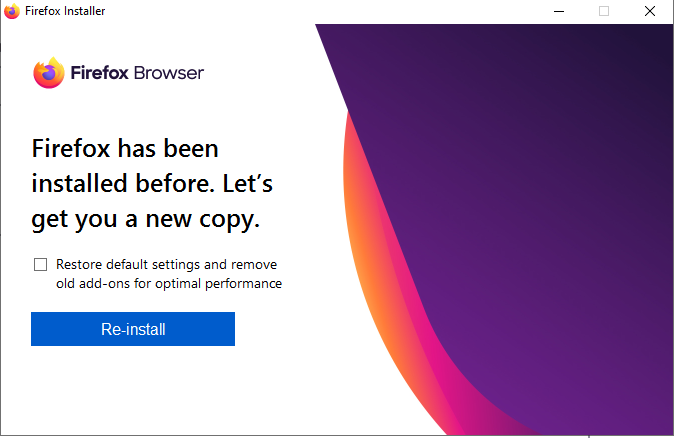
I want to install Firefox 80 to an empty custom folder I made called C:\Internet\Firefox. Upon clicking the installer, it states that I've already installed Firefox (picture 1) and I'm not given a choice on where to install it. I'm not 100% sure where that installation installed but I found a Firefox 80 install in C:\Program Files\Mozilla Firefox. I don't want it there, I want it in C:\Internet\FIrefox. How do I custom install when the Installer won't give me any choices and very little information?
被采纳的解决方案
When you go to the Firefox download website it gives you a smaller installation file. This is the preferred way for most users because it kind of just does everything for you once you run it. However, if you select Download options and other languages from the download page, it will take you to this website where you can select the specific installer that you want.
That will give you the full installer, which will give you a larger choice of installation options when you run it.
As a side note, when you change the location that Firefox is installed in, you may need follow the steps on the Recover user data missing after Firefox update or reinstall page to get your Firefox data to load properly.
Hope this helps.
定位到答案原位置 👍 0所有回复 (1)
选择的解决方案
When you go to the Firefox download website it gives you a smaller installation file. This is the preferred way for most users because it kind of just does everything for you once you run it. However, if you select Download options and other languages from the download page, it will take you to this website where you can select the specific installer that you want.
That will give you the full installer, which will give you a larger choice of installation options when you run it.
As a side note, when you change the location that Firefox is installed in, you may need follow the steps on the Recover user data missing after Firefox update or reinstall page to get your Firefox data to load properly.
Hope this helps.