


https://www.doki.live/
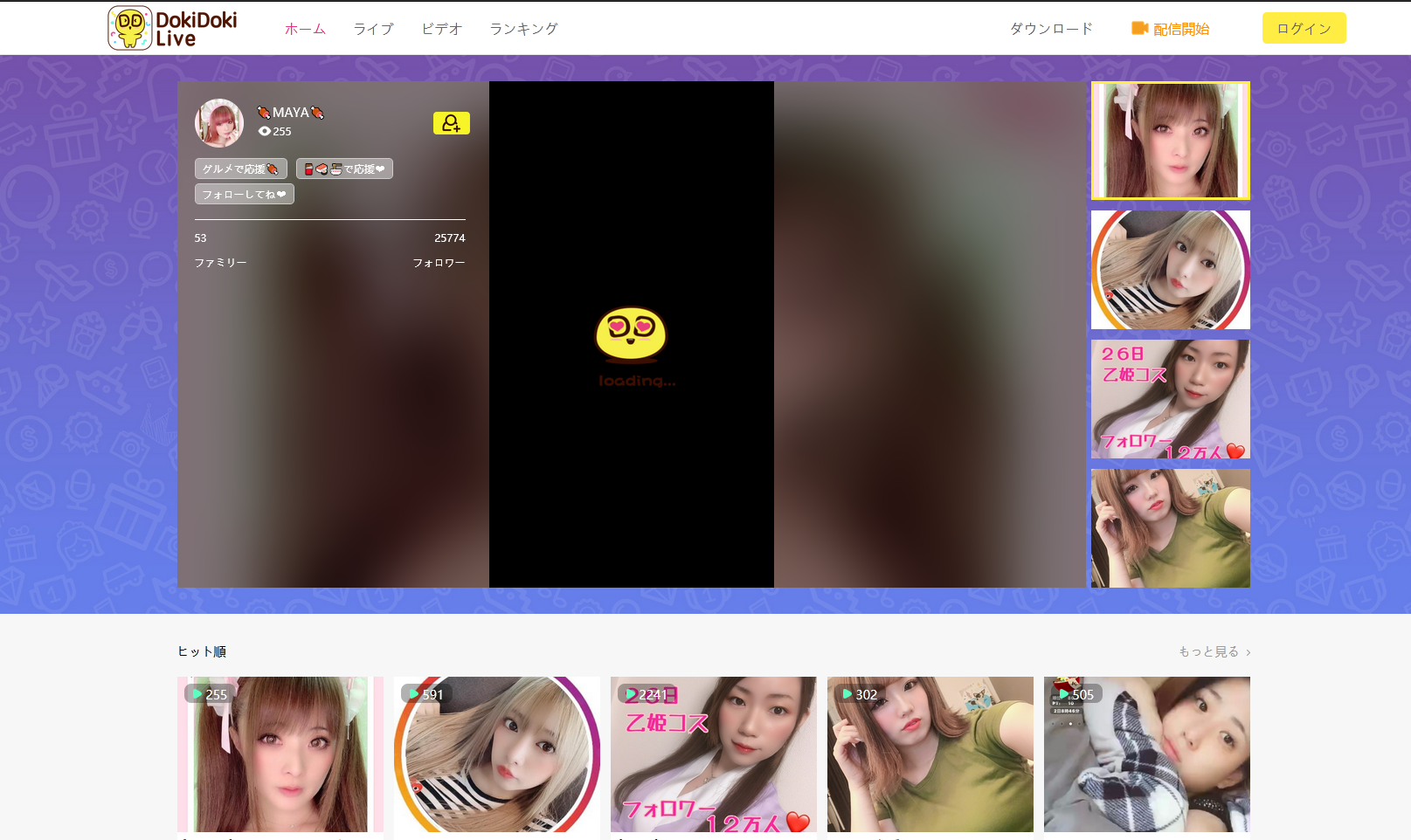
The Doki Doki Live site won't load any live stream. I've tried Chrome, the old Edge, the new Edge and Brave. They all load everything with no problem, but that particular site on Firefox won't load up the live broadcasts, but will load a video there. I've refreshed the browser, uninstalled and reinstalled it and nothing works. I am using the latest version of 78.0.2
所有回复 (4)

Make sure you are not blocking content.
Start Firefox in Safe Mode {web link}
A small dialog should appear. Click Start In Safe Mode (not Refresh). Is the problem still there?
https://support.mozilla.org/en-US/kb/enhanced-tracking-protection-firefox-desktop
I've tried that as well and nothing changed
I've now installed Firefox version 79.0 and the site still doesn't load the live broadcasts. Only on that site, though with Firefox. Every other browser works. I've turned off enhanced tracking protection, cleared cookies and started in safe mode and it just doesn't work
Remove History For One Site {web link}
Open the History Manager <Control> (Mac=<Command>) <Shift> H. In the search bar, enter the name of the site. Right-click on one of the listings and select Forget About This Site. This should remove all information, including any site settings