Hide Email in the Menu
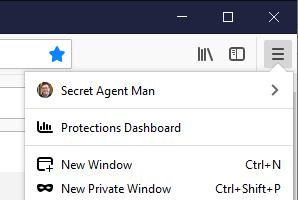
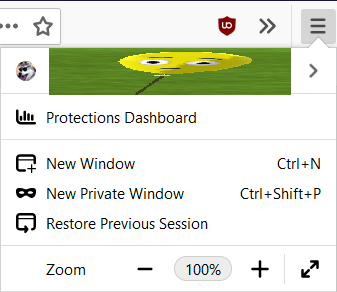
The whole showing my email at the top when I click the menu button (≡) isn't very cool. Is there a way to just make it show my Display Name instead of having it just show my email there?
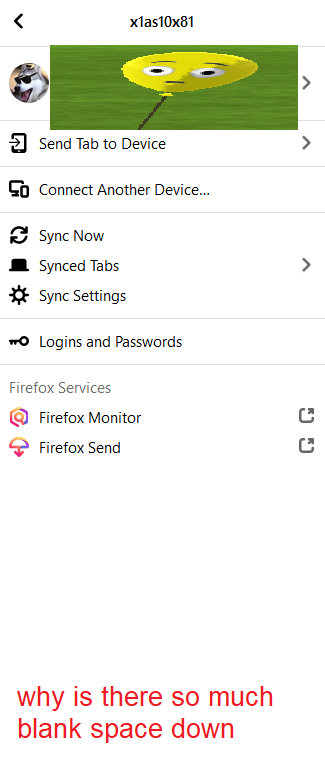
The Display Name won't appear until AFTER clicking on the email address.
The whole showing my email at the top when I click the menu button (≡) isn't very cool. Is there a way to just make it show my Display Name instead of having it just show my email there?
The Display Name won't appear until AFTER clicking on the email address.
所有回复 (1)
Hi oh ok, I'm not aware of any way to show the user name instead of the email address.
You might be able to "hack" the menu to show an arbitrary string of text there, using a userChrome.css file, but this would need to be hand-coded because that section of the menu doesn't have your username nearby to swap in.
As a crude example that certainly needs some refinement:
/*** MAIN MENU MODS - Firefox Account ***/
/* Hide email address */
#appMenu-fxa-status[fxastatus="signedin"] #appMenu-fxa-label .toolbarbutton-text {
  visibility: hidden !important;
}
/* Inject custom text */
#appMenu-fxa-status[fxastatus="signedin"] #appMenu-fxa-label::before {
  content: "Secret Agent Man";
  position: absolute;
  left: 36px;
  top: 10px;
}
yielding: