


v78- lightning built in- but how to add a Google Calendar?

To test, I've installed 78 and set up a profile with my accounts, all working well.
My only confusion- since Lightning calendar support is now built-in- is how to actually ad my Google calendar like I used to with Lightning.
With the addon lightning, I could sign into my Google account and give permissions. That doesn't appear to be an option in 78.
被采纳的解决方案
所有回复 (4)
选择的解决方案
sfhowes said
Use TbSync 2.16: https://addons.thunderbird.net/en-us/thunderbird/addon/tbsync/versions/?page=1#version-2.16
Appears to do the trick! Thanks kindly.
If there are other tricks for Gcalendar, please feel free to enlighten me, others who might find this.

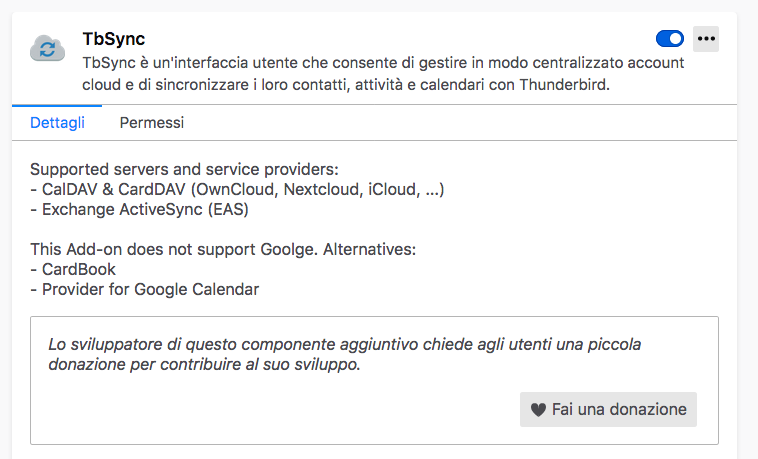
Hello, into TbSync I see: This Add-on does not support Goolge. Alternatives: - CardBook - Provider for Google Calendar
So, please, what to use?
antonio.cornacchia said
Hello, into TbSync I see: This Add-on does not support Goolge. Alternatives: - CardBook - Provider for Google Calendar So, please, what to use?
You can use the suggested alternatives, or use TbSync by double-clicking extensions.dav4tbsync.googlesupport to true in Options/General/Indexing/Config. editor.
Google calendar can be added directly as a CalDAV calendar:
https://support.mozilla.org/en-US/questions/1304356#answer-1368791