


Favicons not refreshed until clicked
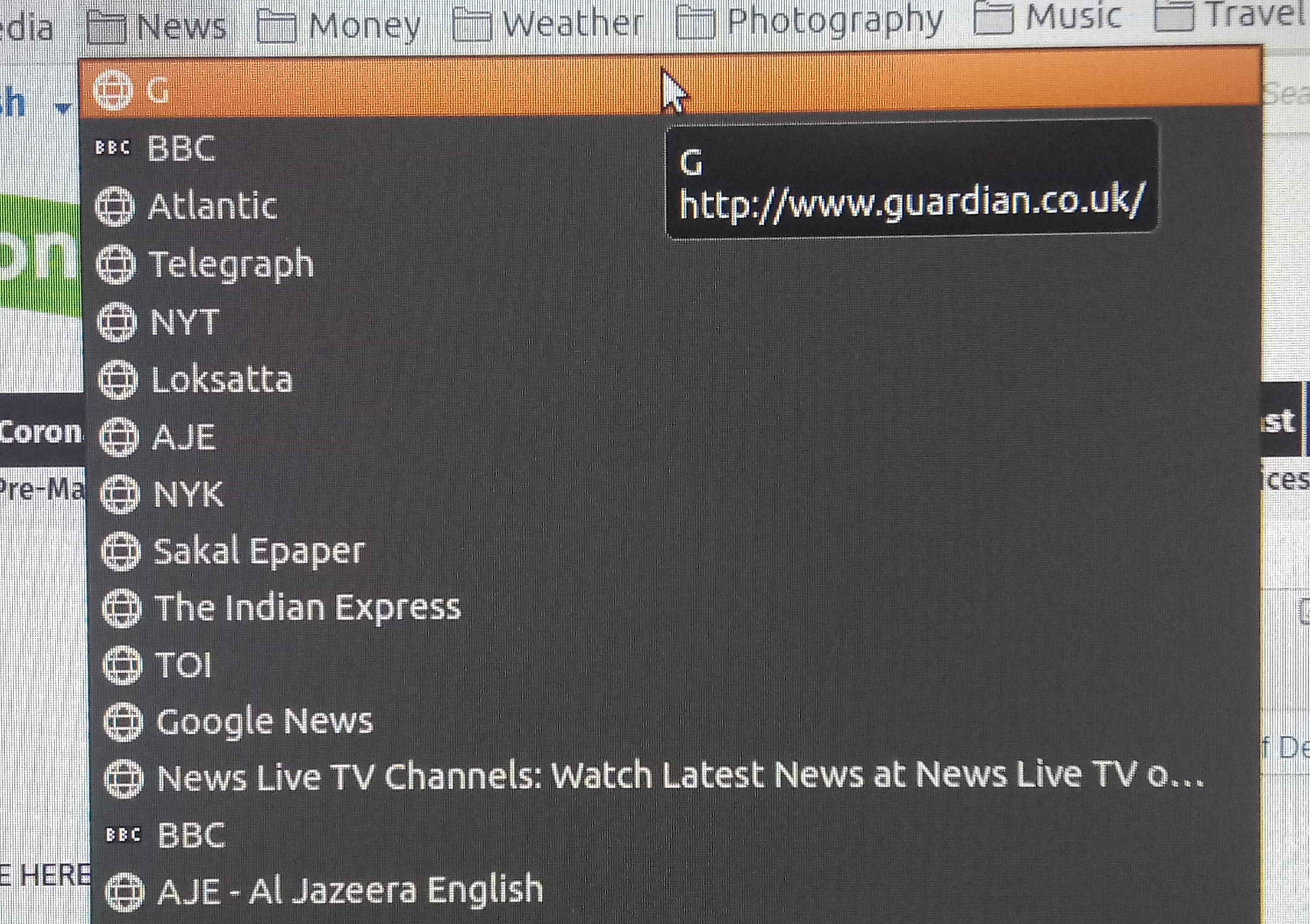
New firefox 77.0.1 (64 bit) installation on Ubuntu 18.04 laptop. Synced with firefox sync. Bookmarks favicons are not refreshed. Screenshot attached. All of them show a globe until you click the favicon and load the link.
How to get all favicons refreshed in one go?
Thanks.
被采纳的解决方案
Favicons aren't restored with using Sync, so you will have to visit (click) each bookmark to load its favicon.
There used to be extensions that can (re)load favicons, but I don't think there are Web extension for this feature.
所有回复 (2)
选择的解决方案
Favicons aren't restored with using Sync, so you will have to visit (click) each bookmark to load its favicon.
There used to be extensions that can (re)load favicons, but I don't think there are Web extension for this feature.
What I have done now is to click "Open all tabs" on each bookmark folder. But still perplexed as to why there is no other more elegant solution in-built within FF?