Why can't I customize tab switching to Cmd-Left and Cmd-Right?
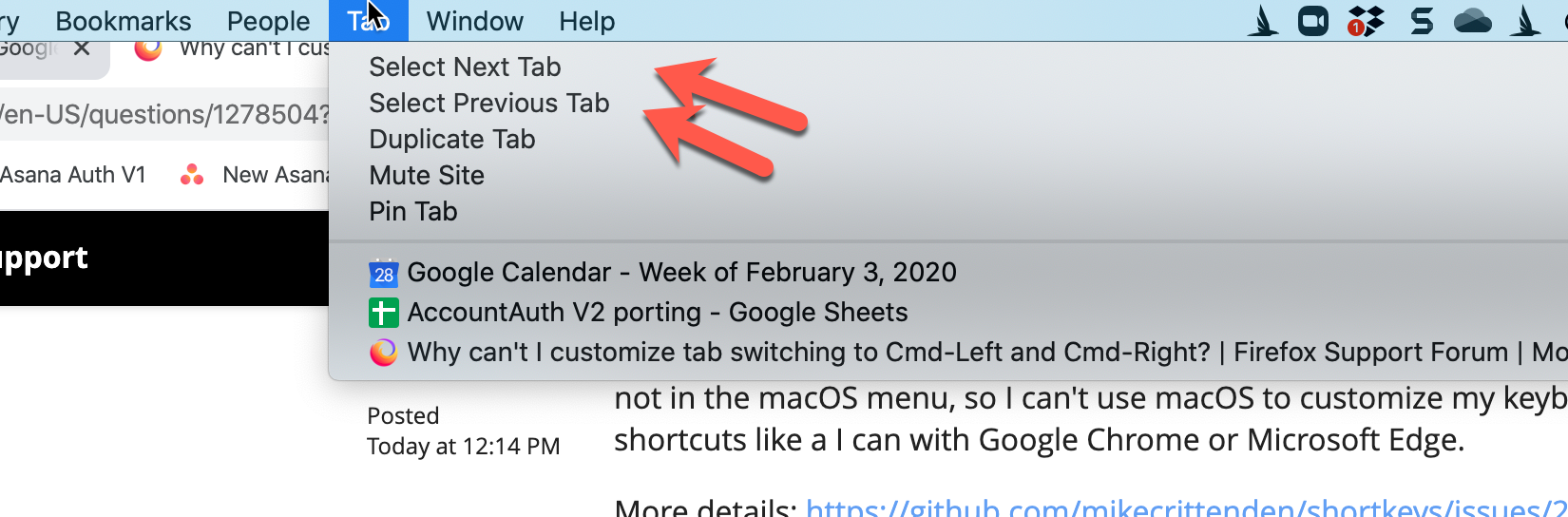
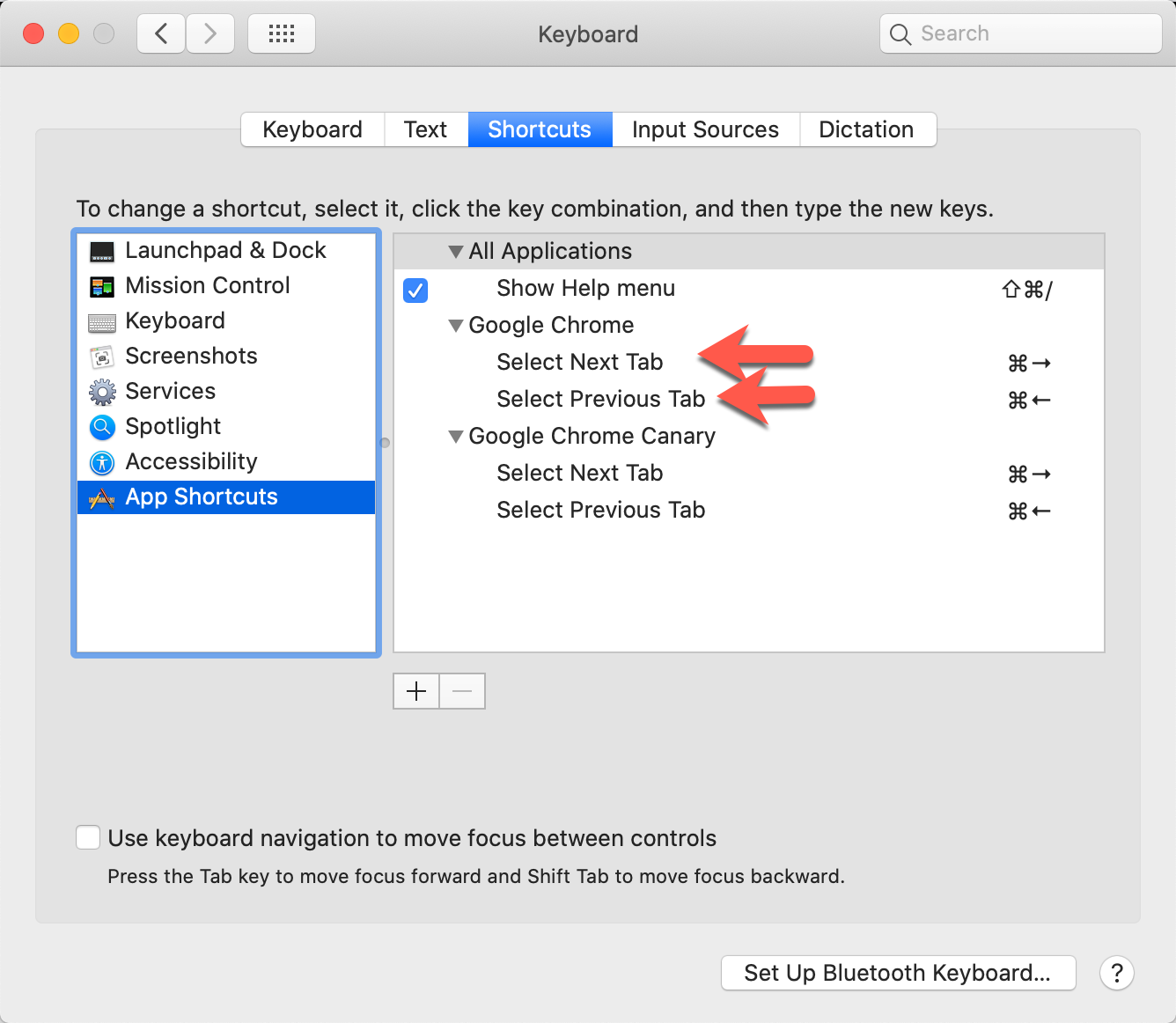
I want Cmd-Right to be "Select Next Tab" and Cmd-Left to be "Select Previous Tab". This is impossible with Firefox. The shortkeys extension can't do it, Firefox can't do it, and "Select Next Tab" and "Select Previous Tab" are not in the macOS menu, so I can't use macOS to customize my keyboard shortcuts like a I can with Google Chrome or Microsoft Edge.
More details: https://github.com/mikecrittenden/shortkeys/issues/299
所有回复 (2)

Firefox has hard-coded keyboard shortcuts, and extensions can no longer modify the browser, only page content.
Yes, and that is why I'm unable to switch to Firefox from Chrome. Isn't it a bit crazy that Firefox is treating keyboard shortcuts as if they're not a key component to the browser?
All they have to do is add options for "Select Next Tab" and "Select Previous Tab" in the macOS menu, then I can use macOS to customize.
Because Firefox doesn't even add these actions to the menu, there's no way to customize them, either from within Firefox, the shortkeys extension, or using macOS. This just seems insane to me that you can't customize keyboard shortcuts for what was once the most power-user friendly browser!