


Why does firefox block only reddit?
No matter what I do firefox blocks www.reddit.com from loading. It just sits thinking with a new tab and a blank page. I have specifically allowed this site in cookies and content blocking. No other sites are blocked or get blocked. Reddit loads fine in Chrome and Edge.
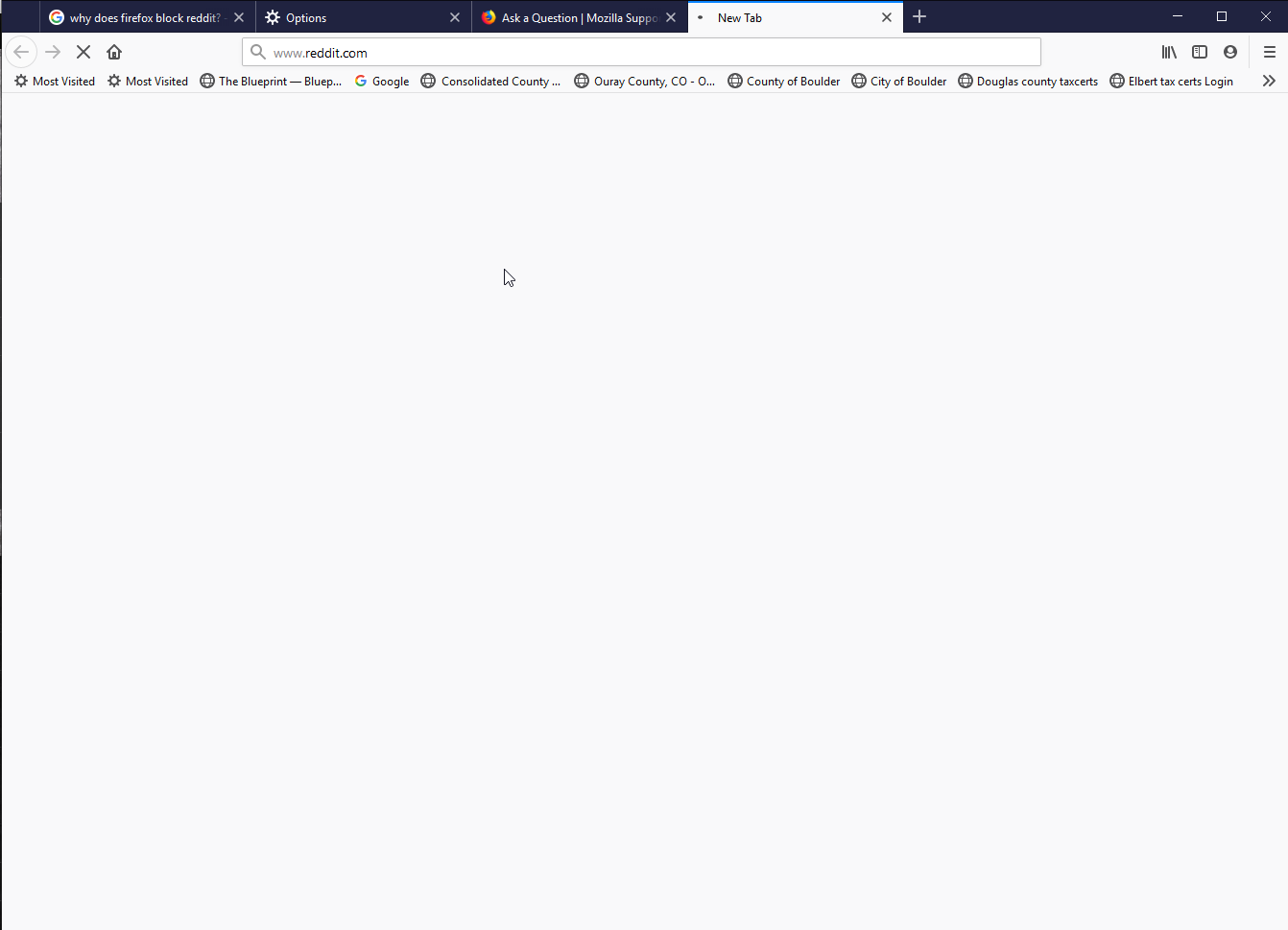
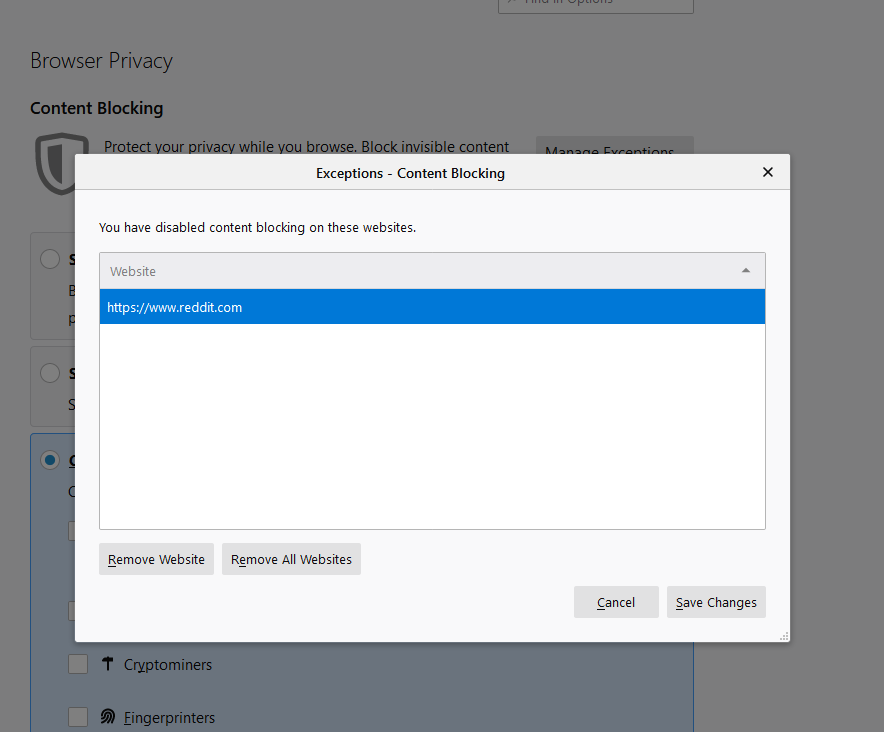
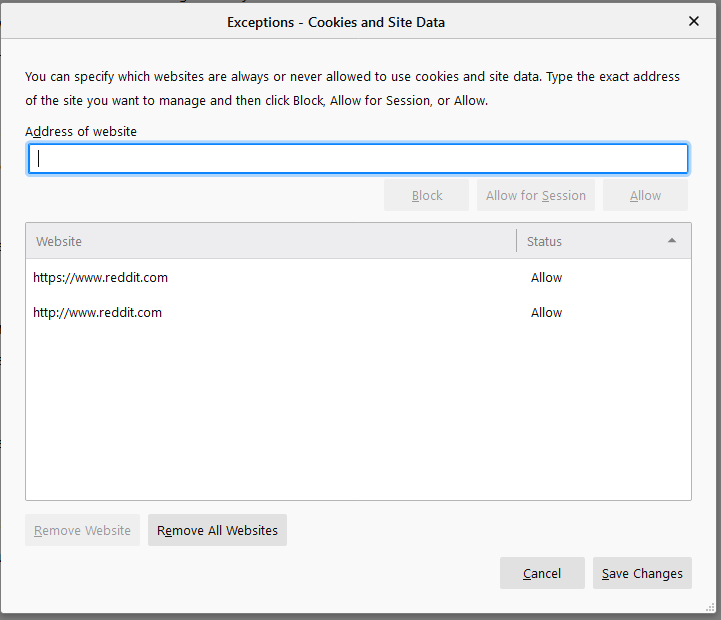
所有回复 (5)
Do you get the same issue when you run Firefox in Safe Mode?
You may also want to try clearing your cookies and site data for Reddit. Sometimes this information can be corrupted and cause issues like these.
Hope this helps.
Yes I cleared all site data and cookies but it still won't load. It does work in safe mode.
Why does this happen only for reddit? No other site has this problem.
If it works fine in Safe Mode and clearing the cookies didn't help, I would guess that it's something to do an add-on that you have installed on Firefox. Go to the about:addons page in Firefox and use trial and error to see what add-on(s) is causing the problem.
TIP: Add-ons that block content (trackers, ads, etc) are the most common culprit.
I have no extensions and only two Plugins. Turning them off didn't help.
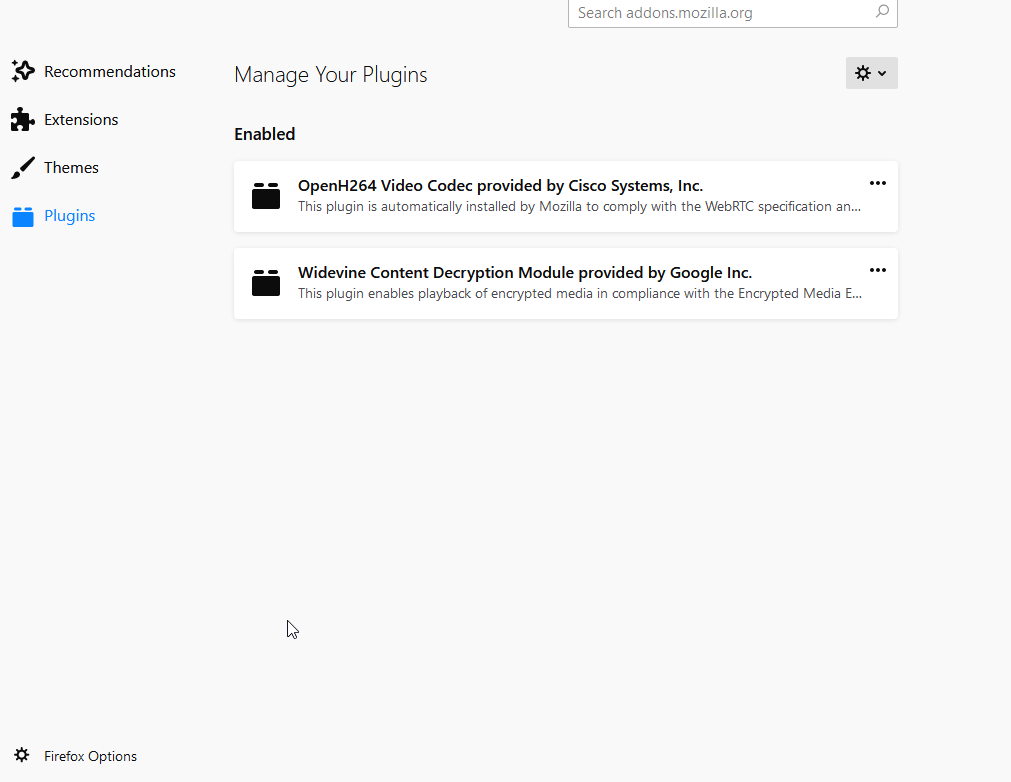
Your screenshot shows that a hidden http:// protocol is used.
Does https://www.reddit.com fail as well?
You can check the connection settings.
- Options/Preferences -> General -> Network: Connection -> Settings
If you do not need to use a proxy to connect to internet then try to select "No Proxy" if "Use the system proxy settings" or one of the others do not work properly.
See "Firefox connection settings":
You can remove all data stored in Firefox from a specific domain via "Forget About This Site" in the right-click context menu of an history entry ("History -> Show All History" or "View -> Sidebar -> History").
Using "Forget About This Site" will remove all data stored in Firefox from this domain like history and cookies and passwords and exceptions and cache, so be cautious. If you have a password or other data from that domain that you do not want to lose then make sure to backup this data or make a note.
You can't recover from this 'forget' unless you have a backup of involved files.
If you revisit a 'forgotten' website then data from that website will be saved once again.
Boot the computer in Windows Safe mode with network support to see if that has effect in case security software is causing problems.