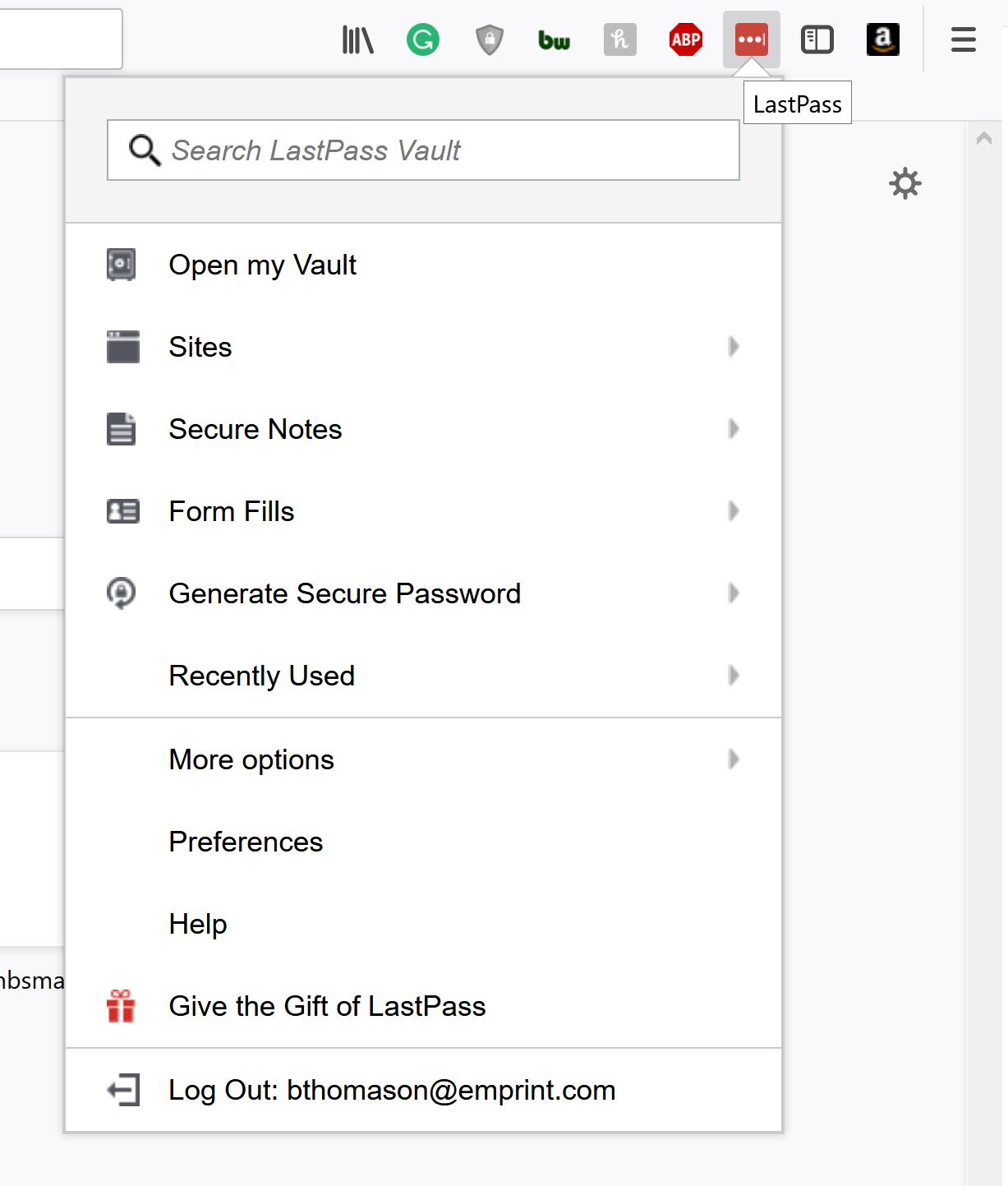
Add on menus are displaying enlarged, can't see entire menus on secondary display only.

On my secondary monitor (4k), my add-on menus display enlarged and get cut off, but only on my secondary display. I can't see the entire menu. You can see the attached image, LastPass' menu is enlarged and cut off. My laptop and monitor run at 4k, running at a lower resolution amplifies the issue on the secondary monitor. Higher res = less magnification and vice versa. Any guidance?
I'm running: Win 10 Pro 64 bit 64-bit Firefox Quantum 57.0.2 Dell XPS 15 9560 LG 32UD59 4K monitor Dell WD15 USB 3.1 dock (the issue happens whether attached to the dock or directly to the laptop)
I've tried DisplayPort and HDMI, the issue is persistent with both.
所有回复 (3)
Maybe those internal pages are Zoomed In??
When the addon Options page is loaded hit { Ctrl + 0 } that's the number zero and see that fixes it for each addon you have that issue with.
image below shows the issue. The ctrl+0 didn't fix it
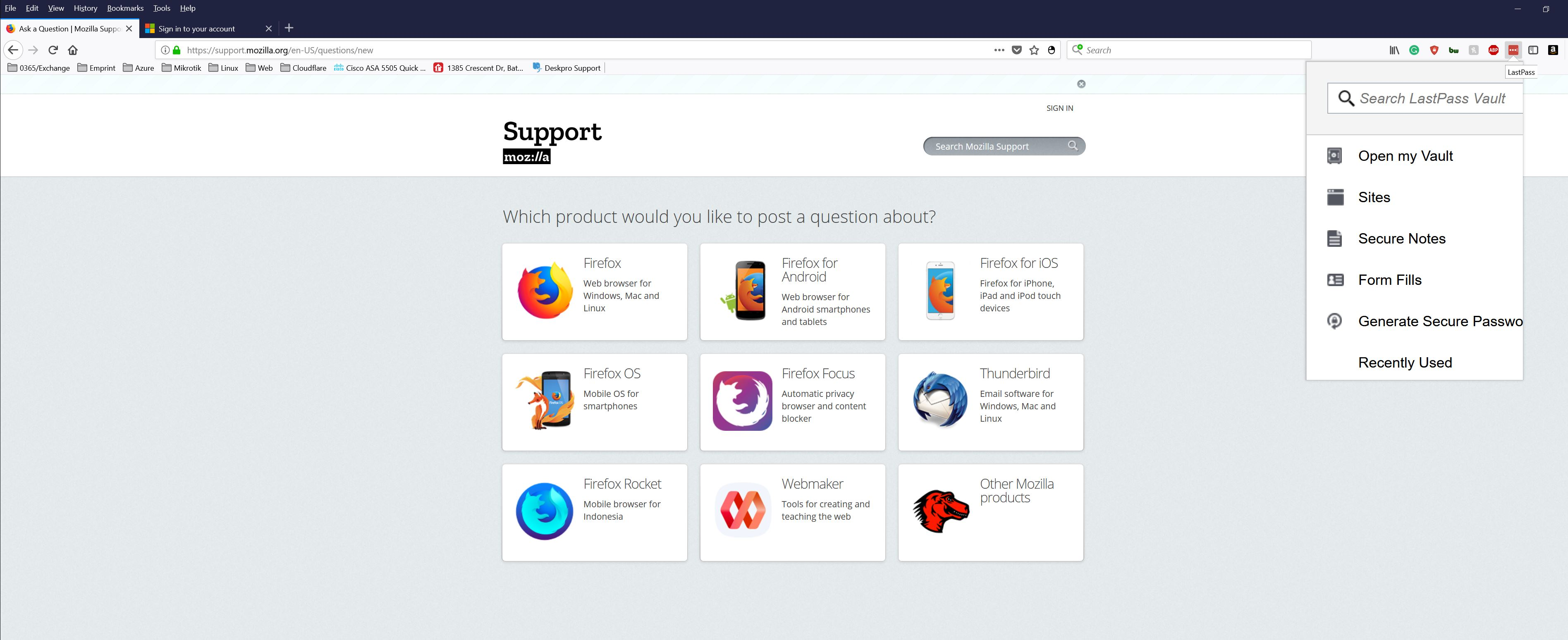
this is what it's suppose to look like