


Firefox self signed certificate allow

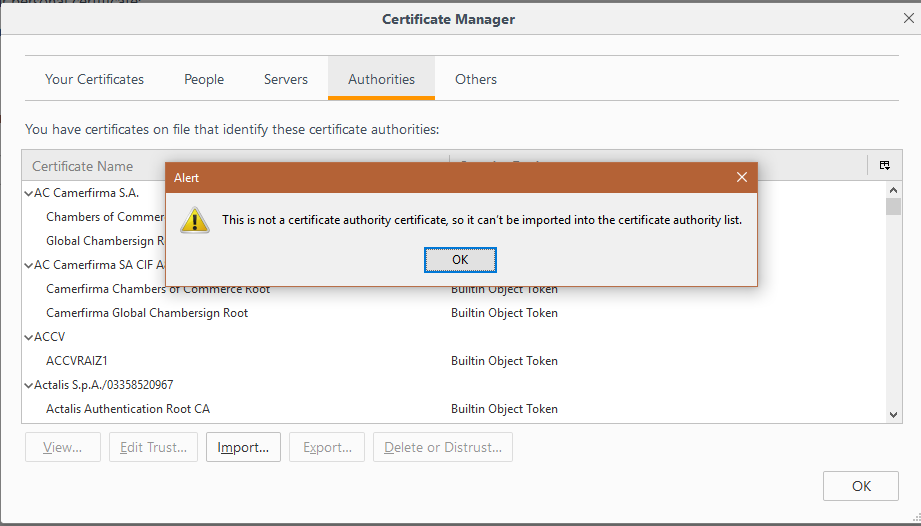
i have firewall device and i enable protocol HTTPS at login i create self signed certificate with openssl and put the certificate "trusted root certificate authorities" work correct with Microsoft Edg, Internet explorer and google chrome now at firefox when i import certificate at authorities not accept
所有回复 (6)
Just going with this one..... The website may try to fallback to TLS 1.0 in a way that is no longer allowed in current releases or may be using a deprecated cipher suite.
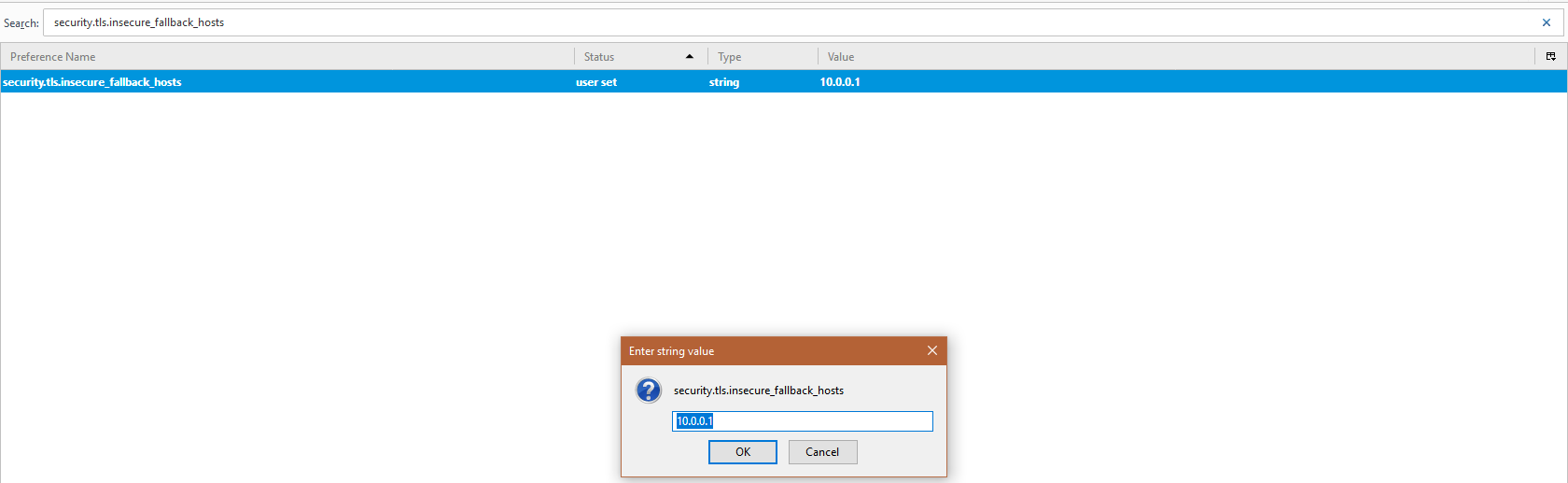
You can open the about:config page via the location/address bar and use its search bar to locate this pref:
security.tls.insecure_fallback_hosts
You can double-click the line to modify the pref and add full domain to this pref. If there are already websites (domains) in this list then add a comma and the new domain (no spaces). You should only see domains separated by a comma in the value column.
Ca not see your Firefox version so will go with ver 54 (other versions on page link) https://www.fxsitecompat.com/en-CA/versions/54/
and assuming you've imported your CA cert underneath the 'Authorities' tab. Restart FF after importing the cert.
I'd expect you're being prompted to set the trust level upon importing the cert. If not you can do that manually via the 'Edit Trust' button.
Though I do think self signed security certificates are getting into no trust area as you say.
Please let us know if this solved your issue or if need further assistance.
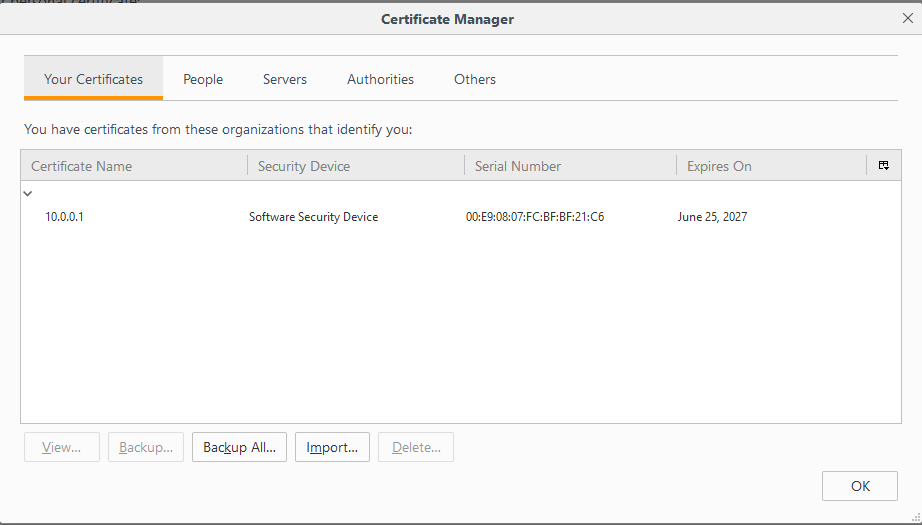
thank for reply i did your steps and same warning i wan't to ignore warning i want the page is trusted i create certificate .pfx with privet key to import to "your certificate" and imported success but same warning
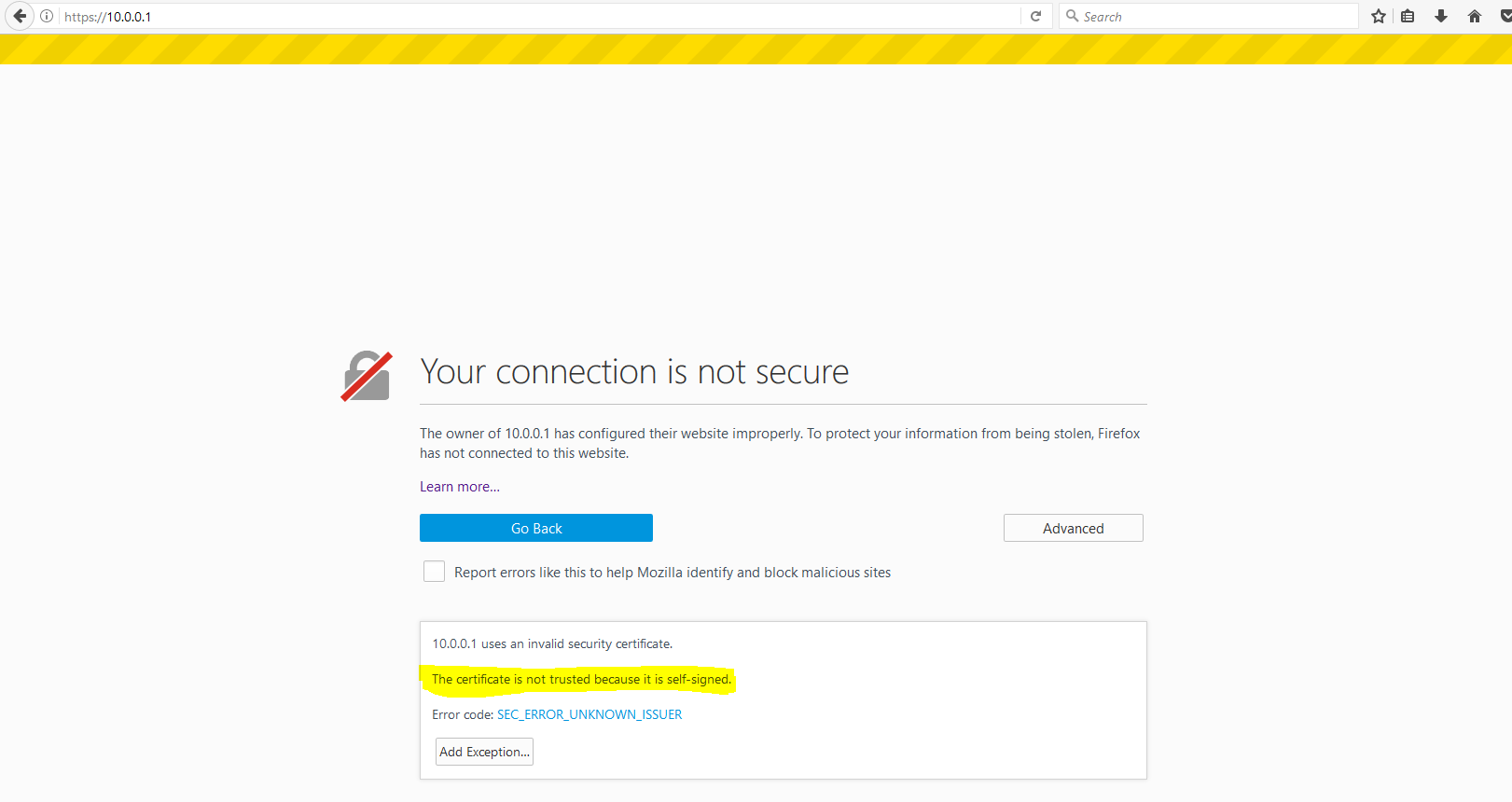
Really do think your in the wrong place for figuring this out. And self signed is really no matter what you do will come up sooner or later on all browsers as not trusted.
As you can see the help I am finding is not from Firefox Support.
https://www.poweradmin.com/help/sslhints/firefox.aspx
https://www.digicert.com/ssl-support/certificate-not-trusted-error.htm
Please let us know if this solved your issue or if need further assistance.
How to make Firefox ignore all SSL certification errors https://superuser.com/questions/1054724/how-to-make-firefox-ignore-all-ssl-certification-errors
thanks i will ignore warning
Please let us know if this solved your issue by clicking solved or if need further assistance.