


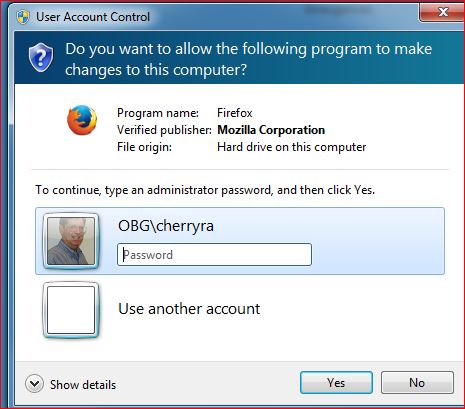
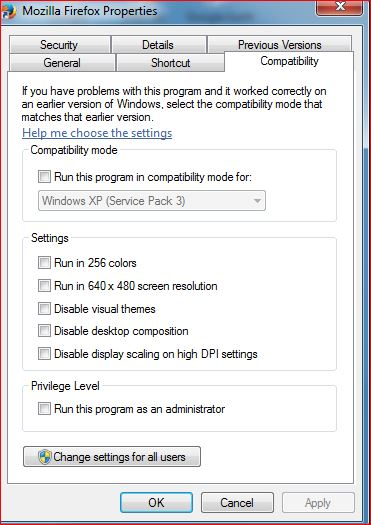
Popup keeps asking to allow Firefox to make changes to computer. No compatibility options are checked.

It happens every time I open Firefox. "Never check for updates" is checked.
所有回复 (3)
In what places did you check the compatibility settings?
You would normally only get this alert in case you start Firefox with elevated permissions. Possible places to check are desktop and quick launch shortcuts and the Firefox.exe program in its installation folder.
You can also try to uninstall Firefox and delete the Firefox program folder in case there are leftover files to do a clean reinstall. You can find the full version of the current Firefox release (53.0) in all languages and all operating systems here:
Hi !
'Seen this happen quite a few times before.
What solved the problem was : 'Run this program as an Administrator' ......
Unfortunately this is a company issued computer and our IT group will not give me admin rights and they are very resistant to spending time attempting to fix what they consider minor issues. Looks like my best bet is to request a reinstall when Firefox gets out of date.
Per responses to similar questions, I had right clicked on the Mozilla Firefox.exe file in C:\Program Files (x86)\Mozilla Firefox, gone to Properties/Compatibility settings, and verified that no boxes were checked