


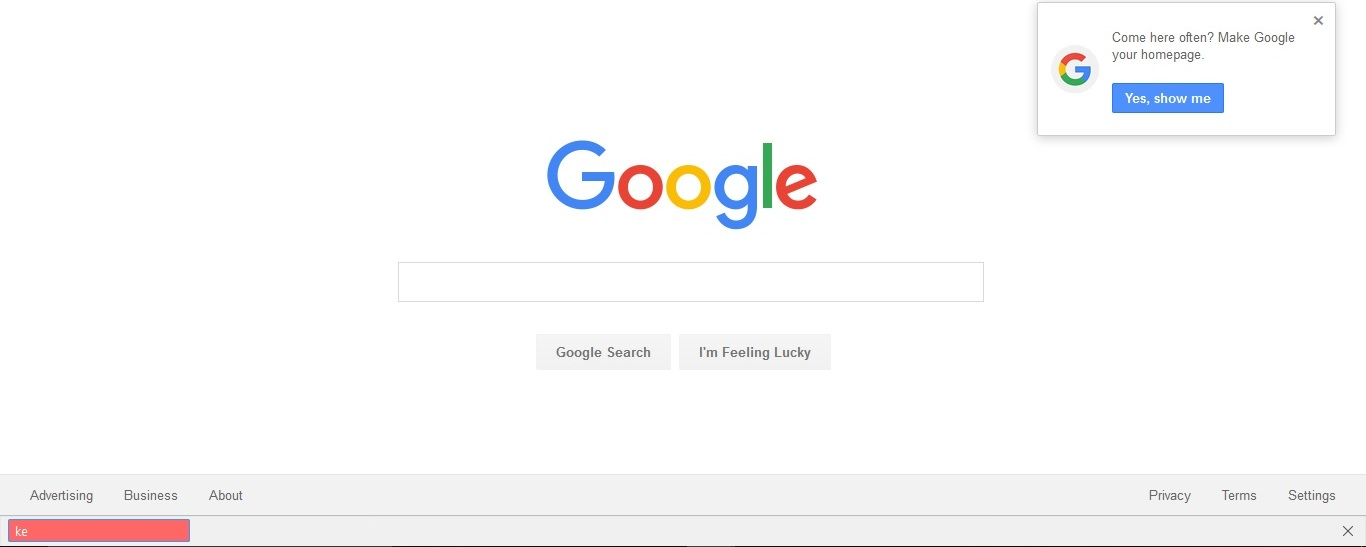
Why do I keep getting a little red highlighted box at the bottom left side of my screen just after opening a new browser and typing?

Why do I keep getting a little red highlighted box at the bottom left side of my screen just after opening a new browser and typing? The text starts showing up in there first instead of in the Google search box.
所有回复 (7)
Can you please give a screenshot...?
It goes away too quickly to do a screen shot.

Start Firefox in Safe Mode {web Link} by holding down the <Shift>
(Mac=Options) key, and then starting Firefox.
A small dialog should appear. Click Start In Safe Mode (not Refresh).
Is the problem still there?
Managed to get a screenshot of the little red box that pops up in the bottom left corner. Hoping someone can tell me what this is and why it keeps coming up just after opening a new tab and typing?
NIKHIL KURMI ( নিখিল কুর্মী ) said
Can you please give a screenshot...?
Managed to get one, can you tell me why the little red box shows up there?
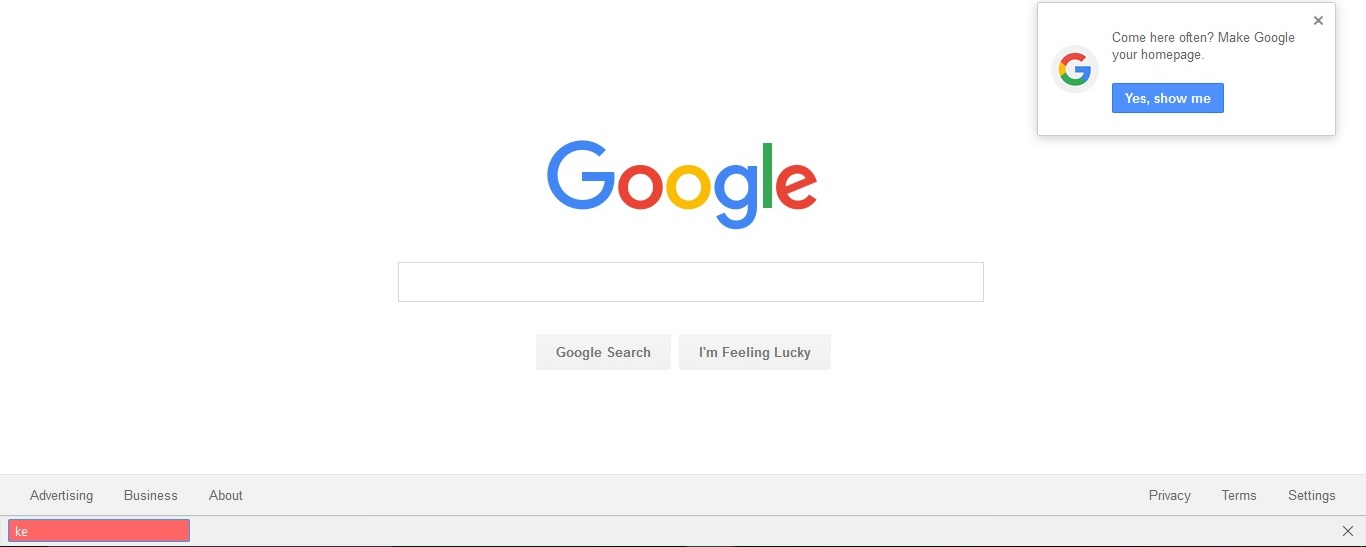
That looks like the (Quick) Find bar without any text and buttons.
See:
- Options/Preferences > Advanced > General: Accessibility: "Search for text when I start typing"
It doesn't say Quick Find next to it but, after some research, that appears to be it. Thanks :)