


Images don't show in Firefox in but in IE it works

Okay, so images show on most websites in Firefox, but on the galleries of Unesco http://whc.unesco.org/en/list/1469/gallery/ images don't show up at all. I tried in Internet Explorer and there it works fine. Quite sure it worked before at this website in Firefox but can't remember. Tried many different solutions in different FAQs but nothing worked. Adding images to show
被采纳的解决方案
Okay, I found the solution. I had Firefox 46, but updated to 47 and now it works.
定位到答案原位置 👍 0所有回复 (10)
Hmm, uploading images didn't work for some reason the first time
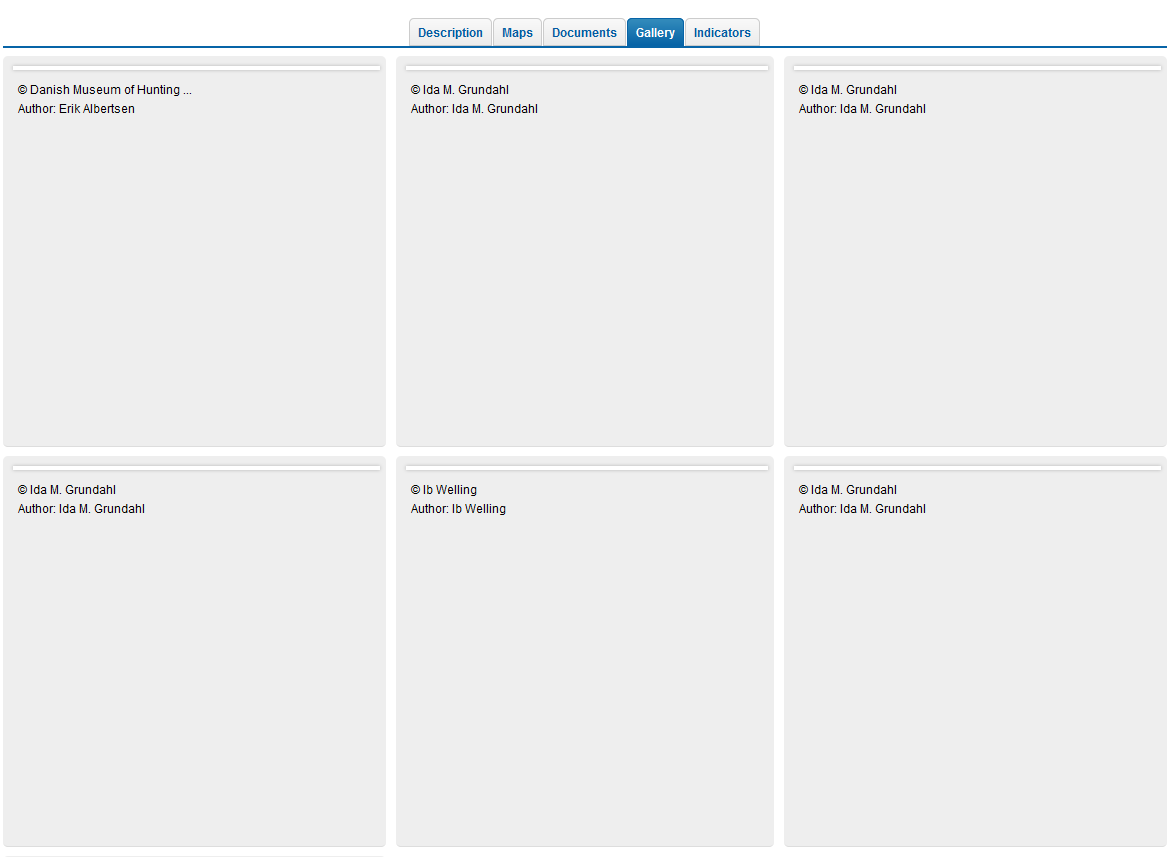
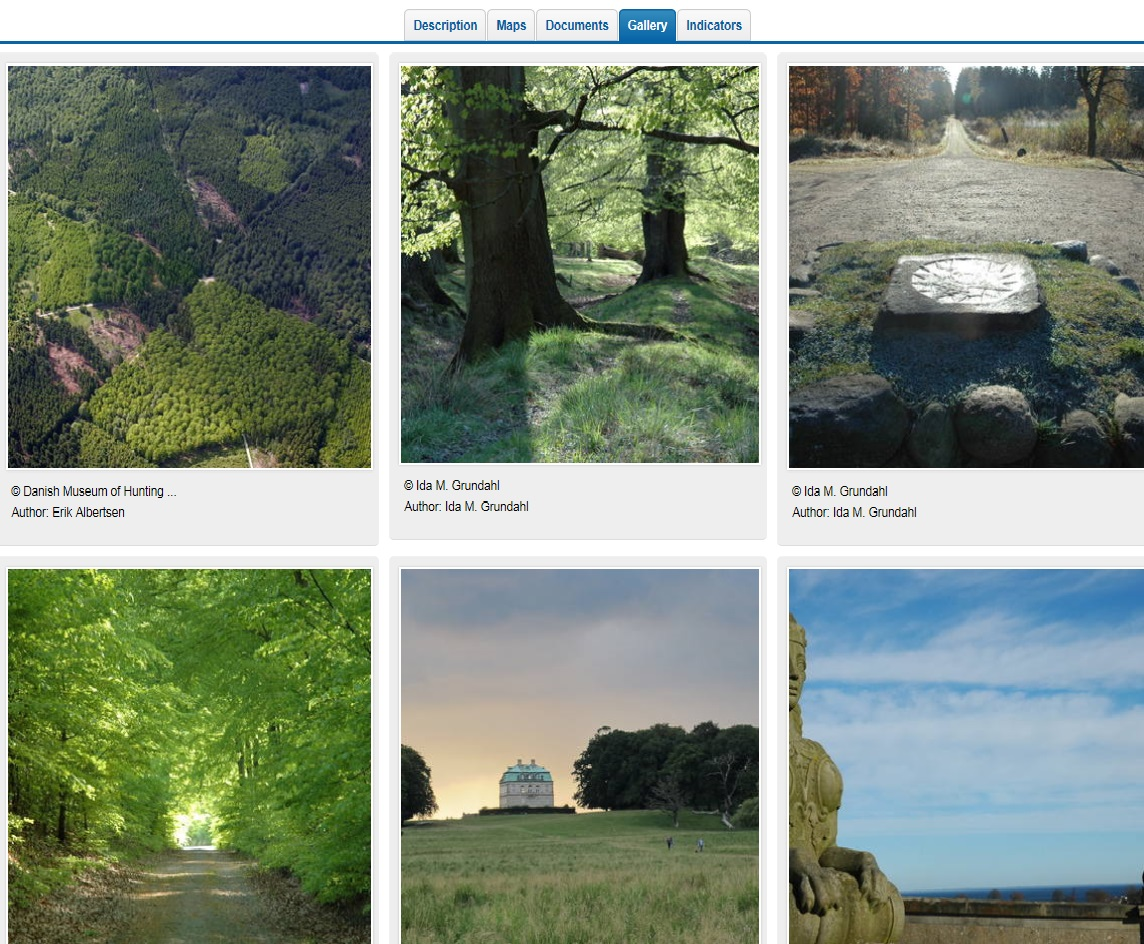

Confirmed. Pictures show up in Win IE, not in Firefox. Pictures are displayed when the link is opened in a new tab.
Don't know if this means anything;
Link to picture on its own page; http://whc.unesco.org/uploads/thumbs/site_1469_0001-500-333-20150610114103.jpg
Link to picture from gallery page; <img data-src="/uploads/thumbs/site_1469_0001-360-360-20150610114103.jpg" class="unveil icaption-img" title="© Danish Museum of Hunting and Forestry / Erik Albertsen " style="width: 100%;">
由FredMcD于修改
No problems here with the images.
If you use extensions ("3-bar" menu button or Tools > Add-ons > Extensions) that can block content (e.g. Adblock Plus, NoScript, Flash Block, Ghostery) then make sure such extensions do not block content. There is security software that can interfere with loading content, so check that as well.
Disabled Adblock and Flash Block. No change. Don't use anything else.
Started in Safe Mode. Still no picture on the gallery page.
This is possibly a JavaScript issue, so make sure that no JavaScript is blocked. Clicking an image should open the big image in a pop-up lightbox.
I've seen cases that ABP is still blocking content even when disabled.
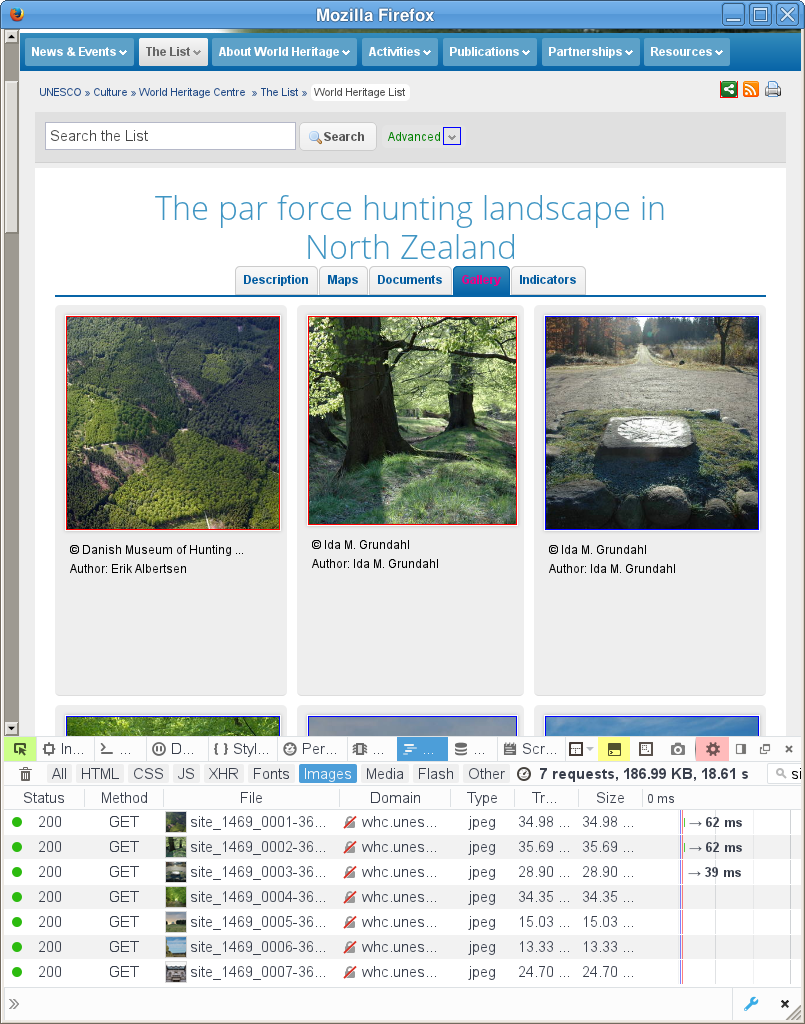
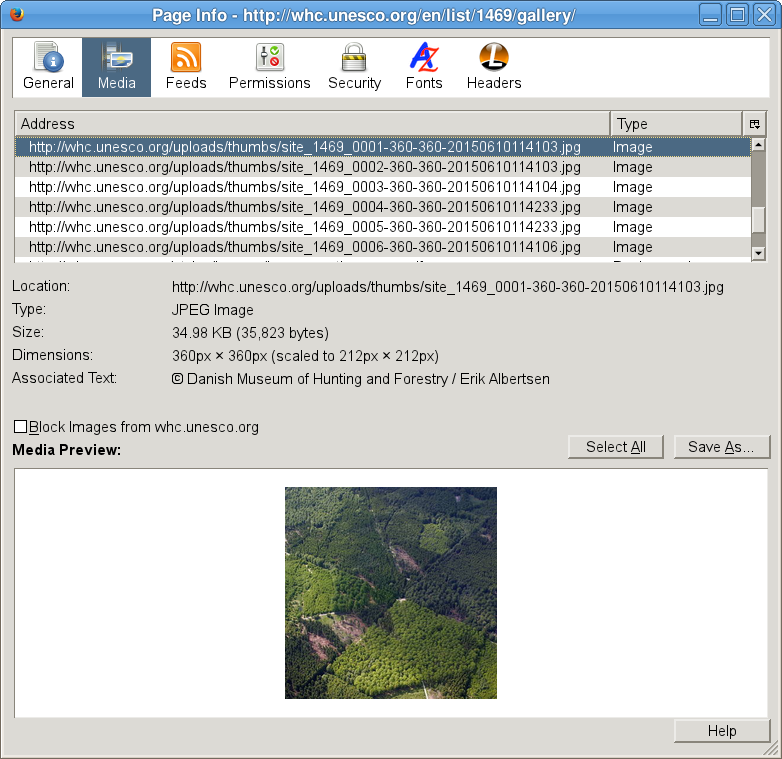
Have tried disabling Adblock and starting without extensions in safe mode but pictures are still not there. The pictures does not even show up in site info as if Firefox doesn't actually recognize them as images. Also, if you click "description" link at the top of that page, there should be an image gallery there as well which doesn't show up, as well as an embedded Google Map which here only displays a "loading... please wait". This map I know worked just a few days ago. I tried to also delete my old preference file but nothing changed. Javascript doesn't seem to be blocked and I've added an exception for the site in Adblock. I also tried disabling my Anti-Virus software, but still no success.
Can these errors have significance?

由PinkMarge于修改
选择的解决方案
Okay, I found the solution. I had Firefox 46, but updated to 47 and now it works.
That was very good work. Well Done. Please flag your last post as Solved Problem so others will know.