


Privacy (remember history) and security (remember login from sites) keep changing.

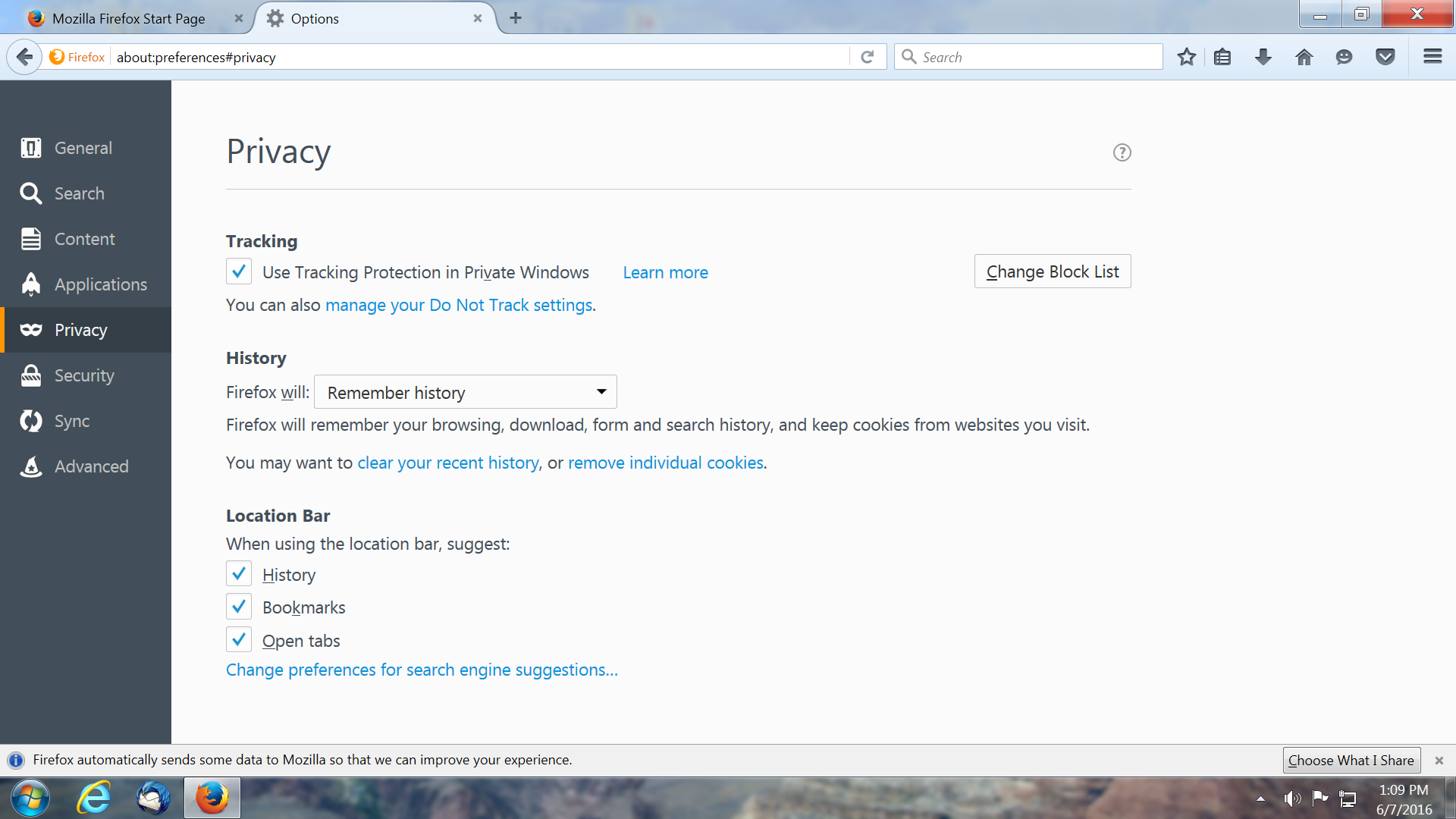
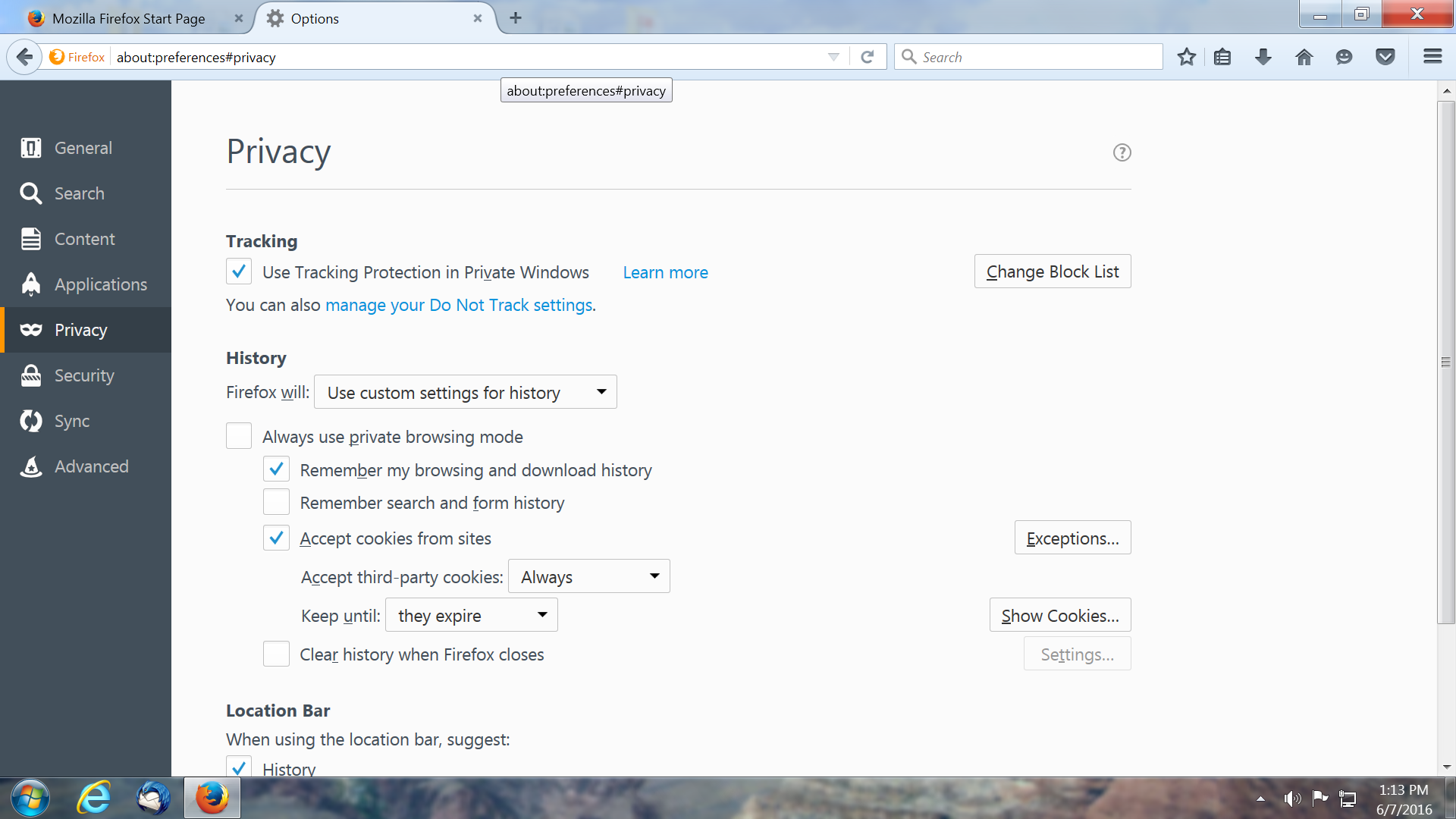
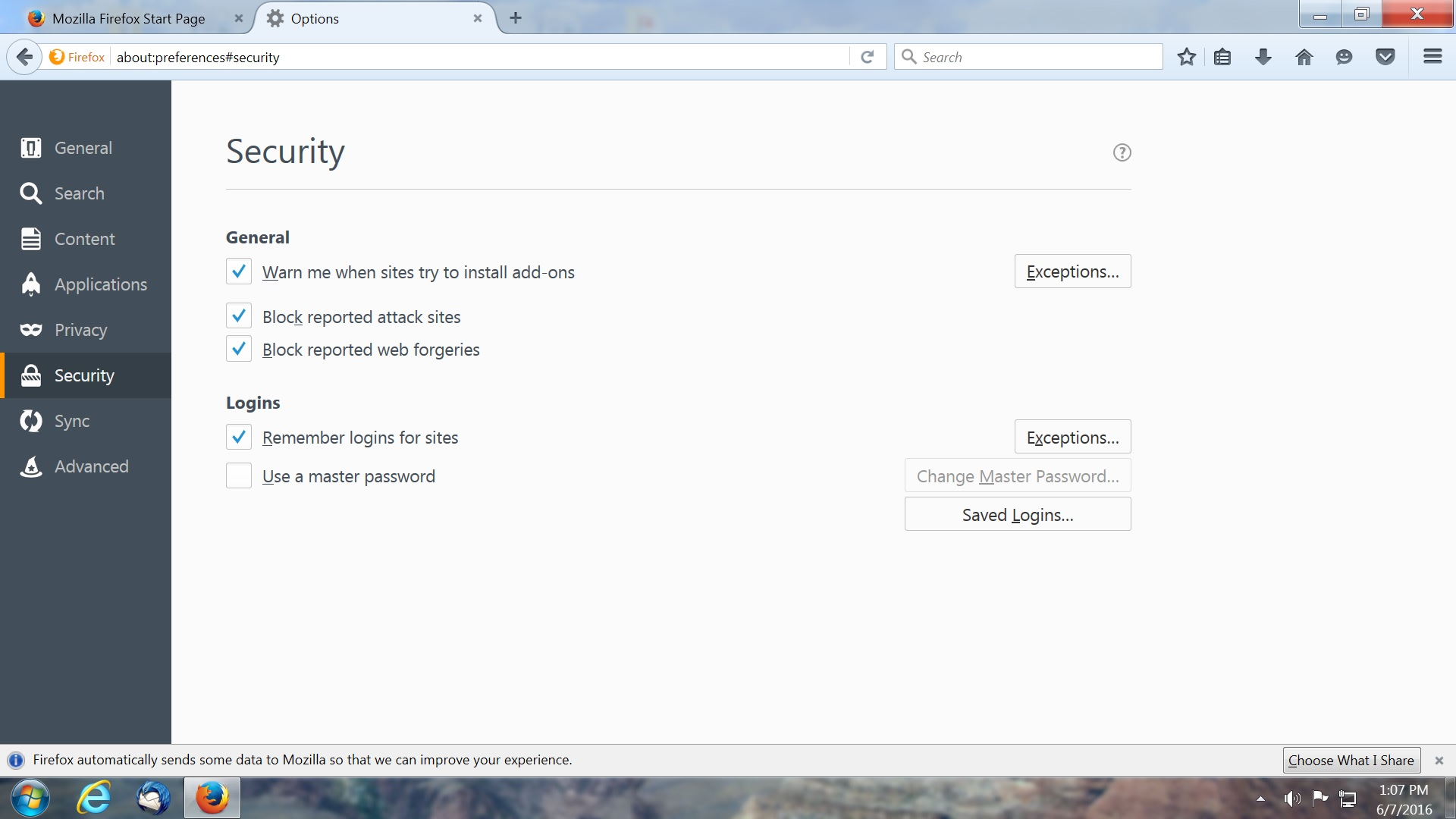
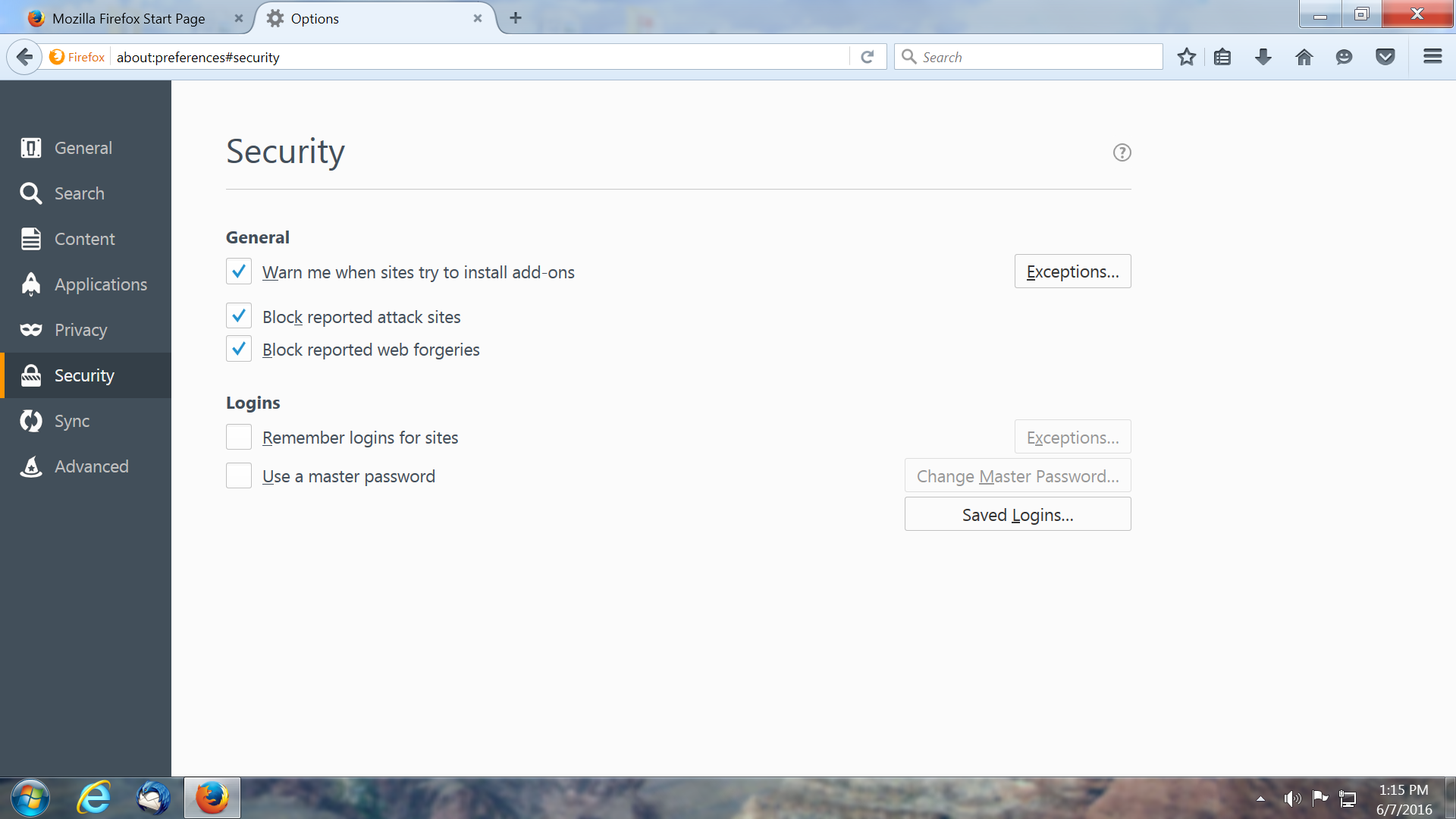
It's the option settings keep changing. There is only 2 settings that keep changing, one in privacy (remember history) and one in security (remember login from sites). After you refresh Firefox they are O.K. but restart and you get privacy (use custom settings) and security (remember login from sites is unchecked). Every time you start Firefox you have to go into options and check remember history and check remember login from sites.
选择的解决方案
Hi, please uninstall Trend Micro Password Manager from your system control panel if you're not using it. It is known to interfere that way.
所有回复 (5)
There is software like Advanced SystemCare with its Surfing Protection feature that can protect files in the Firefox profile folder against changes. If you have such software then check the settings or uninstall this software.
If you do not keep changes after a restart or otherwise have problems with preferences, see:
由cor-el于修改
I have tried every thing out there in support. I don't have any software installed that should effect Firefox. All extensions from Trend Micro disabled. I have been a Firefox user for at least 4 years now and this problem has been only a few months ago.
I just did a clean install of Firefox 47.0 without adding my profile back in. Privacy 1 and Security 1 are the defaults. After you close Firefox and start up again Privacy 2 and Security 2 is what it changes to. You can change back to 1 but when you open Firefox again it's back to 2. I just don't know what to do.
选择的解决方案
Hi, please uninstall Trend Micro Password Manager from your system control panel if you're not using it. It is known to interfere that way.
Thank you very much, philipp. I didn't know Trend Micro was so incompatible with Firefox other than there toolbar. I never did use Trend Micro Password Manager. Thank you again.