Ghostery add-on + FF 31 and newer = Blank options window

As per these threads: https://support.mozilla.org/en-US/questions/1018583?esab=a&as=aaq#question-reply https://support.mozilla.org/en-US/questions/1018244?esab=a&as=aaq https://support.mozilla.org/en-US/questions/1004248?esab=a&as=aaq
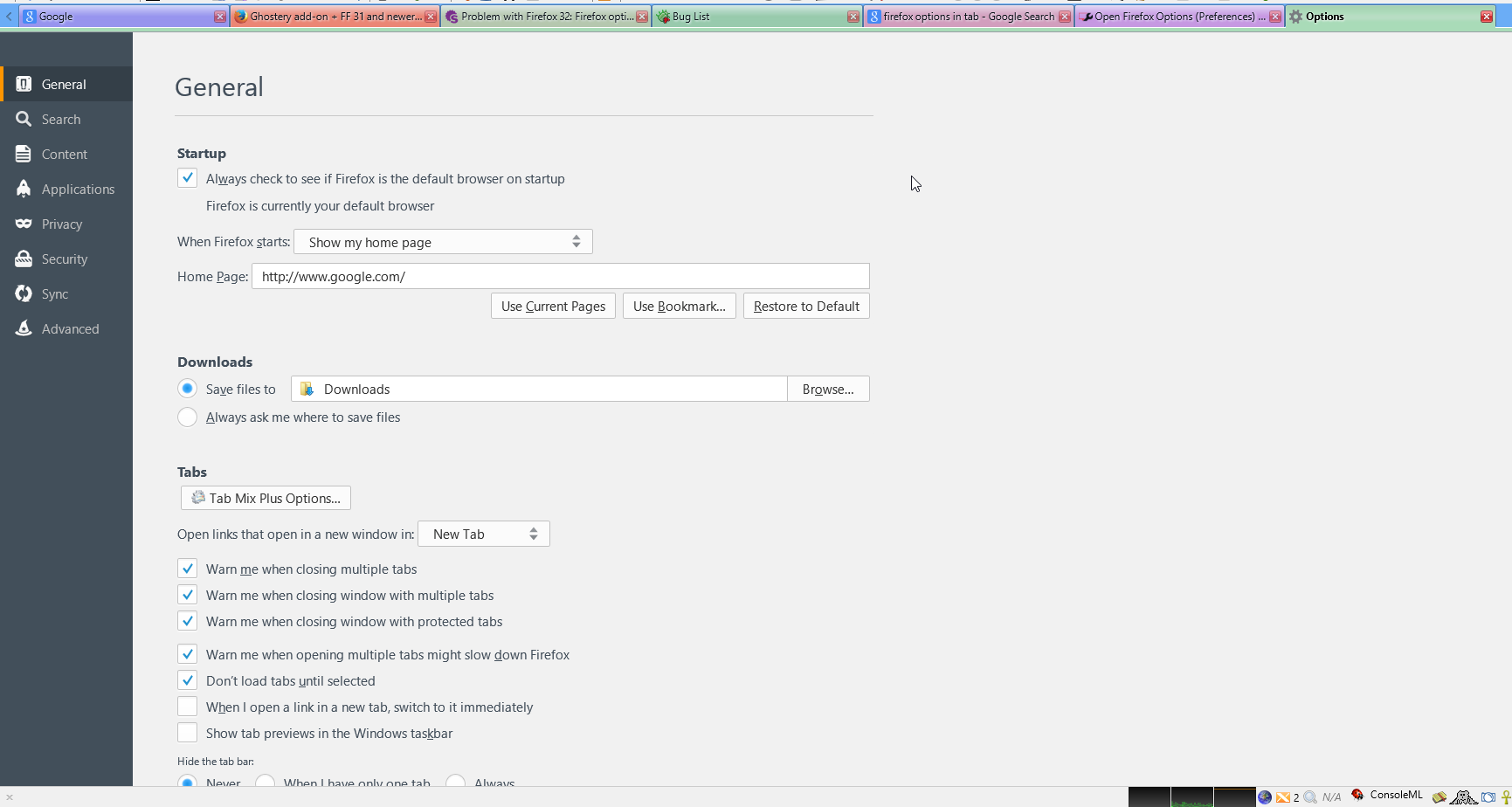
There is a conflict with the Ghostery add-on and Firefox 31 or subsequent versions that causes the options window to appear totally blank, along with the Clear Recent History window.
Screenshots: http://i62.tinypic.com/2iiy4jp.jpg http://i60.tinypic.com/xo1cp2.jpg


Other windows, like add-on preferences windows, the print window and the bookmarks window all display normally.
Is there any way to remedy this? Right now the workaround is to keep Ghostery enabled, disable it when you need to change certain options or clear your browser's cache/history and then re-enable it.
As Ghostery is an invaluable add-on, I would rather keep it enabled 24/7.
所有回复 (4)
hello, please also see this ghostery support thread: https://getsatisfaction.com/ghostery/topics/problem-with-firefox-32-firefox-option-is-not-displayed-when-ghostery-is-active-in-firefox-32 apparently the issue is still under investigation...
So Ghostery's developers point the finger at Firefox and Mozilla points the finger at Ghostery.
Well that's great.
Get your act together guys; this cannot be that difficult to fix.
Sorry, I don't see a Bug report filed for this Ghostery / Firefox issue. Bugzilla search for Ghostery
The Mozilla developers won't be aware that there is a problem until it is reported via Bugzilla.
Works fine in tab if you put in URL
about:preferences