


double playing of online videos

Whenever I attempt to play a video (mp4, webm or ogg) the audio plays twice. The first video plays as it should but within a second the same audio from the same video plays and trails behind making it impossible to hear the dialog in the first video. I can pause the first video but the audio of the second video continues to play (but the video doesn't). This doesn't happen when using Safari but does happen when using any Mozilla product: Firefox, SeaMonkey and TOR.
How do I stop this?
所有回复 (4)
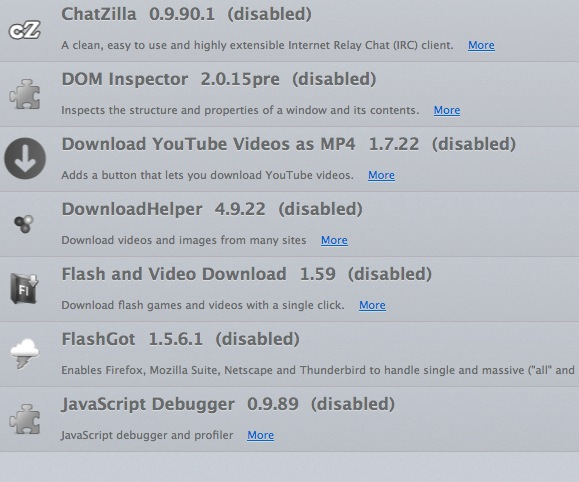
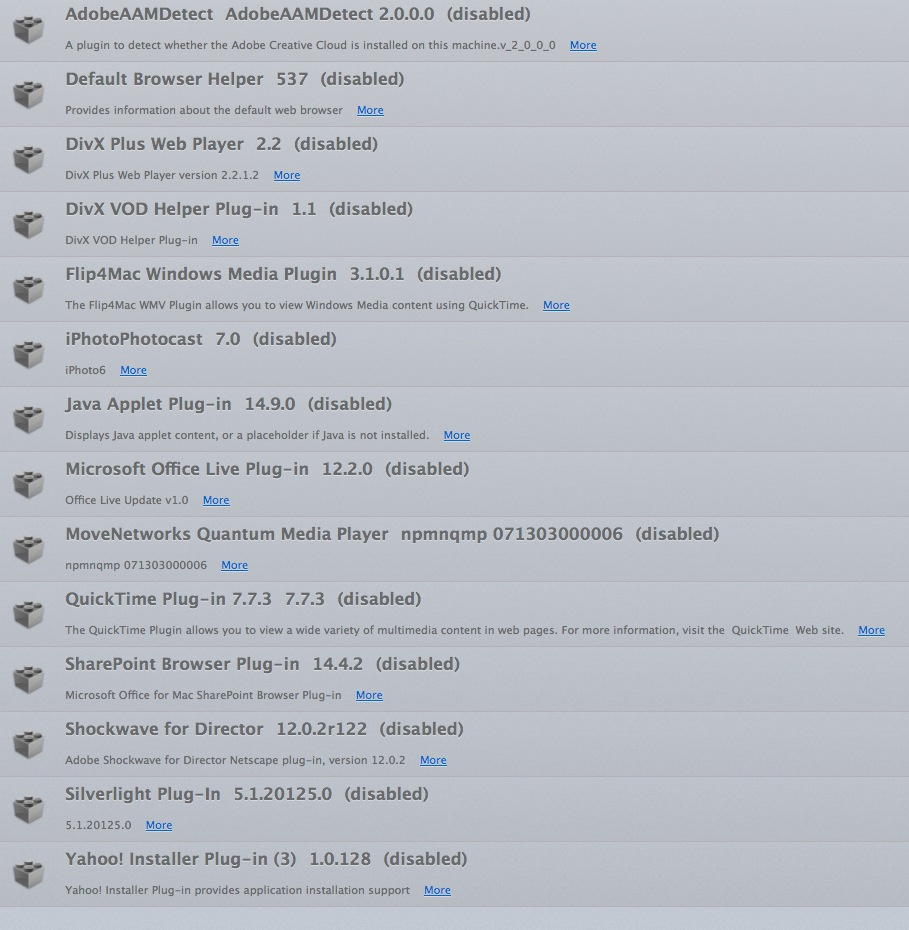
It is possible that Firefox starts two plugins or the HTML5 media player and a plugin to play the file. You didn't include a plugins list, so it is not possible to check this.
You can try to pause the player that you see to check if that makes one of them stop.
I disabled all plug-ins and addons in both Firefox (30) and SeaMonkey (2.17.1) and restarted both browsers. The problem persists. If I pause the video the 2nd audio continues to play. I have to use the back-button and get off the video entirely to make it stop.
The problem does not present itself when using Safari (7.0.5) and seems to be specific to Mozilla products. I shut down and restarted only to verify that the problem persists in the Mozilla products.
This is of importance because I put up a great many videos on my website and they have always played properly for me (on Safari). The problem arose by a Mac FireFox user who complained of the double audio. I don't know how to correct the problem or how to advise.

Is this on only one web site, or others as well?
Many site issues can be caused by corrupt cookies or cache.
- Clear the Cache
How to clear the Firefox cache {web link}
and
- Remove Cookies
This will log you out of all sites you're logged in to. Press the Alt or F10 key to bring up the tool bar. Followed by;
Windows; Tools > Options Linux; Edit > Preferences Mac; application name > Preferences
Then Privacy. Under History, select Firefox will Use Custom Settings. There is a button on the right side called Show Cookies.
If there is still a problem, Start Firefox in Safe Mode {web link} While you are in safe mode; Press the Alt or F10 key to bring up the tool bar. Followed by;
Windows; Tools > Options Linux; Edit > Preferences Mac; application name > Preferences
Then Advanced > General. Look for and turn off Use Hardware Acceleration.
Poke around safe web sites. Are there any problems?. Then restart.
I'm sorry but none of these answers worked. I dropped Firefox and SeaMonkey from my system and advised those complaining to me about 'double audio' to do the same. You have to ask yourself, do these beta testers actually test the product or do they just wave the problems like this on hoping someone else will come up with a solution? I won't install any Mozilla product again. Enough of my time has been spent on a problem that shouldn't exist in the first place.