


How to remove this annoying profile button?

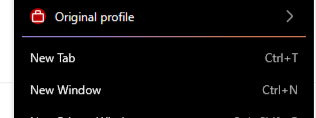
I was trying to figure out how to remove a totally different feature, and I guess I accidentally created a profile or something. After I fixed my original issue, I looked up regarding this issue, and I found a way to get rid of the 'profile' I created. Now I have this annoying button on application menu, and it is messing up how I interact with it. Please tell me there is a way to remove it.
تمام جوابات (3)
Bonjour
Introduction, please read. Firefox is a work in progress and, to allow for continuous innovation, Mozilla cannot guarantee that future updates won’t impact these customizations, https://support.mozilla.org/en-US/kb/firefox-advanced-customization-and-configuration, https://support.mozilla.org/en-US/kb/contributors-guide-firefox-advanced-customization
Take a look at https://www.reddit.com/r/FirefoxCSS/comments/1vyau4n/comment/p5vnv1a
If you wish to try
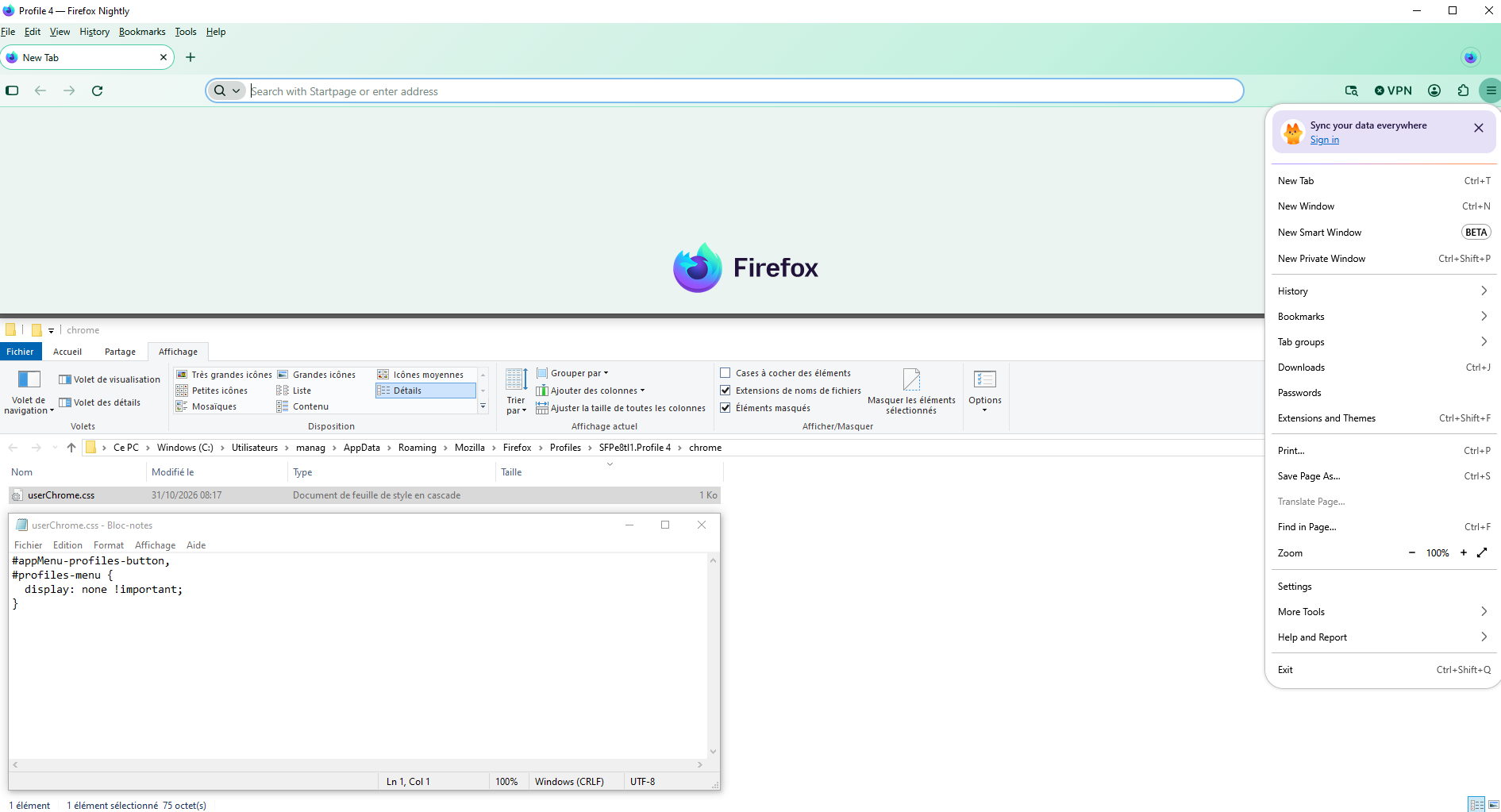
#appMenu-profiles-button, #profiles-menu { display: none !important; }
Copy/paste the code into your Notepad Save Type: All files userChrome.css
Create a chrome folder Move userChrome.css to your chrome folder
Go to your profile folder https://support.mozilla.org/en-US/kb/profiles-where-firefox-stores-user-data
Move your chrome folder to your profile folder
Go to configuration editor https://support.mozilla.org/en-US/kb/about-config-editor-firefox Enter a search term toolkit.legacyUserProfileCustomizations.stylesheets Double-click on the preference, to set its value to true
And restart Firefox
Just to see. Without userChrome.css - With userChrome.css
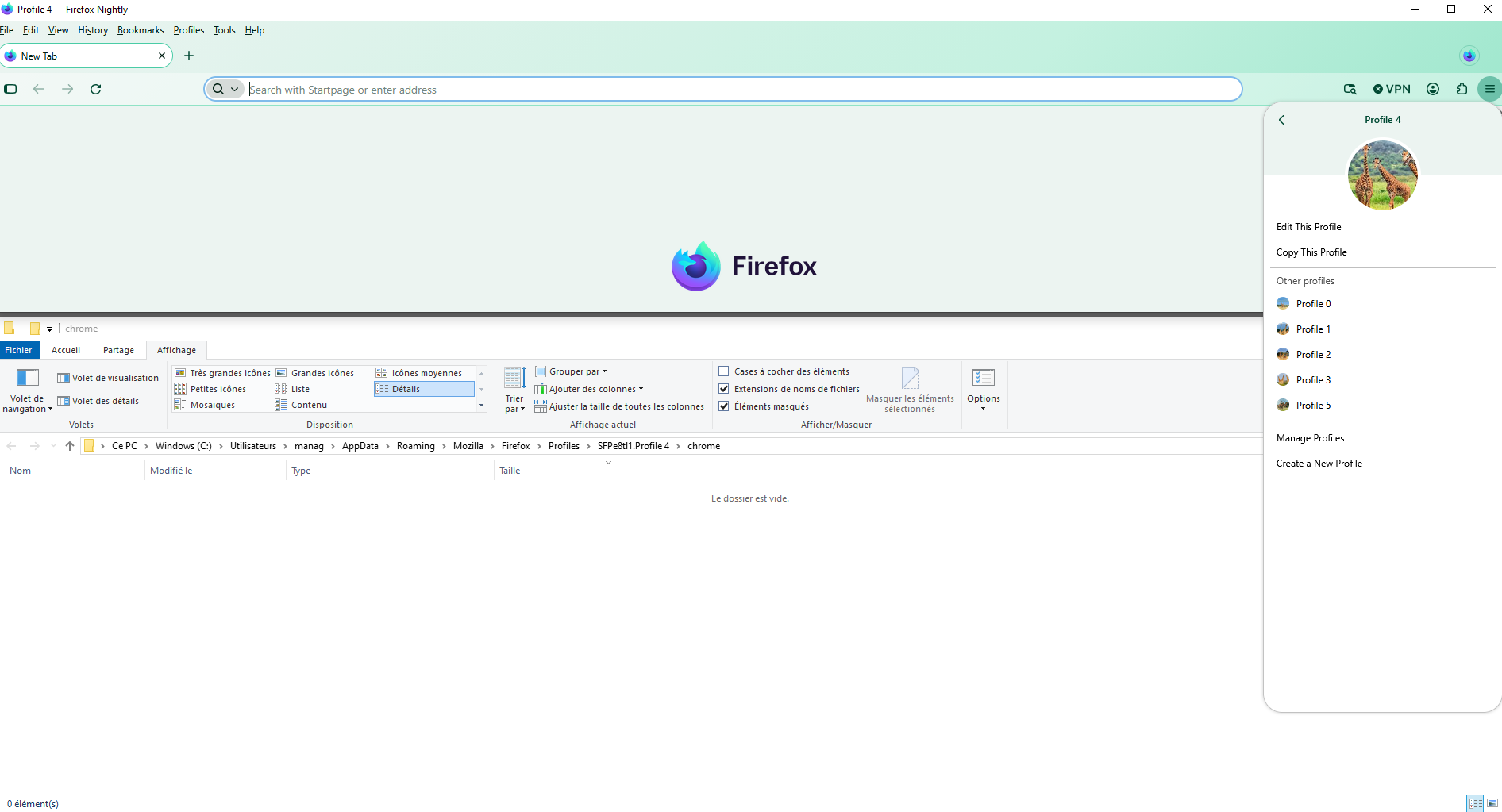

I had the same button show up after I accidentally created a second profile, and the thing that got rid of it for me was opening about:profiles and deleting the extra profile from there. I made sure my main profile was set as the default first, then restarted Firefox, and the button was gone. It is worth checking whether a second profile is still listed there, since the button only sticks around while there is more than one.
About, Sync your data everywhere (screenshot)
https://support.mozilla.org/en-US/questions/1607352#answer-1859004 https://connect.mozilla.org/t5/firefox-labs/can-you-stop-putting-adverts-in-the-menus/m-p/145375/highlight/true#M5394

Agent virtuel کی جانب سے میں ترمیمکی گئ