


Firefox update notification is shown in Russian although my Firefox interface is in Ukrainian
Hello,
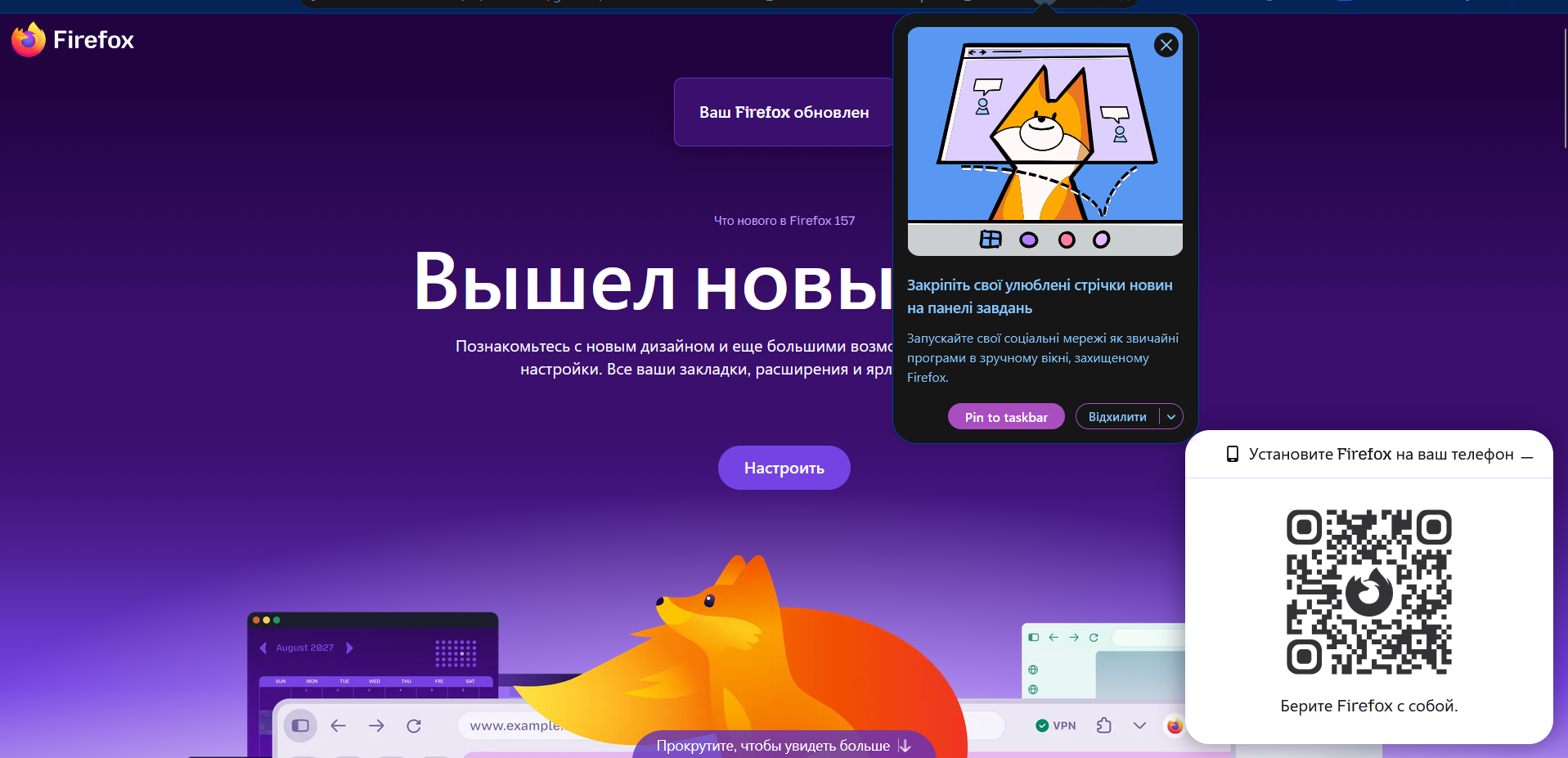
My Firefox interface is set to Ukrainian, and everything in the browser is displayed in Ukrainian. However, when Firefox shows a notification about an available update, the text of this notification is in russian.
I do not know russian and have never selected it anywhere in Firefox or in my operating system. I would also like to explain why this matters to me: seeing russian in my browser is genuinely unpleasant, because russia is waging a terrorist and aggressive war against Ukraine. For many Ukrainians, software defaulting to russian is not a minor localization glitch. It is something we actively want to avoid.
Why does this happen, and how can I make sure update notifications appear in Ukrainian?
System details: – Firefox version: 156.0.1 – Operating system: Windows 11 – Where I downloaded Firefox: mozilla.org
A screenshot of the notification is attached.
Thank you for your help!
تمام جوابات (5)
That's wrong, and mostly comes from configuration. (Or, unfortunate defaults, see support.mozilla.org/questions/1600620 for similar)
I'm not sure if you're talking about browser UI (that would be the small pinning popup), or website content (that would the what's new page loaded underneath; which however opens after an update, not before, so not sure if that's what you're pointing to), the latter first adhering to your localization and then to other content fallbacks set below.
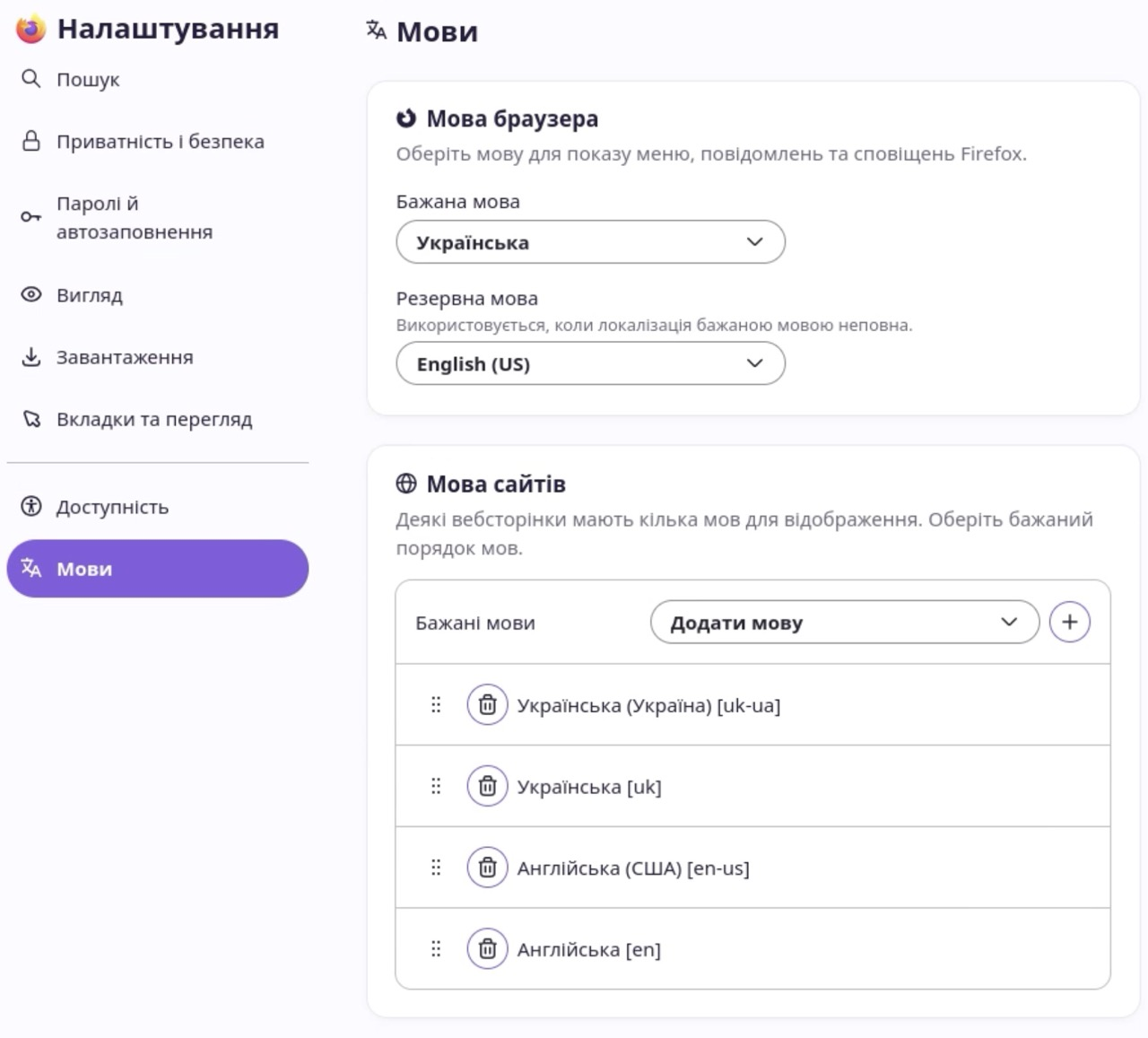
Can you attach your Internationalization & Localization section from about:support, and the list of languages given in manytools.org/http-html-text/browser-language/ plus the state of your settings for the below two lists?
The defaults for uk builds are: (IOW to default to English from factory, no other language, unless customized)
jbr کی جانب سے میں ترمیمکی گئ
Hi jbr. Thanks for the response. Here is:
- Bulleted list itemand the list of languages given in manytools.org/http-html-t Bulleted list itemext/browser-language/ - Your browser's Accept-Language header: uk-UA,uk;q=0.9,ru;q=0.8,en-US;q=0.7
- others attached as images
Would like to undestand where I have misconfiguation it shows the Firefox update notification tab in russian.

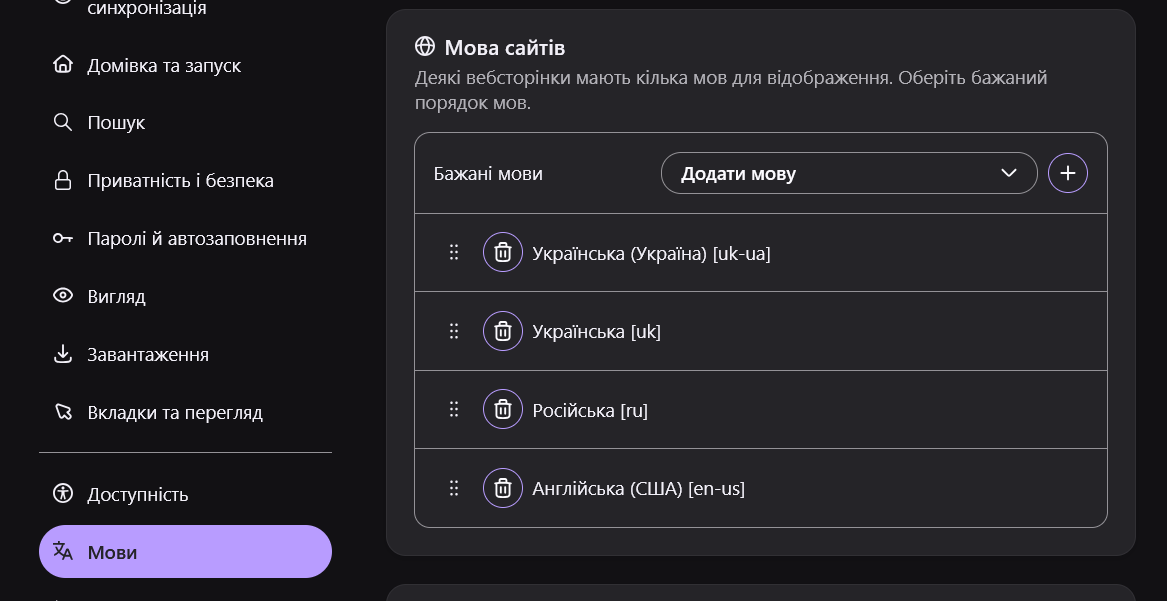
Is it related to the fallback lenguage?
Deleted from Settings->lenguages and now it shows as in the image. Is it solution for this issue?
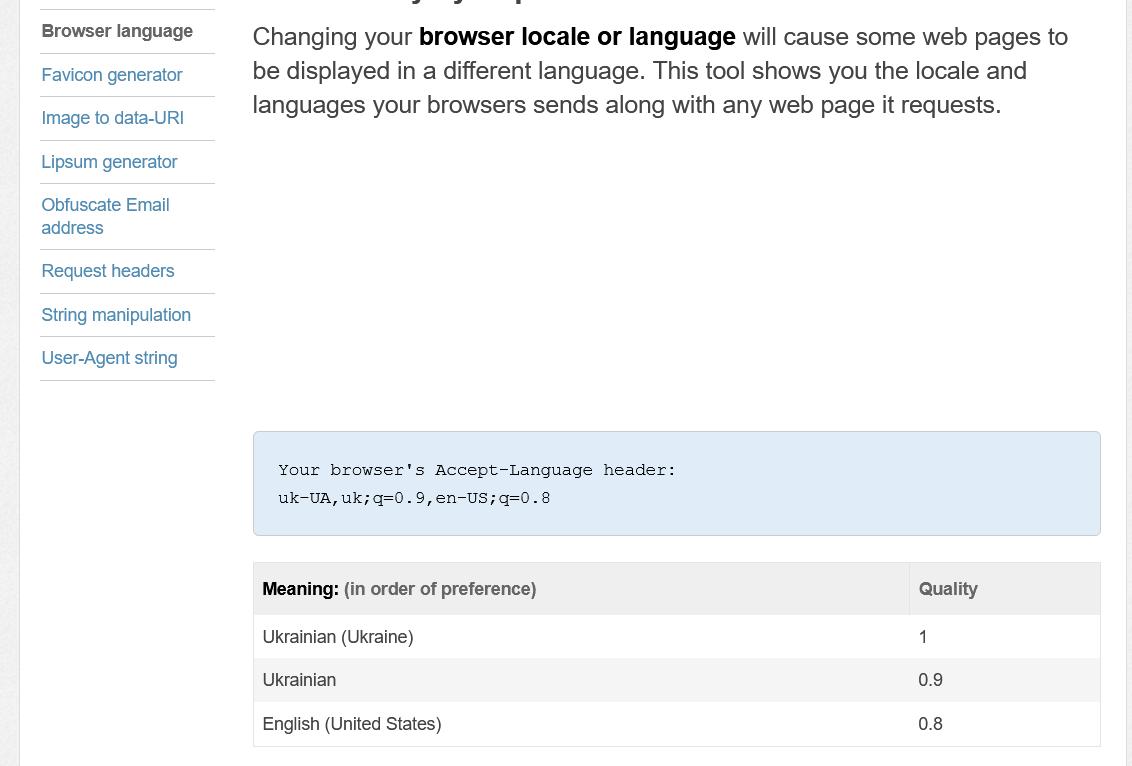
Yes.
Now if you open firefox.com/uk/whatsnew it should serve you en–US version there.
The other values are correct and as expected. This content list will do the trick.
To elaborate a bit, if your profile/localization comes from before 2018, it indeed had Russian above English as a lower–priority accepted language for content. The locale leader then made a change here github.com/mozilla-l10n/firefox-l10n/commit/9e06175 based on bugzilla.mozilla.org/show_bug.cgi?id=1506941 — so starting with version 64 or 65 since 2019 all new Ukrainian builds do not contain Russian as a fallback content language from the factory. 💙💛