


Windows 10 reached EOS (end of support) on October 14, 2025. For more information, see this article.

تلاش سپورٹ

Avoid support scams. We will never ask you to call or text a phone number or share personal information. Please report suspicious activity using the “Report Abuse” option.

مزید سیکھیں

Search engine has stopped working on my browser

  • 3 جواب دیں
  • 0 میں یہ مسئلہ ہے
  • 101 دیکھیں
  • آخری جواب بذریعہ James

more options

My search engine has stopped working. I just get blank pages when I enter any subject in the search bar. I am forced to open a private window which always works without issues. Closely related to this problem I believe, is the fact that any online forms I try to complete and submit will not submit. Again if I copy and paste the address into a private window, I can complete and submit without any issues.

It is getting very frustrating to keep having to go private windows.

When I open a new tab, it opens fine, I get all the articles as per normal. But when I enter my search criteria I get nothing (see attached screenshots)

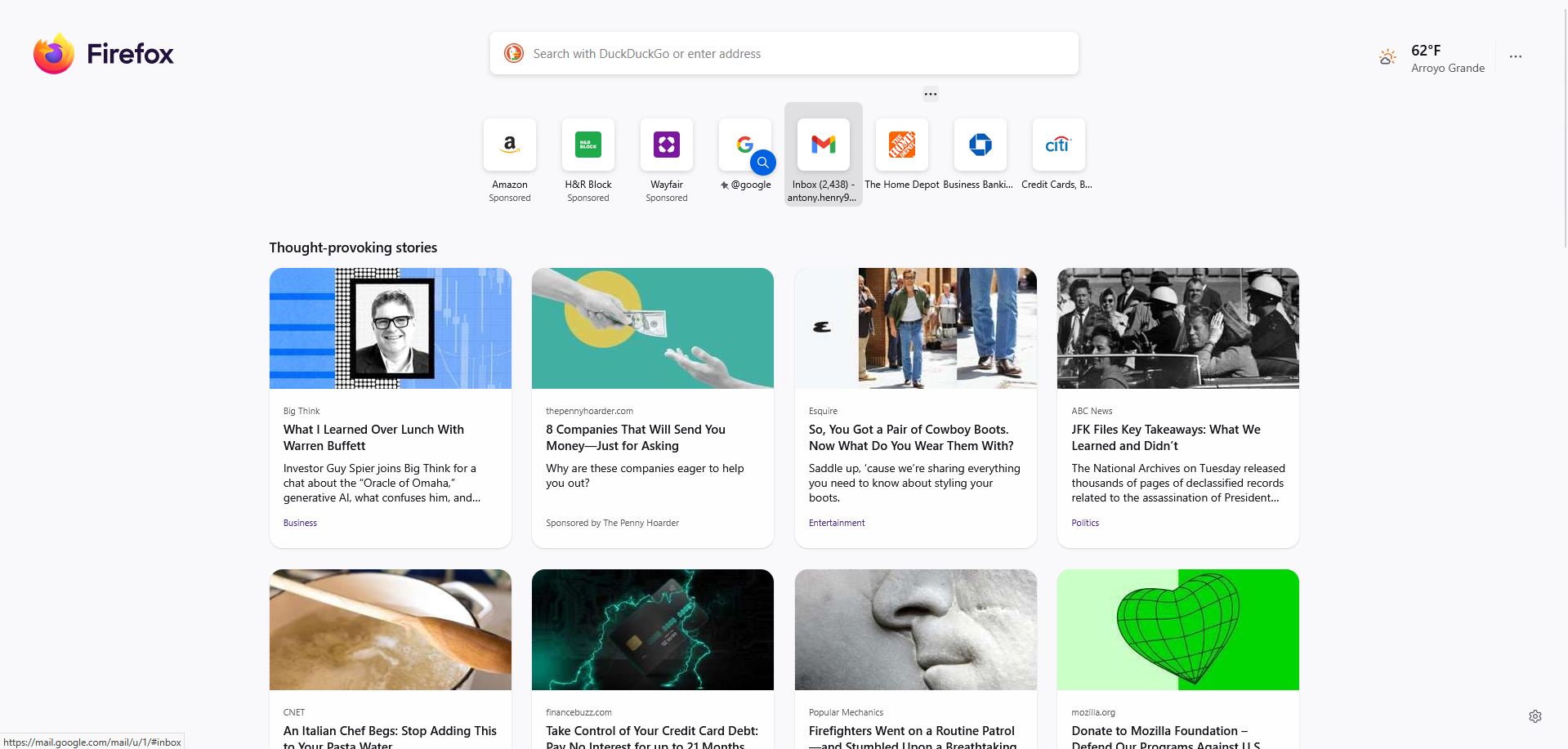
My search engine has stopped working. I just get blank pages when I enter any subject in the search bar. I am forced to open a private window which always works without issues. Closely related to this problem I believe, is the fact that any online forms I try to complete and submit will not submit. Again if I copy and paste the address into a private window, I can complete and submit without any issues. It is getting very frustrating to keep having to go private windows. When I open a new tab, it opens fine, I get all the articles as per normal. But when I enter my search criteria I get nothing (see attached screenshots)
منسلک شدہ اسکرین شاٹٹس

منتخب شدہ حل

This is a known issue with the MetaMask extension. You need to change a setting to resolve recent issues with incomplete/broken pages: https://github.com/MetaMask/metamask-extension/issues/31094

اس جواب کو سیاق و سباق میں پڑھیں 👍 0

تمام جوابات (3)

more options

منتخب شدہ حل

This is a known issue with the MetaMask extension. You need to change a setting to resolve recent issues with incomplete/broken pages: https://github.com/MetaMask/metamask-extension/issues/31094

more options

Thank you so much for your response. That appears to have cured my problem.

more options

The extension authors have a version 12.12.1 update as you can see at https://addons.mozilla.org/firefox/addon/ether-metamask/versions/