


Opens new tab instead of changing page within a frame.
V 22: When I open site with frame header & left navigation home page is fine. When I click to navigate to different page, frame header & navigation buttons are gone. Only content of new page is displayed. Site is control page for access point on network. IE and Chrome work just fine.
This is new behavior. Started after update to Release 22.0
Усі відповіді (5)

Did you accidentally switch to full screen mode? Pressing the F11 key will toggle that mode on Windows.
No, not in full screen mode. First tab gives me page correctly. Clicking on different button used to give me info within frame. Now I get new tab created without header and left navigation buttons.
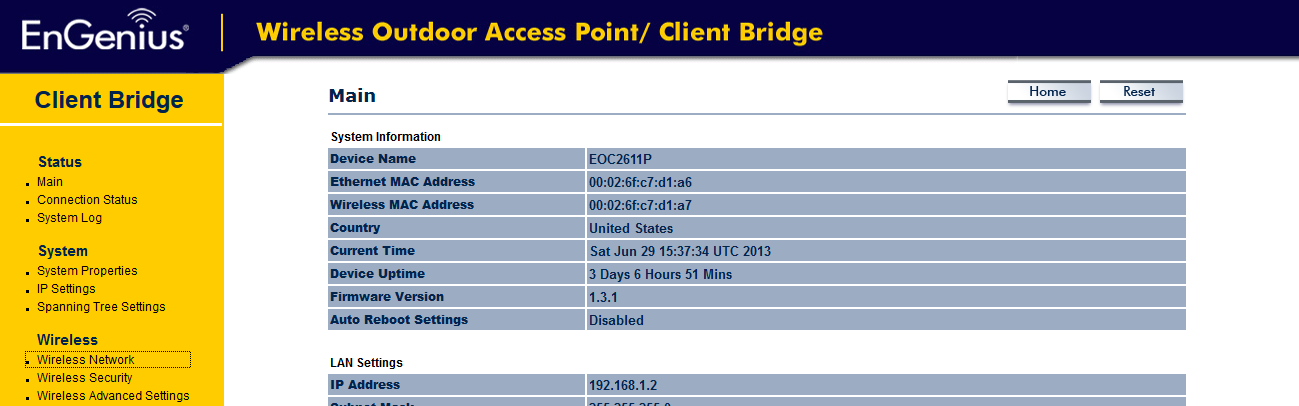
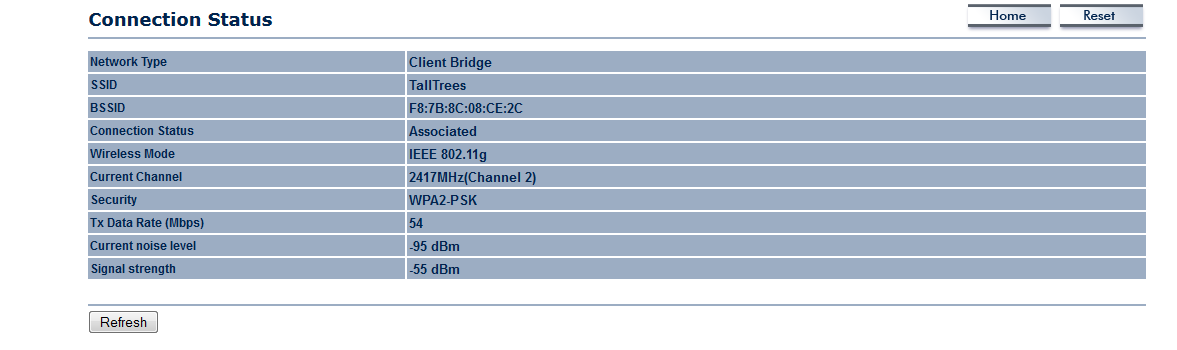
Змінено Mr_Fred
So your issue is related to a Router "web page"?
Access Point that connects to router. This is a browser thing, AP works fine. Just now opens a new tab instead of updating the home tab which it used to do.
Hi, I have the same problem. After checking settings and add-ons, I discovered that the add-on for Dragon Naturally Speaking seemed to be causing the problem. Probably a feature of DNS. When I disabled the DNS add-on, Firefox behaved correctly.