


cannot create auto:config

I don't understand why auto:config is so difficult (for me at least) to create. Isn't there an easier way? I've tried following the directions and creating the 2 files. But I can't manage to successfully create auto:config.
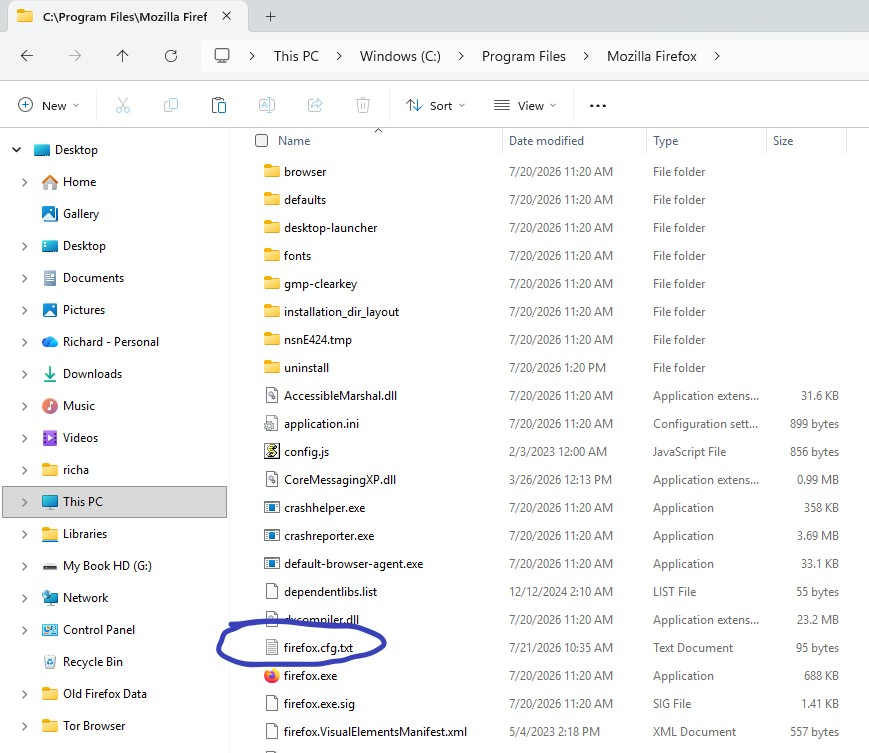
I created and pasted the first tile into the prefs folder. For the 2nd, I noticed the firefox.cfg file I created in Notepad appended a .txt suffix. I pasted it into the Firefox top directory. Then typed auto:config into the address bar. Nothing happened. Can anyone tell what I did wrong? Is the .txt suffix not recognized? Or is there's an easier way to do this?
Усі відповіді (5)
There's no such a thing. What do you need it for?
TyDraniu said
There's no such a thing. What do you need it for?
To always display close msg x on all tabs regardless of how many are open
Змінено Richard Silverstein
You have to create userChrome.css file instead, the solution is here: https://www.reddit.com/r/FirefoxCSS/comments/1pve9bn/there_is_no_close_button_for_an_inactive_tab/
And it's about:config, not auto:config.
Sorry about that error. Sloppy of me.
I'm finding it hard to understand the steps outlined here & how to implement them. I have some, but not a lot of experience w. css. If it's not too much trouble, could you put them in a sequence for me that I can follow:
" Can locate the relevant CSS in Searchfox here... or using the Browser Toolbox (often quicker to enter the selector when known e.g. type.tab-close-button into the Inspector tab's 'Search HTML' box > press Enter)... the close button of 4th tab (count starts with 3 x pinned tabs) is indicated by small red circle... but is being hidden by default CSS rule display: none; in larger red box:
Thus, need to override the default userstyle in larger red box and Searchfox. Copy all the default userstyle CSS from the Browser Toolbox into profile 'userChrome.css' file... tweak the.tab-close-button selector to exclude displaying close buttons on pinned tabs... add an !important declaration to override the default CSS... try"
- Please follow this instruction to create the userChrome.css file => https://www.reddit.com/r/firefox/wiki/userchrome/
- The content of this file is from above:
.tab-close-button:not([pinned]) {
 #tabbrowser-tabs[orient="horizontal"], :root:not([sidebar-expand-on-hover]) #tabbrowser-tabs[orient="vertical"], #tabbrowser-tabs[closebuttons="activetab"][orient="horizontal"] &:not([selected]) {
   display: block !important;
 }
}