


certains titres de ma messagerie sont en anglais pourqouoi corbeille= trach envoyé = send etc....comment tout mettre en francais

certains titres de ma messagerie sont en anglais pourquoi corbeille= trash envoyé = send etc....comment tout mettre en francais
Some of my email subject lines are in English, why is "corbeille" = trash, "envoie" = send, etc.? How can I change everything to French?
Усі відповіді (4)
Bonjour
For information purposes, it's not because (e.g. beta 145.0b4) that the concern will only resolved in (this is just an illustration) with Thunderbird 145. Beta, this is a pre-prod, a concern resolved in beta, may be resolved with one of the next Thunderbird release updates (for example) 144.
Thunderbird beta, below.
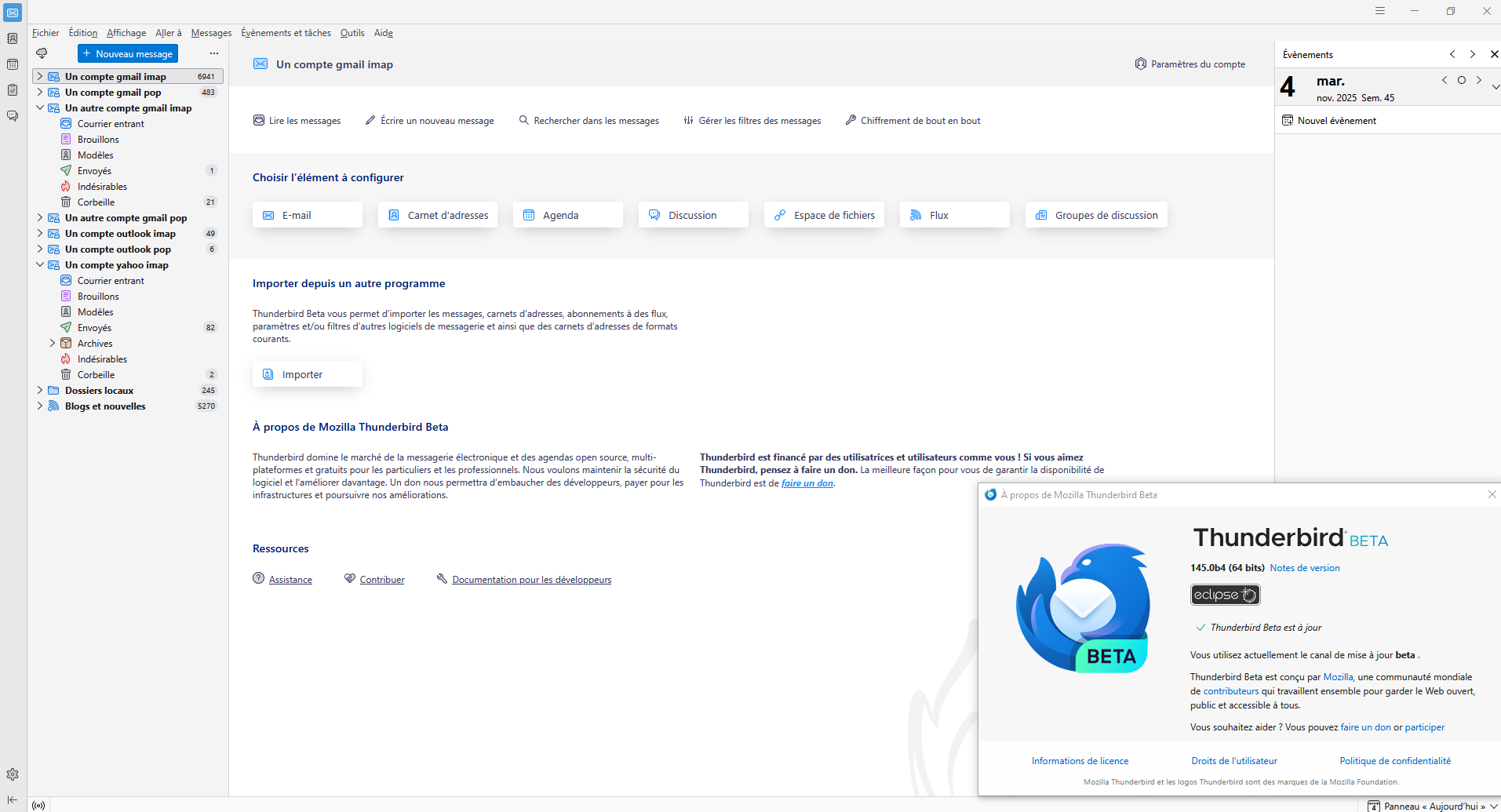

The problem went out with version 146.0 but reappears with new 146.0.1 And I can't block the updates : I install 146.0 and it updates itself to 146.0.1 !!!
Hello
stephan.martin82 said
The problem went out with version 146.0 but reappears with new 146.0.1
Indeed.
stephan.martin82 said
And I can't block the updates : I install 146.0 and it updates itself to 146.0.1 !!!
https://support.mozilla.org/en-US/questions/1545967, to continue this discussion. Prevention, set your Windows registry, DisableAppUpdate.
Today, i performed the updates Thunderbird 146.0 to Thunderbird 146.0.1. https://www.youtube.com/watch?v=N8GrBKf4Vl8 Clarification: at one point in my video, a black screen appears, and that's normal, that's my strategy, the time it takes to answer Yes in the "User Account Control" (UAC) dialog box.