


Windows 10 reached EOS (end of support) on October 14, 2025. If you are on Windows 10, see this article.

Шукати в статтях підтримки

Остерігайтеся нападів зловмисників. Mozilla ніколи не просить вас зателефонувати, надіслати номер телефону у повідомленні або поділитися з кимось особистими даними. Будь ласка, повідомте про підозрілі дії за допомогою меню “Повідомити про зловживання”

Докладніше

Ця тема перенесена в архів. Якщо вам потрібна допомога, запитайте.

Unable to connect

  • 2 відповіді
  • 0 мають цю проблему
  • 119 переглядів
  • Остання відповідь від komputec

I get "unable to connect" on links from a google search. I can manually type the url from the link, and it goes to the site.

This has started recently, no matter what I search for.

I deleted data, in settings, re connected my mozilla account, and it's still happening.
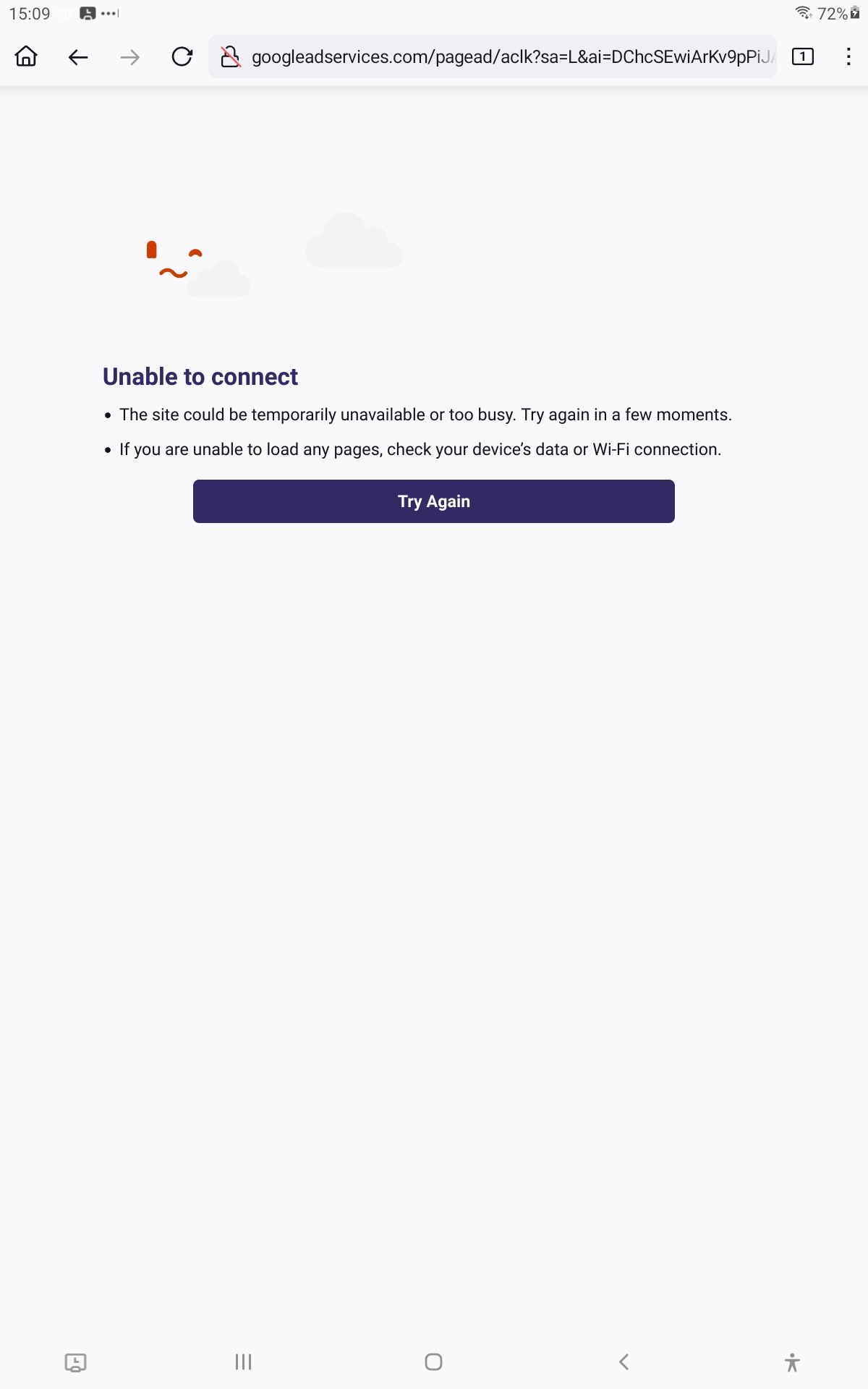
I get "unable to connect" on links from a google search. I can manually type the url from the link, and it goes to the site. This has started recently, no matter what I search for. I deleted data, in settings, re connected my mozilla account, and it's still happening.
Вкладені знімки екрана

Усі відповіді (2)

In your screenshot, the URL is "googleadservices", so that must be an ad or shopping link rather than a link from the "organic" web results. Maybe you have an ad blocker installed that is blocking forward navigation from there?

I was going to say I've always utilized Ublock Origin but haven't had this issue before.

After resetting my tablet, and reinstalling firefox, I'm not running any ad blocker; so, this isn't the issue.

Any other things to try?

Thank you!

Змінено komputec