


Can't start FF from the terminal

Hello
```
~ /Applications/Firefox.app/Contents/MacOS/firefox-bin
[1] 5919 killed /Applications/Firefox.app/Contents/MacOS/firefox-bin ```
Can't event imagine how to debug this - FF has stopped working totally from the command line, despite options etc It is still working when run from the dock however. But I need to start it from the terminal for the second profile

Вибране рішення
No browser issue right, just trying to run from cmd line? Came across this. https://www.youtube.com/watch?v=3fhqFgdbIQE https://superuser.com/questions/277565/start-firefox-from-terminal-on-mac-os-x
Змінено jonzn4SUSE
Усі відповіді (9)
It works for me. see screenshot The second screenshot, I'm running it while in my home directory using the same path you posted.
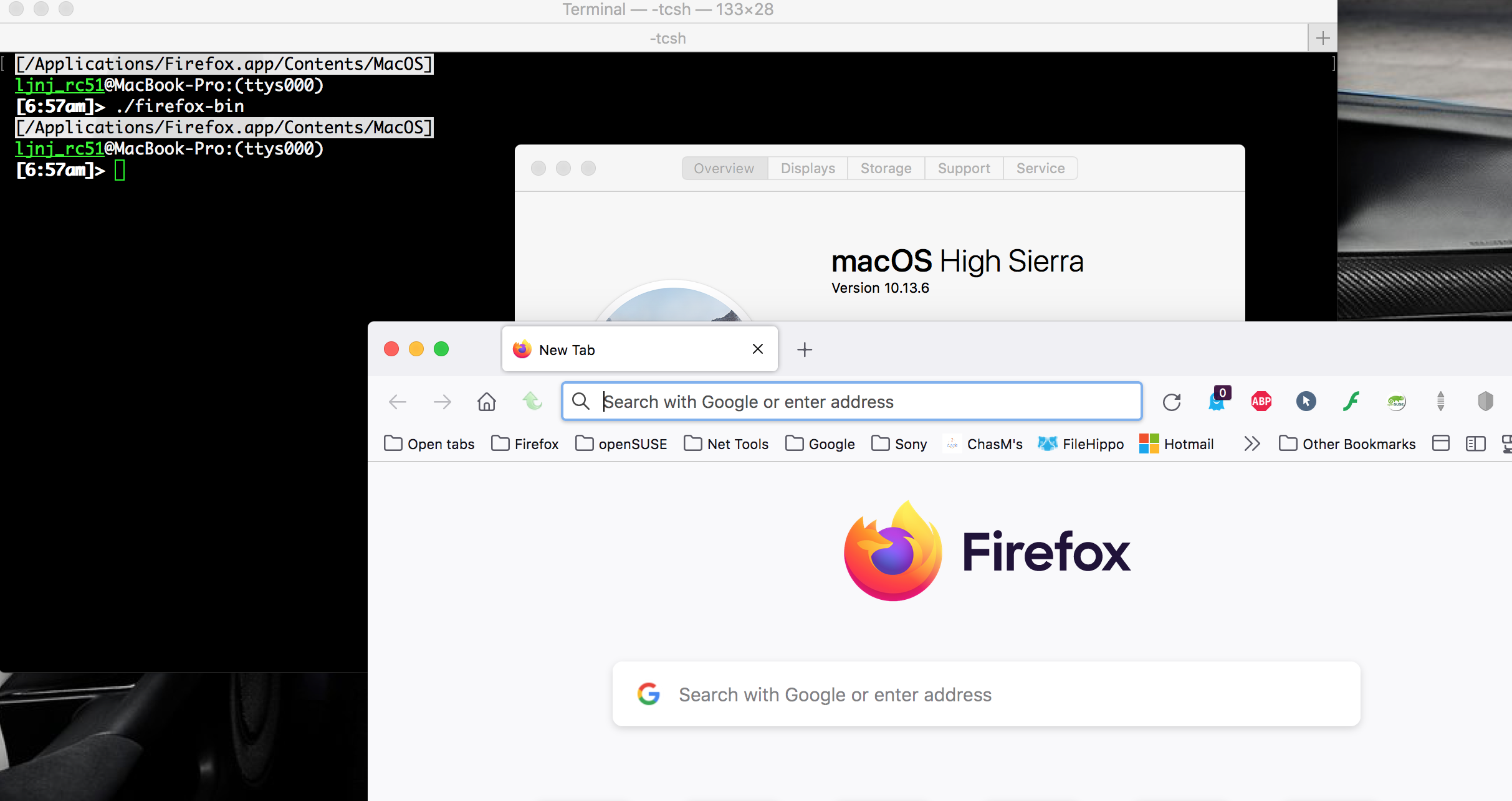
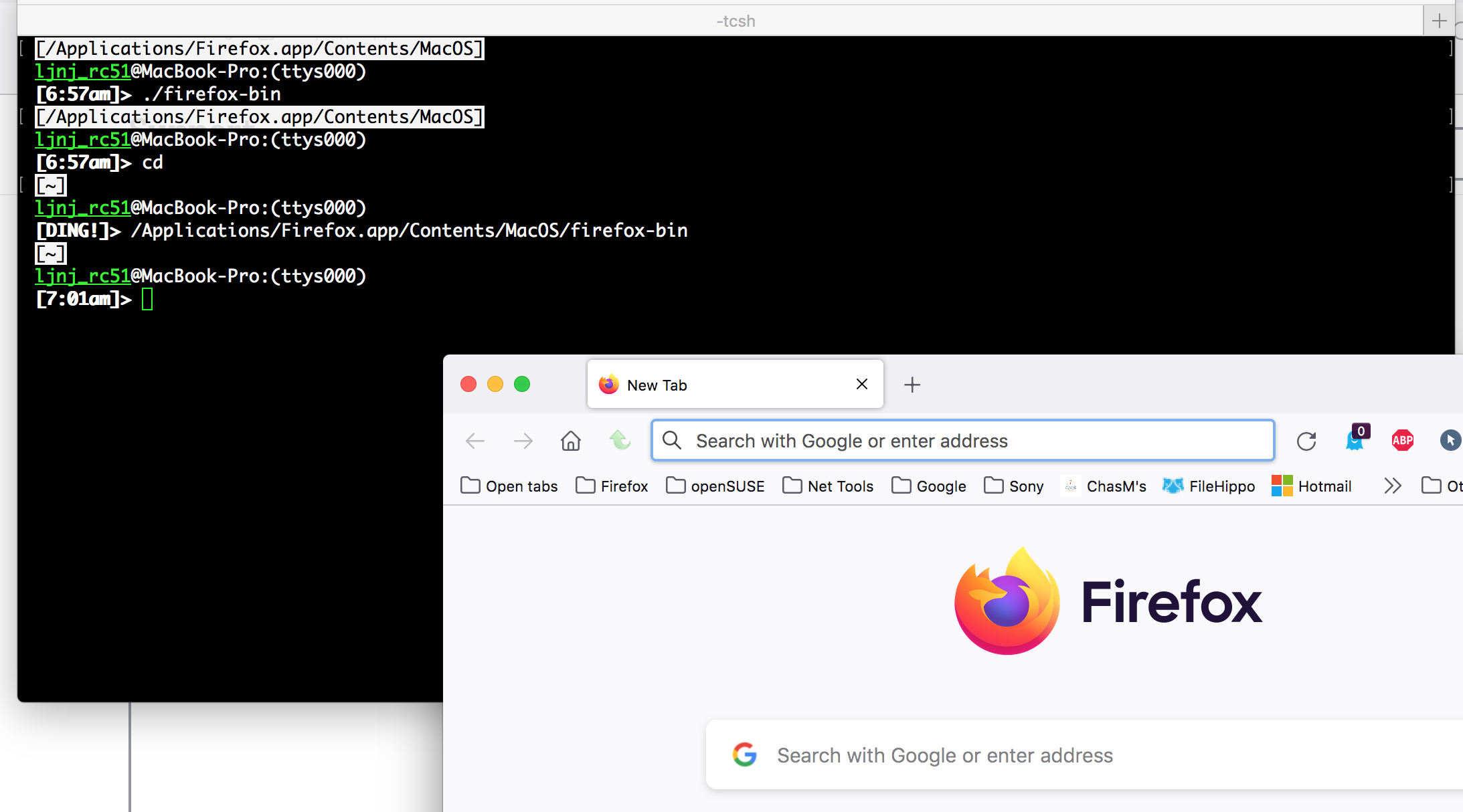
Змінено jonzn4SUSE
You should be able to run trace and see what happens. Trace on mac is new for me, but let's play with it and see what happens. trace -t [-o outfile] I assume it should be something like trace -t -o firefox_outfile /Applications/Firefox.app/Contents/MacOS/firefox-bin
Let's test...
Nope.... crashed and burned. ;-)
Found this in a search. https://blog.kandji.io/mac-logging-and-the-log-command-a-guide-for-apple-admins log show --last 1m
Вибране рішення
No browser issue right, just trying to run from cmd line? Came across this. https://www.youtube.com/watch?v=3fhqFgdbIQE https://superuser.com/questions/277565/start-firefox-from-terminal-on-mac-os-x
Змінено jonzn4SUSE
Browser is working when started from the Dock, yes. I've even found a workaround to start secondary profile through http://about:profiles
So all is well?
The trick with `open` helps. Thanks a lot
No problem. If no further questions, please mark this issue as resolved to get it off our list of things to do. Have a nice day.