


Swedish letters å, ä and ö.

Some fonts on some websites can not show swedish letters å, ä and ö. Try https://www.handelsbanken.se/sv/. Any suggetions?

Вибране рішення
The problem does not occur on my laptop so I checked the fontlist and found that the Helvetica font was not installed. So I went back to my desktop and checked the Helvetica font on the control panel. I found that the swedish letters could not be shown so I deleted the Helvetca fonts on my desktop. Problem solved on the Handelsbanken site. Hope that my action will not create new problems.
Усі відповіді (5)
This could be a problem with a corrupted or otherwise not working Helvetica font.
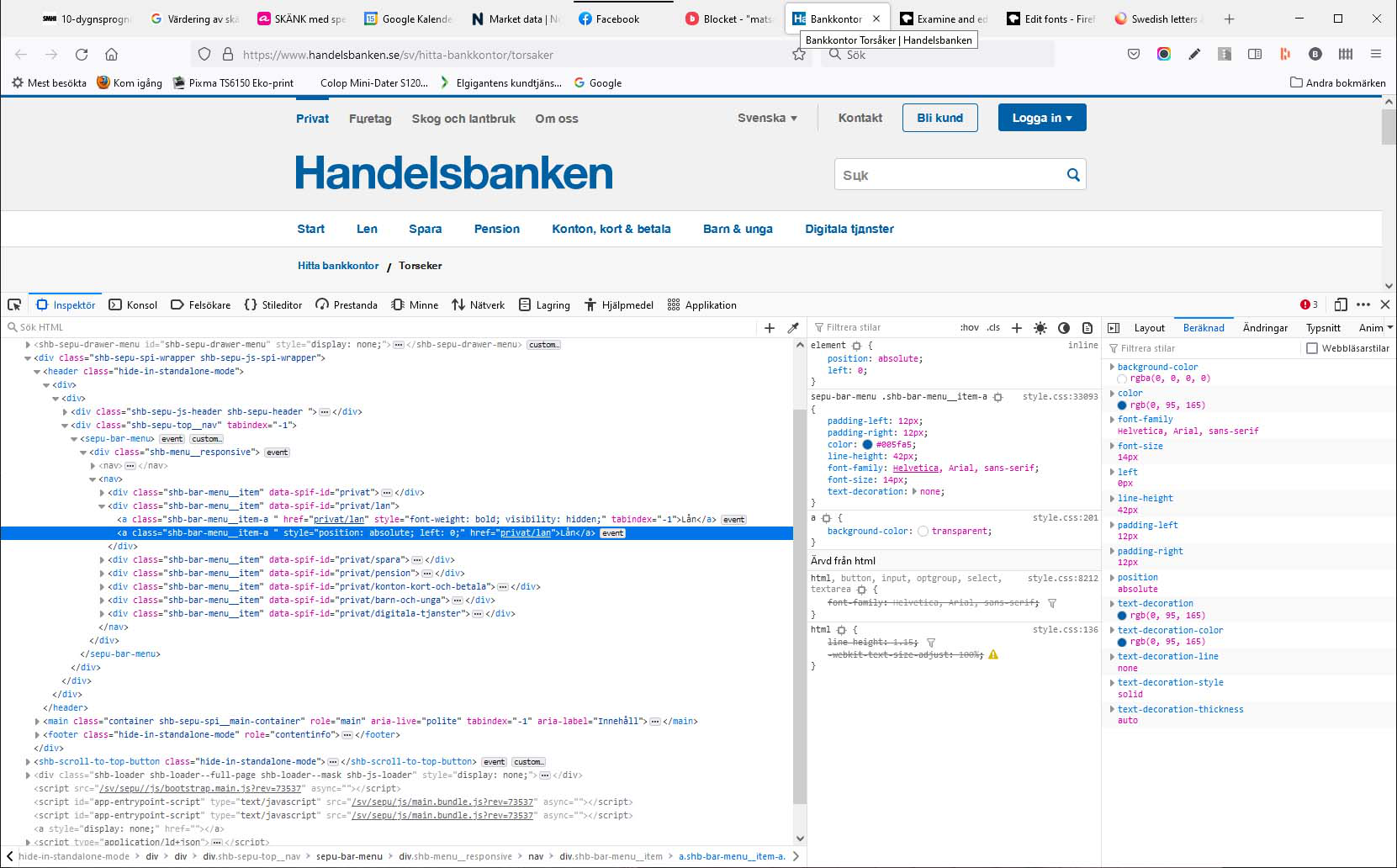
You can right-click and select "Inspect Element" to open the builtin Inspector with this element selected.
You can check in the Rules tab in the right panel in the Inspector what font-family is used for selected text. You can check in the Font tab in the right panel in the Inspector what font is actually used because Firefox might be using a different font than specified by the website.
Thanks cor-el for a swift respons, However I don't know enough to interpret the inspector. I made a screenshot. Would you consider checking it for me? Regards Björn
Similar issues about the Helvetica font: /questions/1338419, /questions/1338779, /questions/1339792, /questions/1293765
I forgot to mention that the problem only occurs in Firefox. Google Chrome and MS Edge do not have this issue. Regards, Björn
Вибране рішення
The problem does not occur on my laptop so I checked the fontlist and found that the Helvetica font was not installed. So I went back to my desktop and checked the Helvetica font on the control panel. I found that the swedish letters could not be shown so I deleted the Helvetca fonts on my desktop. Problem solved on the Handelsbanken site. Hope that my action will not create new problems.