


Websites display in mobile view on desktop browser

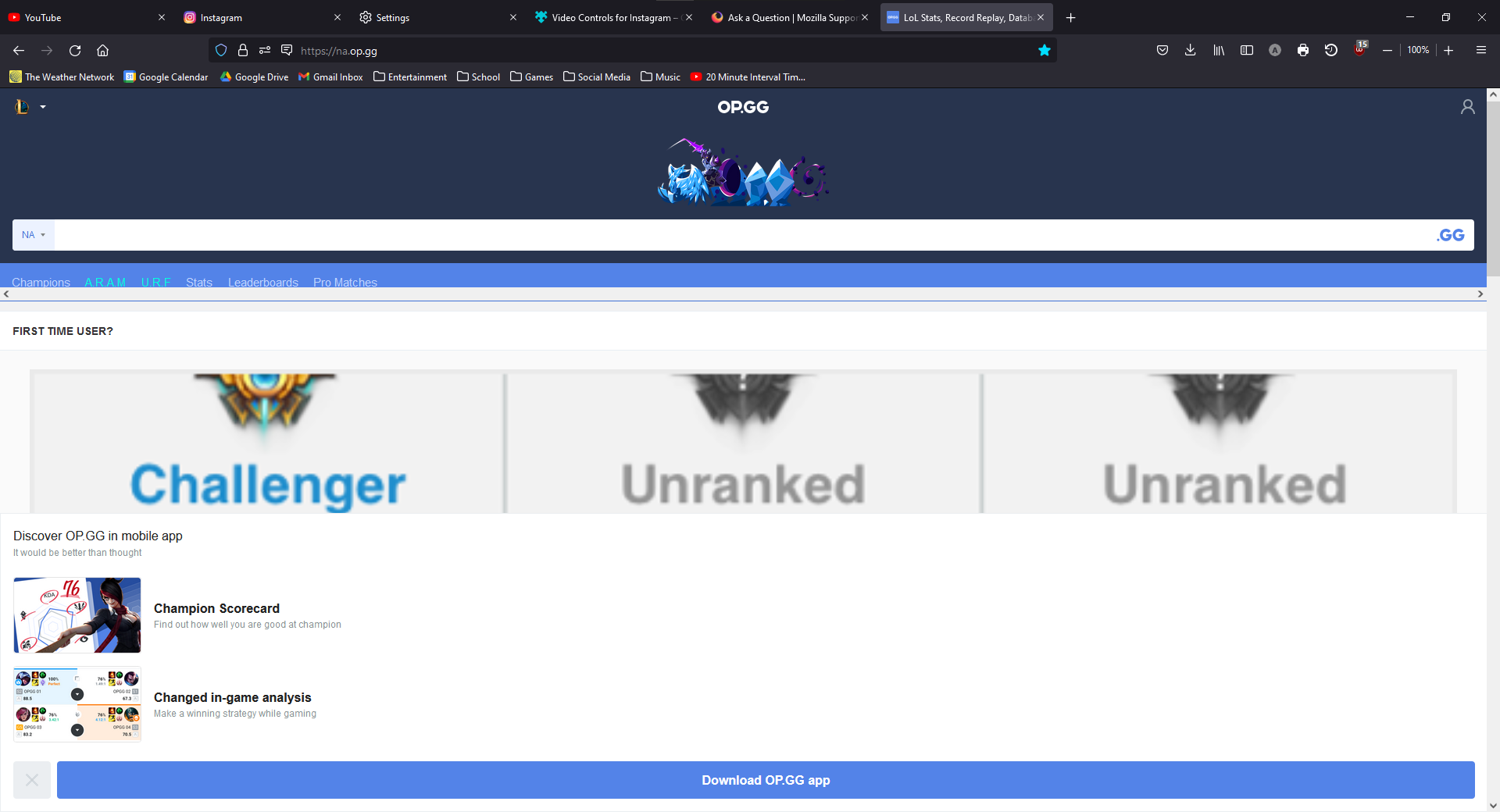
Recently I've noticed when I try to load na.op.gg, the website displays very strangely when I try to load the website. It tells me to download the mobile app on desktop and everything is very stretched out. I assume the website is trying to fit everything to width and displaying ads for their mobile app because it thinks I'm on a mobile device.
Усі відповіді (2)

My English name is also Alex. Please check the UA(user agent). If your UA is Android or IOS, the website will show you mobile pages.
If the UA is correct, It is the website's problem. How to know If the UA is correct? Try to visit other websites, It is correct if other websites show PC pages.
So, How can you solve the problem? Try to get in touch with the Webmaster of the website.
Say again the reasons that can cause that.
- Your UA is incorrect. (check the UA)
- The website has only the mobile version.
- The website do not konw you are using a computer. (get in touch with webmaster)
Змінено 林林
Вибране рішення
You have a corrupted user agent that identifies you as Roblox on a mobile iOS device.
- Mozilla/5.0 (Macintosh; Intel Mac OS X 10_15_4) AppleWebKit/605.1.15 (KHTML, like Gecko) Mobile/9B176 ROBLOX iOS App 2.445.410643 Hybrid RobloxApp/2.445.410643 (GlobalDist; AppleAppStore)
You will have to reset this user agent. See: