


Windows 10 reached EOS (end of support) on October 14, 2025. If you are on Windows 10, see this article.

Шукати в статтях підтримки

Остерігайтеся нападів зловмисників. Mozilla ніколи не просить вас зателефонувати, надіслати номер телефону у повідомленні або поділитися з кимось особистими даними. Будь ласка, повідомте про підозрілі дії за допомогою меню “Повідомити про зловживання”

Докладніше
Ця тема перенесена в архів. Якщо вам потрібна допомога, запитайте.
Архівовано

UNABLE TO USE MY PHONE CAMERA TO SCAN FIREFOX QR

Paul відповів
Raphael Thomas

I am one of the numerous users of Firefox browser but having problem to use my Android smartphone phone (Itel S15 Pro) camera to scan Firefox QR despite giving the camera permission in my phone's settings. Having displayed Firefox QR on my laptop screen, I open Firefox browser and tap the scan button on my phone Microsoft SwiftKey keyboard which opens the scanner page. I directed the camera to the QR on my laptop to scan the QR. Attempt to open my Firefox mobile account through this address: https://accounts.firefox.com/m/hCkG9GTw is made but will not open even with the refreshing of the process several times.

I have attached a number of screen shots of my actions to get through the whole process which you can piece together to help me solve the problem.

Raphael.
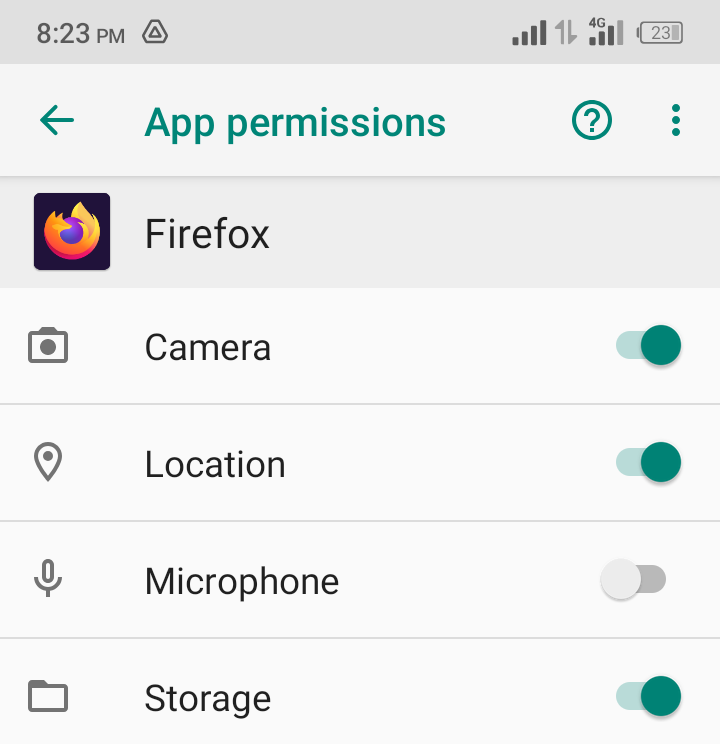
I am one of the numerous users of Firefox browser but having problem to use my Android smartphone phone (Itel S15 Pro) camera to scan Firefox QR despite giving the camera permission in my phone's settings. Having displayed Firefox QR on my laptop screen, I open Firefox browser and tap the scan button on my phone Microsoft SwiftKey keyboard which opens the scanner page. I directed the camera to the QR on my laptop to scan the QR. Attempt to open my Firefox mobile account through this address: https://accounts.firefox.com/m/hCkG9GTw is made but will not open even with the refreshing of the process several times. I have attached a number of screen shots of my actions to get through the whole process which you can piece together to help me solve the problem. Raphael.
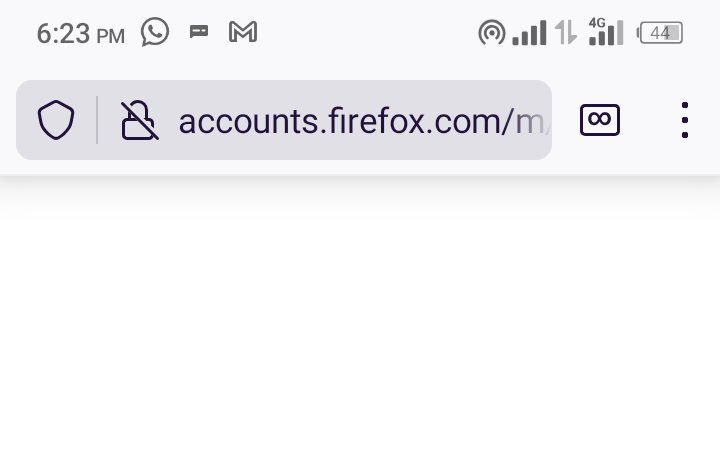
Вкладені знімки екрана

Усі відповіді (1)

Hi

Thank you for your question. For the security of your account, I am going to remove a couple of the attached images.

When you select the Turn on Sync option in Firefox for Android, instead of selecting Ready to scan, select Use email instead.