


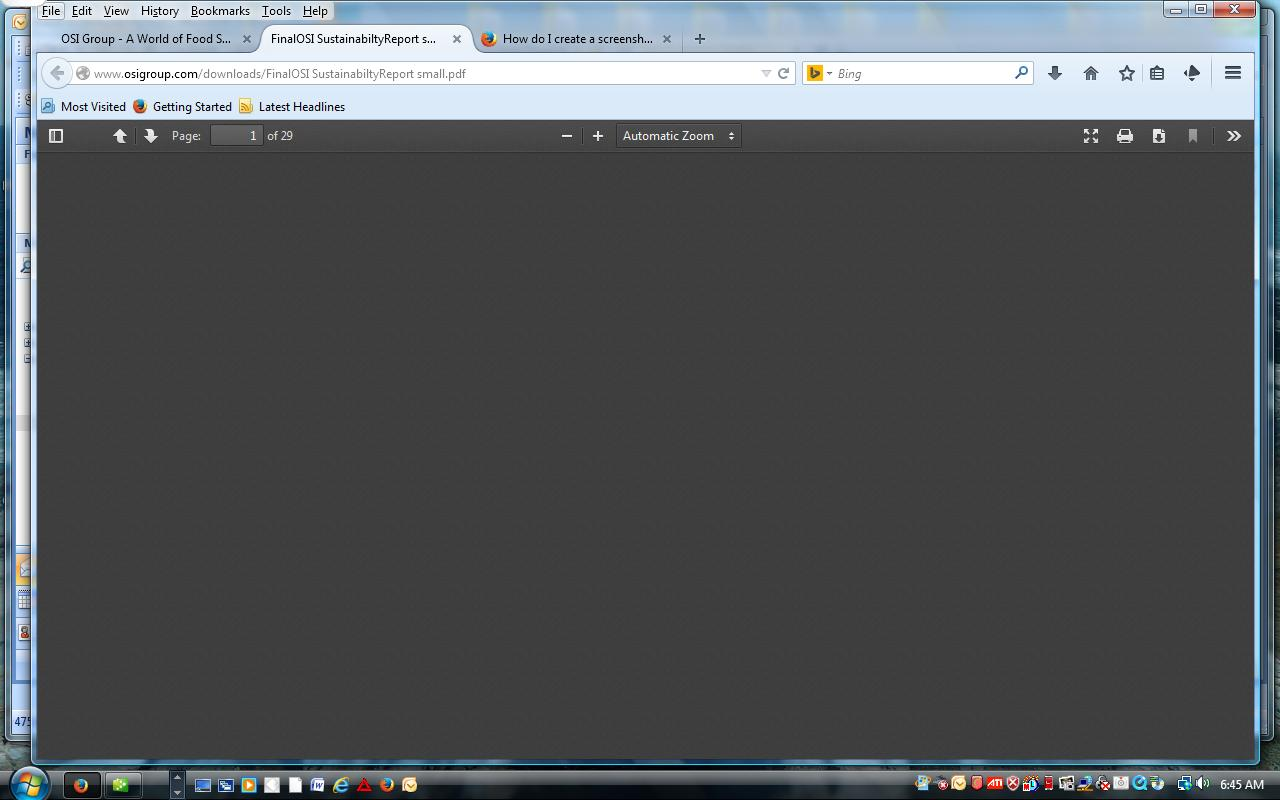
When downloading a file from a website, I get the file but it is totally black and never fully opens up. I can see page numbers to advance See screen shot

Same as question. On two different URL sites, the download PDF comes up black. I would include the screen shot of the black pdf, but I do not see where I can add this to my question
Same as question. On two different URL sites, the download PDF comes up black. I would include the screen shot of the black pdf, but I do not see where I can add this to my question
Усі відповіді (4)

You can add a screenshot when replying in your own thread.

Are you trying to download the file, or view the file in Firefox?
Cannot view link at two different websites in Mozilla. Comes up blank - no content
Firefox's built-in PDF viewer is not yet as full-featured as Adobe's plugin. You might need to use Adobe for that one. Here's how to make the switch: View and edit PDF files using Firefox’s built-in viewer.
Any luck, or same issue?