


Add-on no longer on Toolbar
I'm using the OneTab add-on, Enabled. The icon no longer shows on the Toolbar, though it is on the Menu bar next to Firefox View.
I ran Remove and then Added it again, hoping the Toolbar Icon would reappear = no go, And I lost all URLs already saved, stupid me. To be clear, clicking the Icon on the Toolbar saves all open tabs.
Is there a fix via Preferences? Thanks. gw
Seçilen çözüm
Right-click on OneTab in the extensions panel and select "Pin to toolbar".
Bu yanıtı konu içinde okuyun 👍 1Tüm Yanıtlar (9)
metaguy said
The icon no longer shows on the Toolbar, though it is on the Menu bar next to Firefox View.
Screenshot? It sounds like that would be the pinned toolbar button, in which case you can move it around in Customize mode.
1. What I call the Toolbar, Firefox calls the Application bar. 2. Attached shows where the Icon usually is, and it's not in customize. 3. I don't know what Manage Extensions means. May be the issue, but 4. Since the Icon is not there I can't click on it to Pin vs. Unpin.
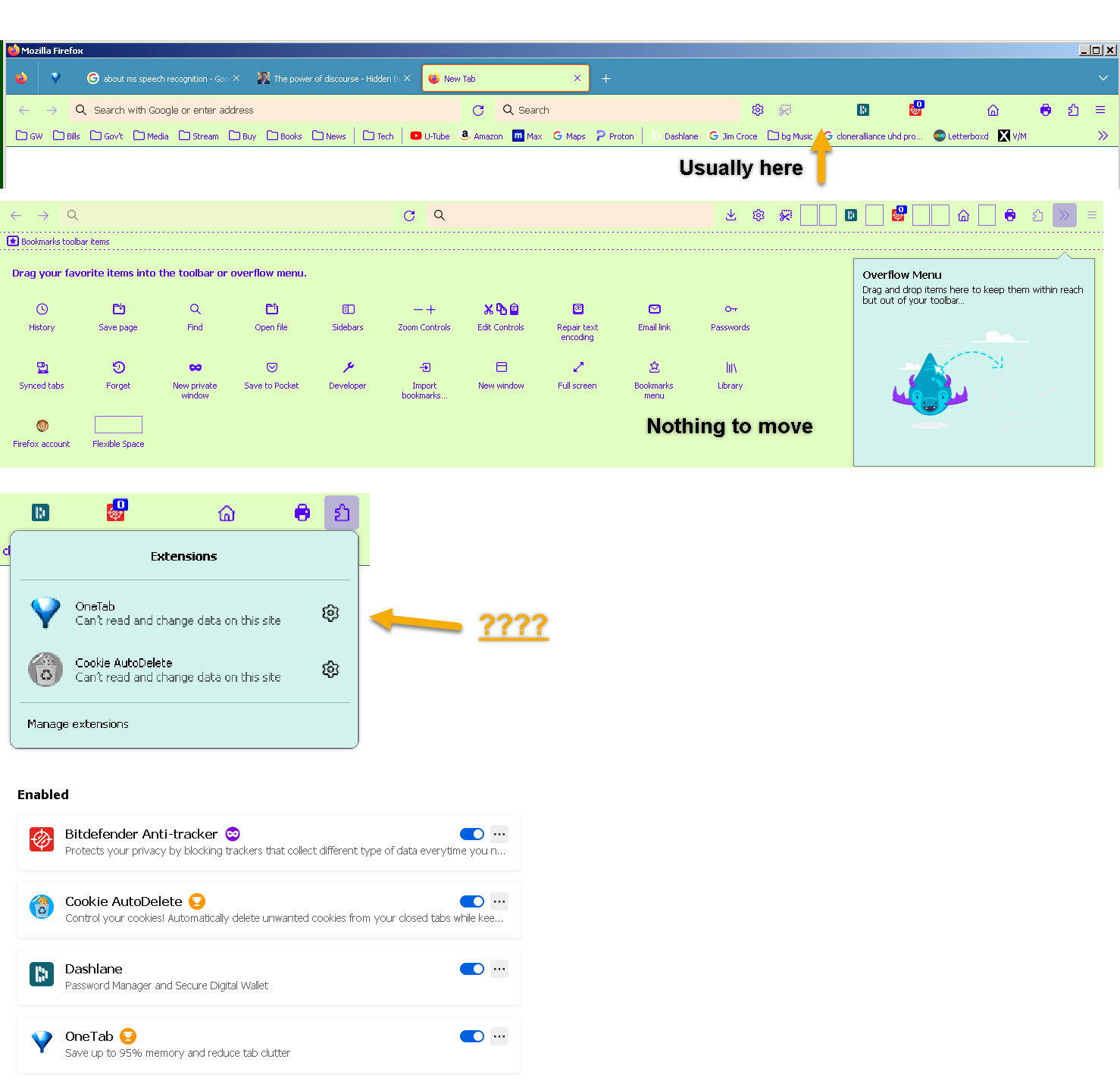
Note that its Add-ons page says that you can export and import OneTab data.
You can try "Clear the startup cache..." via the "Help -> More Troubleshooting Information" (about:support).
You can try to reset extensions.databaseSchema in about:config (i.e. click its trashcan).
Sorry. 1. Did not see "clear startup cache" Attached 2. in About:config, did not see extensions.databaseSchema
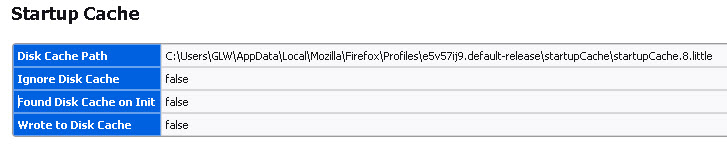
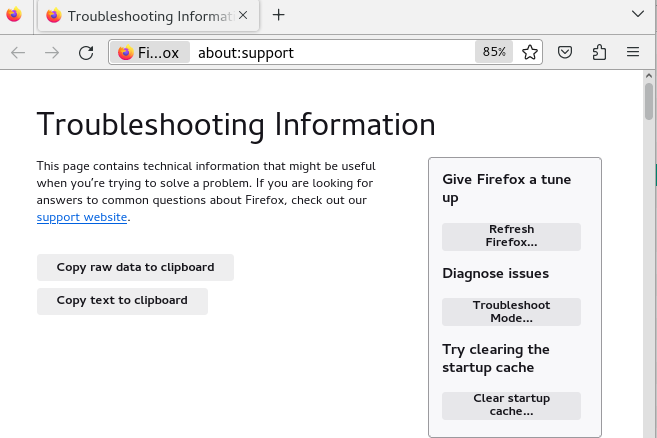
"clear startup cache" is a button that appears at the top of the about:support page in the right sidebar.
"clear startup cache" did nothing. Extensions - see attached... 1. Double click OneTab and Options = 2. Double click Cookies = see note
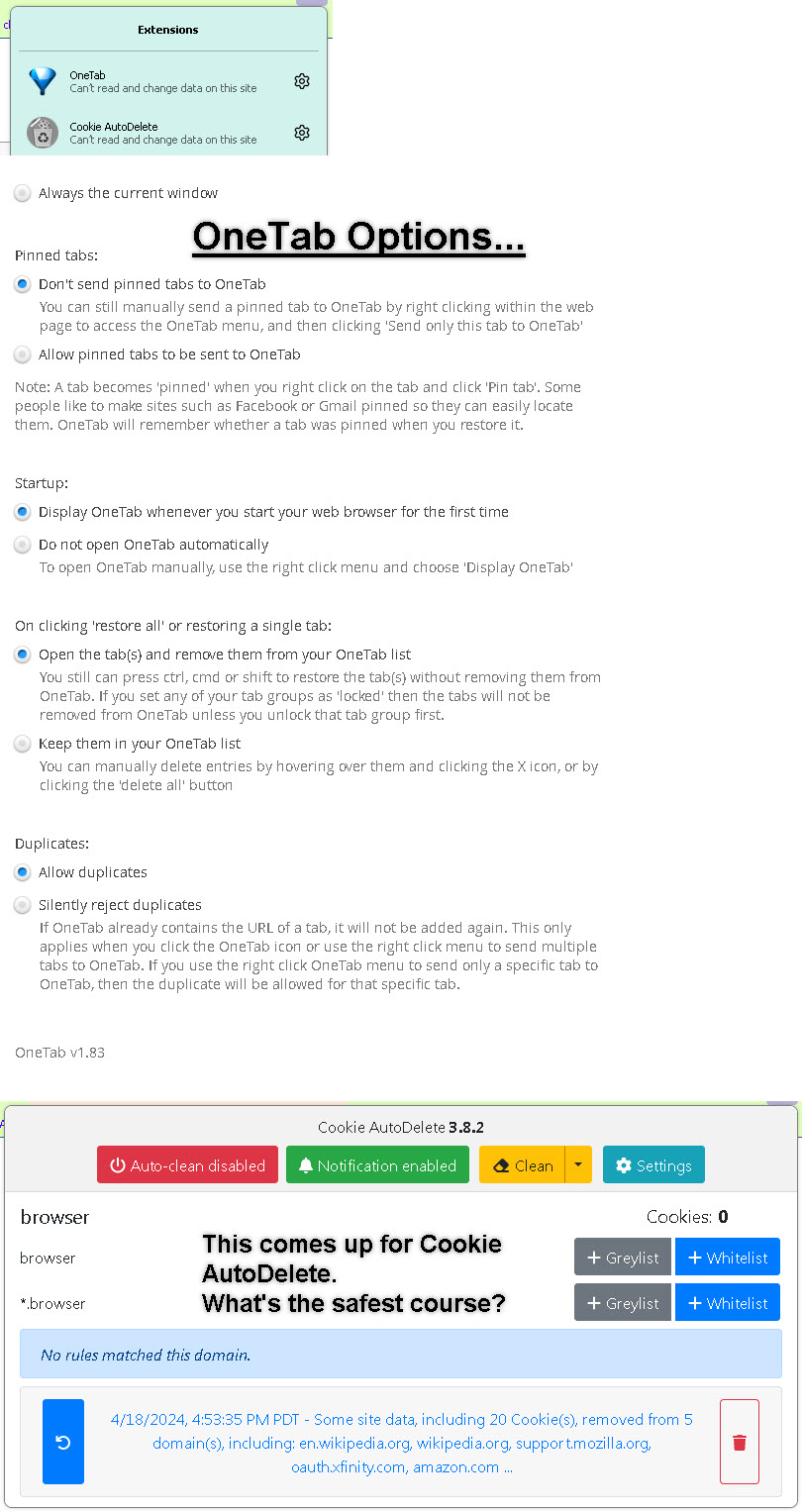
The problem with OneTab still exists... icon not showing in toolbar. Any other suggestions other than remove/uninstall and try again?
Seçilen çözüm
Right-click on OneTab in the extensions panel and select "Pin to toolbar".
Thanks. This finally worked.