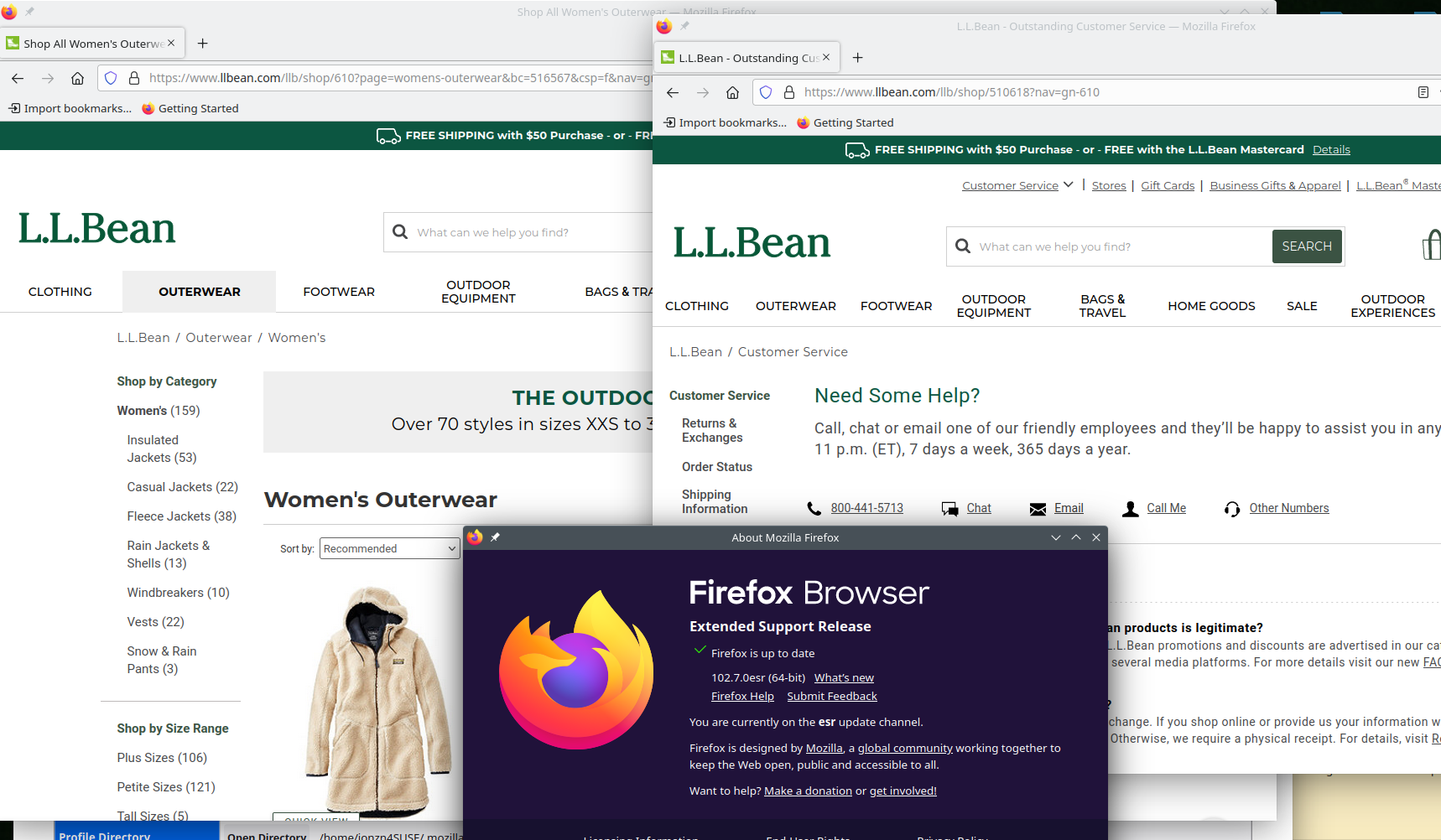
Version 102.7.0esr displays some sites wrong

When my pc updated to 107.2.0 esr a couple of websites began to display groups of squares where text and graphics should be... switch back to 106.2.0 esr and problem solved...
Tüm Yanıtlar (3)

Steps to replicate and screenshots of the issue would be helpful.
Thanks for your help... it so happens that back in December Firefox automatically updated to the same version, and I went to one site that displayed the issue. Two screen shots that I shared with them are attached. Some of the affected area is all text, some a mix of photos with text.


I have no issues with the site. see screenshot Did you try with Firefox in Safe Mode? https://support.mozilla.org/en-US/kb/diagnose-firefox-issues-using-troubleshoot-mode#w_how-to-start-firefox-in-4troubleshoot-modesf5safe-modesf
What are your font settings? see screenshot