Failed to login to sync, message in red "The operation was aborted. "

After a reinstallation of FIREFOX, it failed to login to sync with Firefox. My account and password input are correct. And I can login to my accout with Chrome (https://accounts.firefox.com/).
my OS: ubuntu 18.04 firefox version: 100.0.2
Tüm Yanıtlar (2)
Application Basics
Name: Firefox Version: 100.0.2 Build ID: 20220519220738 Distribution ID: Update Channel: release User Agent: Mozilla/5.0 (X11; Linux x86_64; rv:100.0) Gecko/20100101 Firefox/100.0 OS: Linux 5.4.0-113-generic #127~18.04.1-Ubuntu SMP Wed May 18 15:40:23 UTC 2022 OS Theme: Ambiance / Adwaita-dark Multiprocess Windows: 1/1 Fission Windows: 1/1 Enabled by default Remote Processes: 6 Enterprise Policies: Inactive Google Location Service Key: Found Google Safebrowsing Key: Found Mozilla Location Service Key: Found Safe Mode: false Memory Size (RAM): 15.5 GB Disk Space Available: 87.6 GB
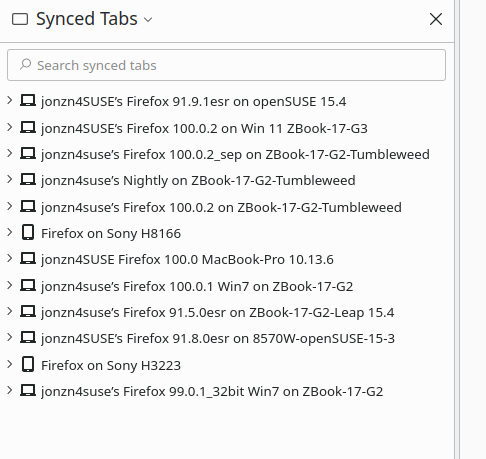
Just logged into Leap 15.4 for the first time. I was able to login and sync my data over. see screenshot of synced devices. I have my password in a text file on the desktop so that I can just copy and paste. Try downloading Firefox from Mozilla see if you can sync it. https://www.mozilla.org/en-US/firefox/all/#product-desktop-release