


Closing tabs on iPad v37.0 not working

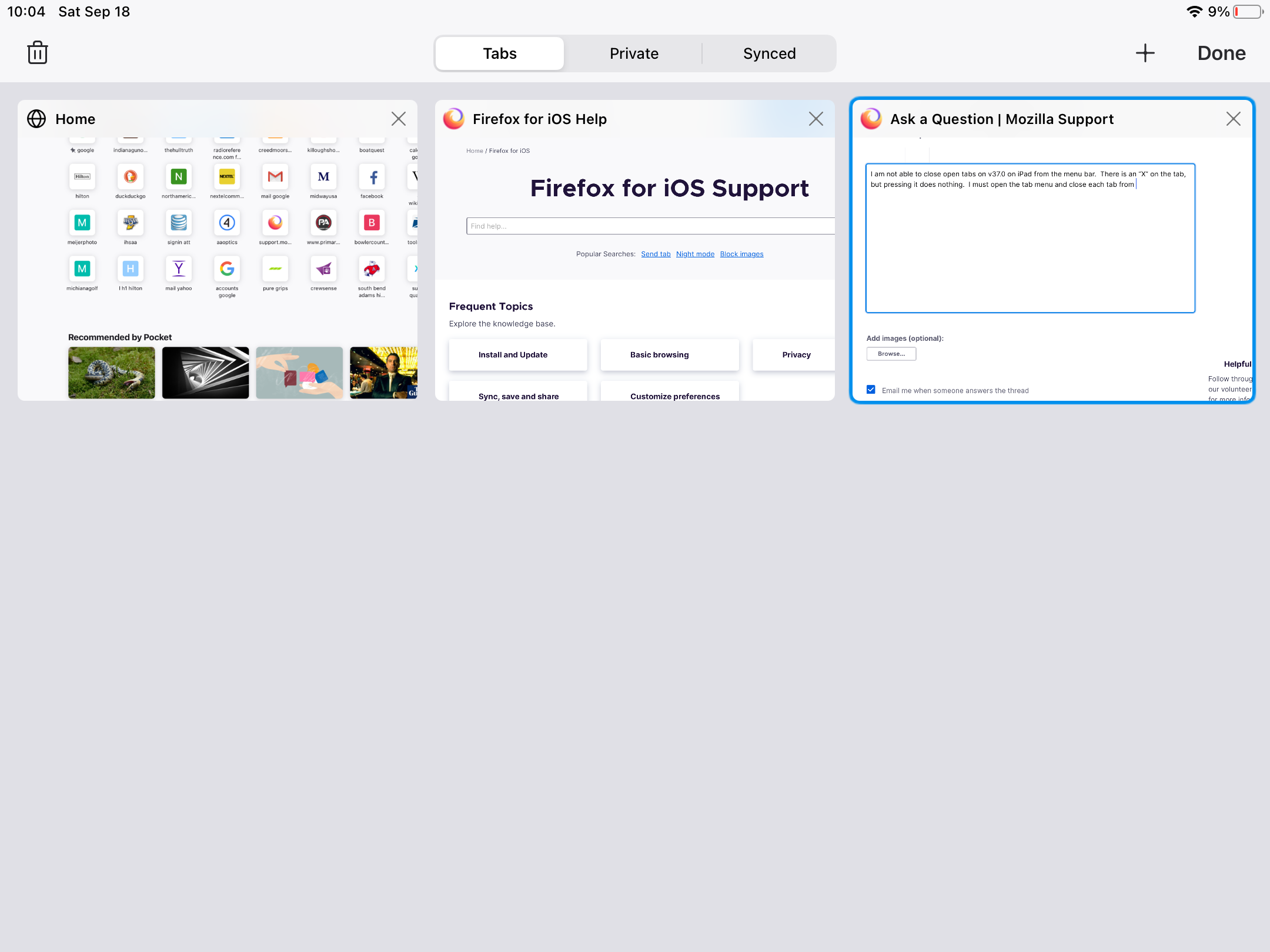
I am not able to close open tabs on v37.0 on iPad from the menu bar. There is an “X” on the tab, but pressing it does nothing. I must open the tab menu and close each tab from “open tabs” menu and shown in the attachment.
Tüm Yanıtlar (3)

I have exactly the same issue:
Firefox Daylight 37.0 (5971) iPad iOS 14.8 iPad Air 4th Generation
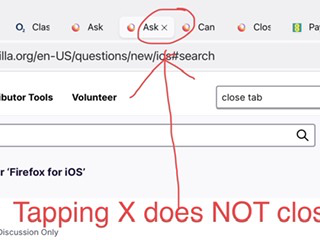
The X on each tab, does NOT close the tab. This was a very important function. Firefox is my go-to browser, I frequently need to close individual tabs. I do NOT want to have to use the multiple tab button, then close from there, as that requires more steps.
kb500ft said
I am not able to close open tabs on v37.0 on iPad from the menu bar. There is an “X” on the tab, but pressing it does nothing. I must open the tab menu and close each tab from “open tabs” menu and shown in the attachment.
So glad you have raised this issue. A fundamental function is NOT working as it should.
Yesterday, I updated my iPad to iPadOS 15.0, and this issue is no longer present for me.
Firefox Daylight 37.0 (5971) iPadOS 15