


Firefox Nightly won't play audio.

Firefox won't play audio in any website, even local audio files. But videos are played normally, except they seems muted.
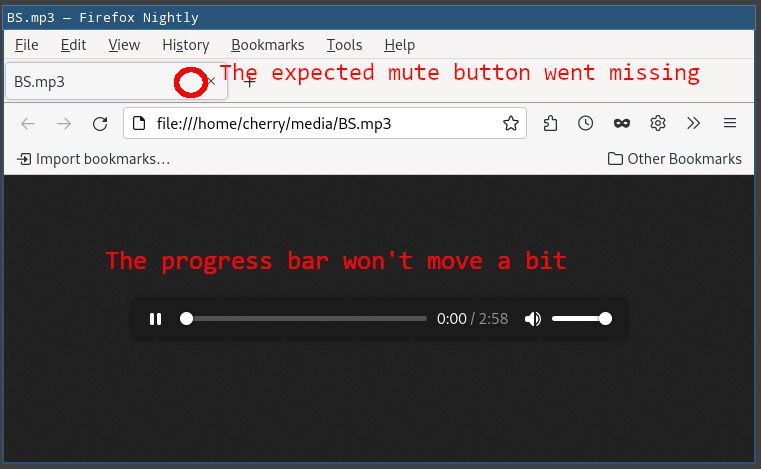
I also found the mute button on tabs missing. When playing audio files, the progress bar won't move a bit.
Version: 91.0a1 (2021-07-03) Platform: Linux 5.12.10 No pulseaudio
Tüm Yanıtlar (3)
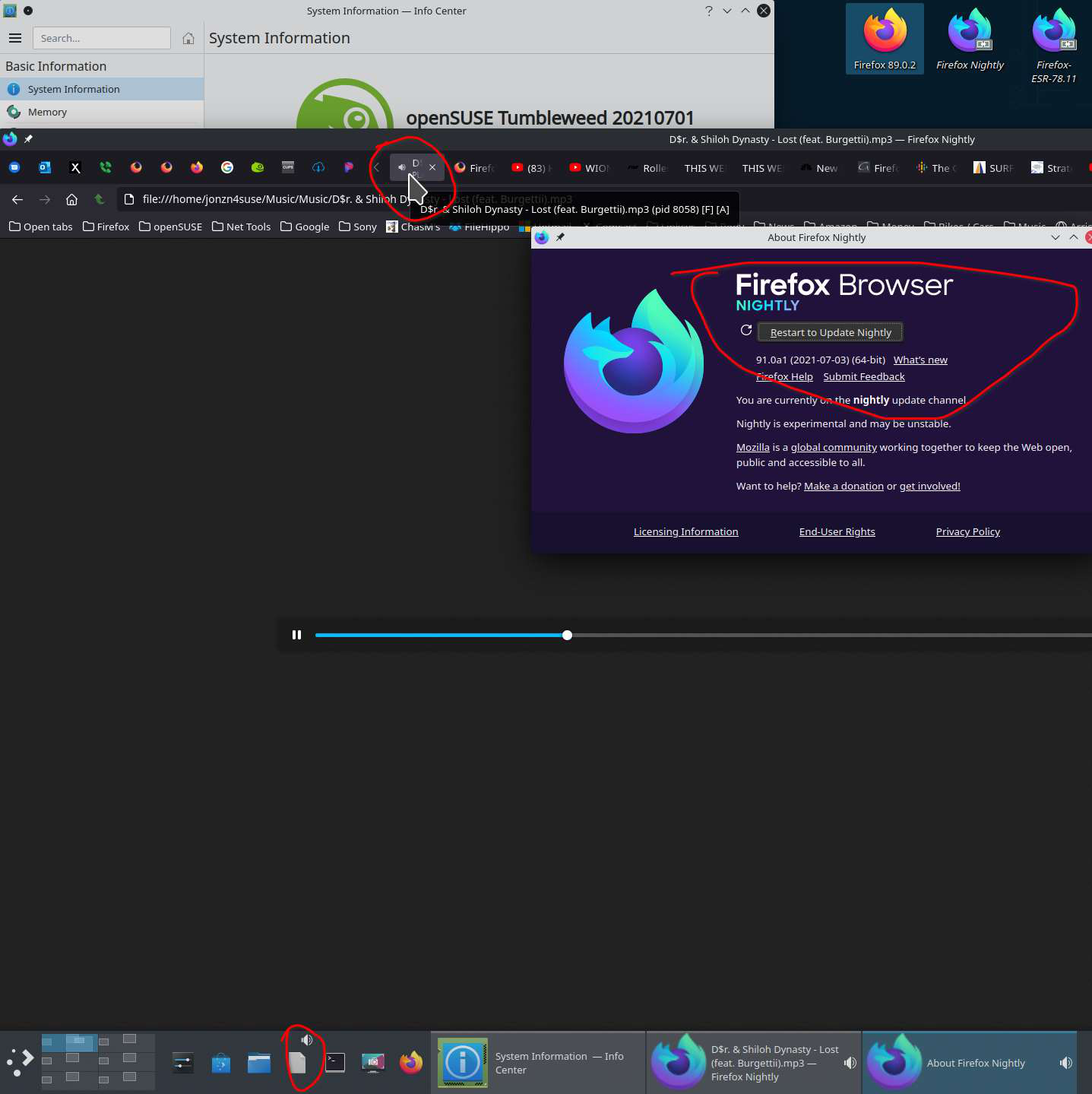
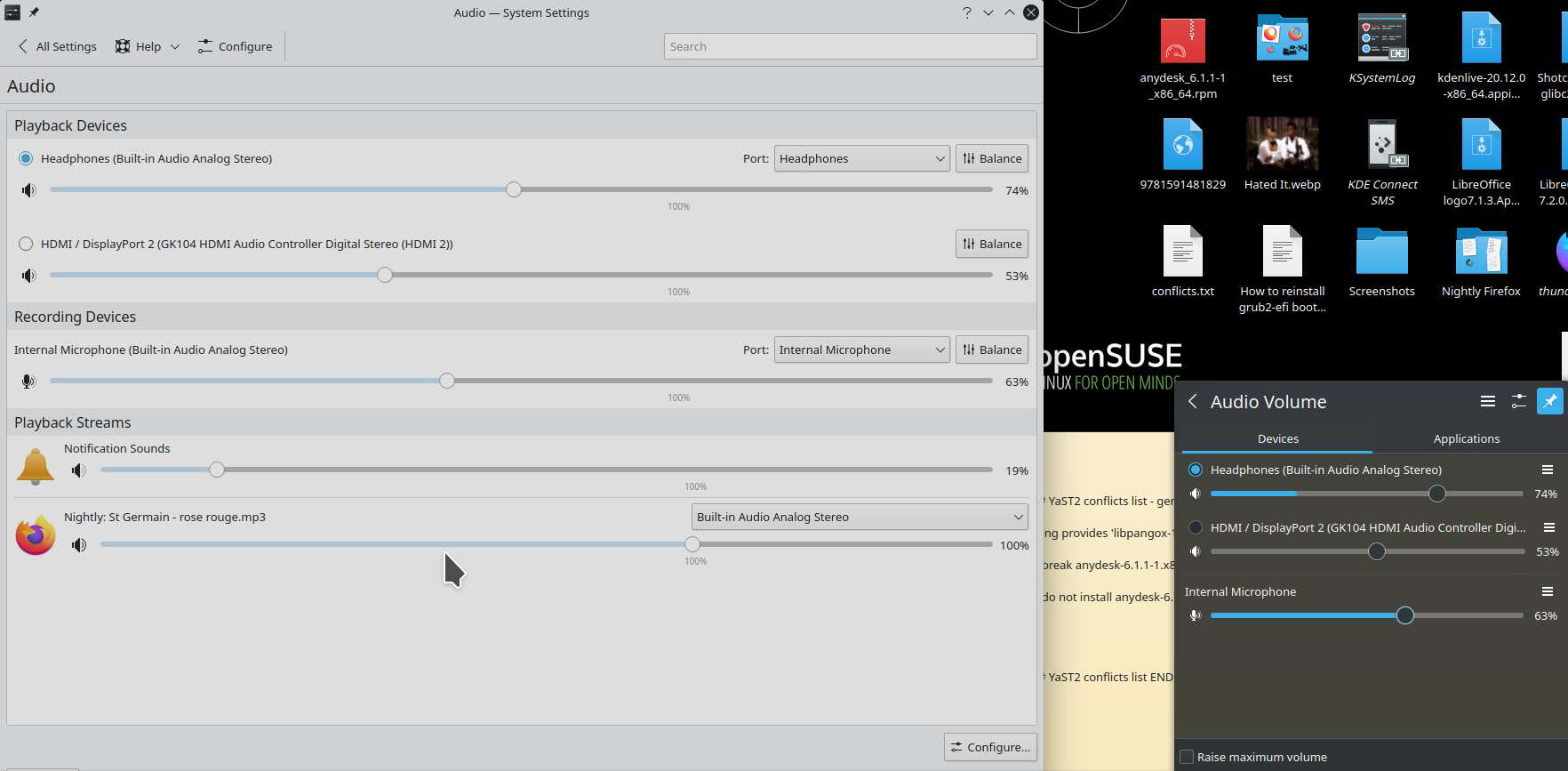
I'm not able to replicate the issue. see screenshots What is your setup and what are your settings? I have external speakers plugged in. Do you have the same issue for other users on the same computer?
jonzn4SUSE tarafından tarihinde düzenlendi
When launching nightly with --safe-mode and opening an mp3 file, it says: [Child 44358, MediaDecoderStateMachine #1] WARNING: 7ff95d606040 OpenCubeb() failed to init cubeb: file /builds/worker/checkouts/gecko/dom/media/AudioStream.cpp:324 [Child 44358, MediaDecoderStateMachine #1] WARNING: Decoder=7ff95d59f000 [OnMediaSinkAudioError]: file /builds/worker/checkouts/gecko/dom/media/MediaDecoderStateMachine.cpp:3982 [Child 44358, MediaDecoderStateMachine #1] WARNING: Decoder=7ff95d59f000 Decode error: NS_ERROR_DOM_MEDIA_MEDIASINK_ERR (0x806e000b) - OnMediaSinkAudioError: file /builds/worker/checkouts/gecko/dom/media/MediaDecoderStateMachine.cpp:3543
But Firefox 89.0.1 (64-bit) works well.
Do I need to collect more debug information?
Also, take a look at this