


Firefox does not recognize microphone on onedrive.live.com
I am trying to use the dictation feature on word (onedrive.live.com document). Firefox does not list the microphone, the webpage says I need to click on the locked icon (next to the URL). The microphone is not listed, in addition there is not a way to whitelist sites in the privacy settings.
There is no way to get the microphone working for the dictation feature in word on microsoft office online.
Tüm Yanıtlar (3)
Yes, I am able to replicate the issue in Win 7 and Linux. see screenshot.
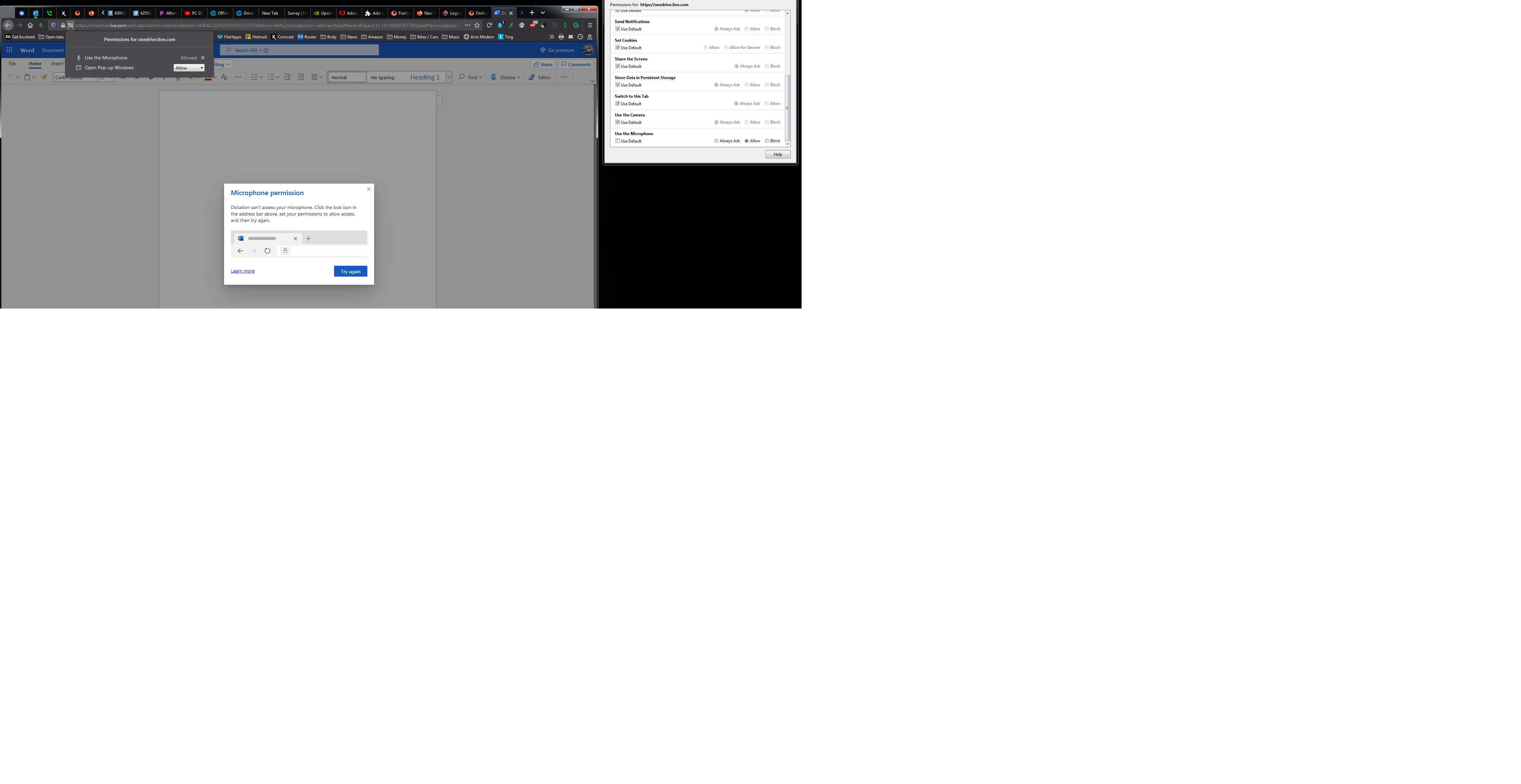
After turning off ETP and allowing the 3rd party cookies I get the issue, but different error message. see screenshot
Also found this, but the download is no longer there. https://support.mozilla.org/en-US/kb/fix-video-audio-problems-firefox-windows
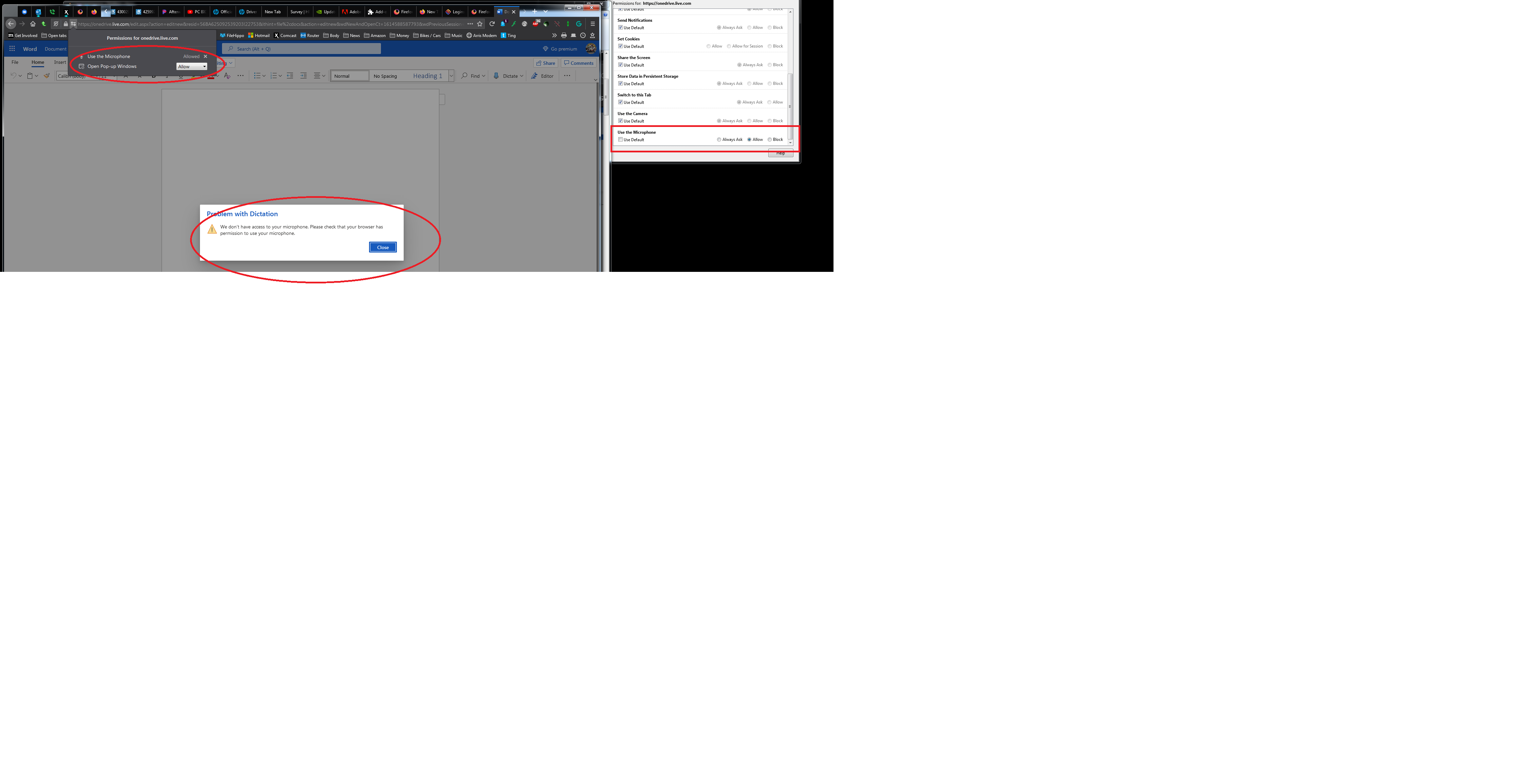
Followed the below instructions, even tried Win 10, but get the same error. Maybe someone from dev and can chime in.
jonzn4SUSE tarafından tarihinde düzenlendi