


Google Maps not refreshing after zoom and others

Hello!
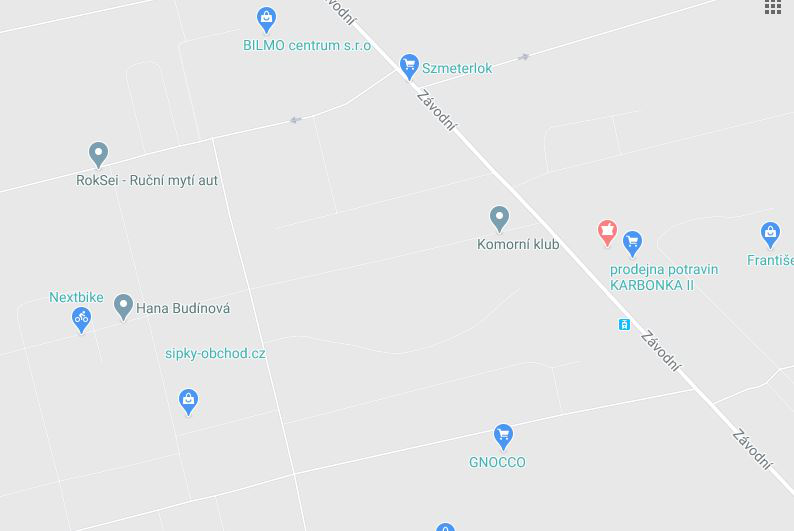
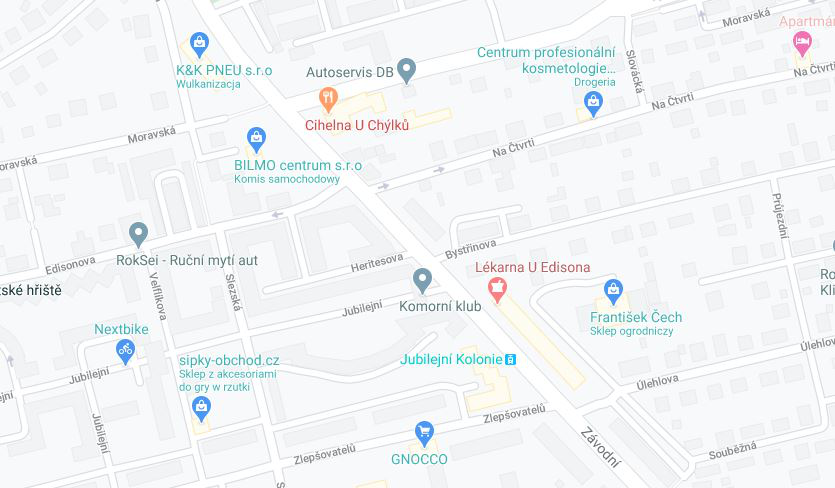
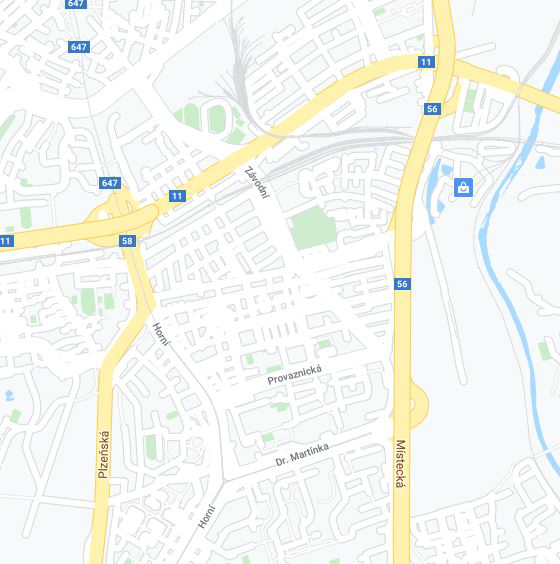
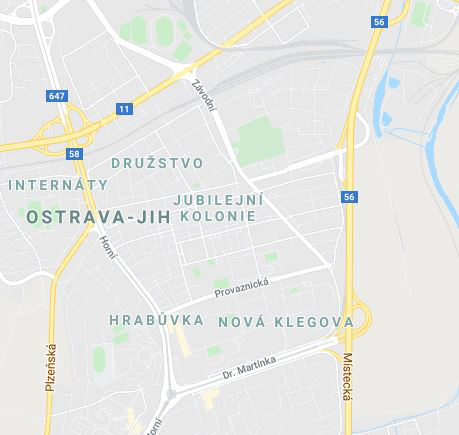
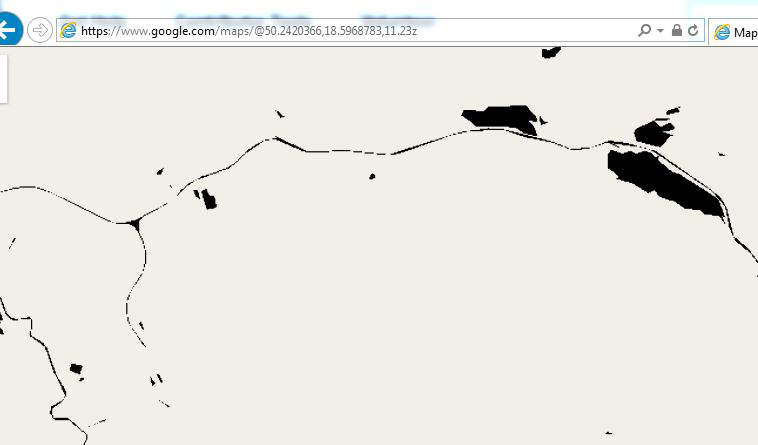
Since some time (hard to say exactly, but Months) I have issue with google maps on my work computer. It's not refreshing view after zooming in or out - some examples: https://user-media-prod-cdn.itsre-sumo.mozilla.net/uploads/images/2020-08-19-01-53-36-82e04b.png https://user-media-prod-cdn.itsre-sumo.mozilla.net/uploads/images/2020-08-19-01-54-00-884c84.png https://user-media-prod-cdn.itsre-sumo.mozilla.net/uploads/images/2020-08-19-01-54-04-8bc938.png https://user-media-prod-cdn.itsre-sumo.mozilla.net/uploads/images/2020-08-19-01-54-09-beac3a.png
I'm using Firefox 79.0 with uBlock Origin and Pinned WhatsApp extensions. All is running under Windows 7. I tested it in safe mode and maps running OK, however when I switch off my extensions in normal mode it's again not refreshing. The same set of extensions I have also on my gaming and home laptops and Firefox is flawless on those machines. Only obvious difference is Windows 10. Hardware acceleration is Off, but changing that is not helping. Cosmetic Filtering in uBlock is also tested without help. I also tested Chrome on this laptop and it's working OK, IE v. 11.0.28 is not working with GMaps at all after zooming: https://user-media-prod-cdn.itsre-sumo.mozilla.net/uploads/images/2020-08-19-02-04-04-254007.png
Any other thoughts?
Seçilen çözüm
Problem solved I think. All is working OK after rolling back to original HP video drivers (ProBook 6470b).
Thanks for trying to help :)
Tüm Yanıtlar (6)
Just to add - when switching on Traffic it's not showing on map until manually reloading/refreshing view.


https://support.mozilla.org/en-US/kb/troubleshoot-firefox-issues-using-safe-mode
Safe Mode is a troubleshooting mode that temporarily turns off hardware acceleration, resets some settings, and disables add-ons (extensions and themes). If the problem goes away, that tells us one thing. If it does not, that tells us something else.
Are you using the default theme?
Yes - I'm using default theme - just dark mode... Will try to delete (after backup) whole profile folder.
Just did that - 100% new profile, no plugins - same story :( Maybe there is something in windows registry?
mirek_ptak tarafından tarihinde düzenlendi
Use these links to create a new profile. Use this new profile as is. Is the problem still there?
https://support.mozilla.org/en-US/kb/how-run-firefox-when-profile-missing-inaccessible
http://kb.mozillazine.org/Profile_folder_-_Firefox#Navigating_to_the_profile_folder
https://support.mozilla.org/en-US/kb/profile-manager-create-and-remove-firefox-profiles
https://support.mozilla.org/en-US/kb/back-and-restore-information-firefox-profiles
Type about:profiles<enter> in the address bar.
Seçilen çözüm
Problem solved I think. All is working OK after rolling back to original HP video drivers (ProBook 6470b).
Thanks for trying to help :)
That was very good work. Well Done.