


Arabic / Persian language right-to-left

Hello Please make a difference in Firefox until it's written in the Arabic / Persian language line from the right-to-left. The head of the curser changes Like Office Word
Tüm Yanıtlar (9)
You can switch the bidi text direction with the CRTL+Shift+X keyboard shortcut. This work on any input field, so the docs are not correct.
sepandasa said
Hello Please make a difference in Firefox until it's written in the Arabic / Persian language line from the right-to-left. The head of the curser changes Like Office Word
PLEASE READ AGAIN
Please be careful to "change the direction of the cursor"
Please note the cursor tip The Internet Explorer changes to the tip But it does not change in Firefox.
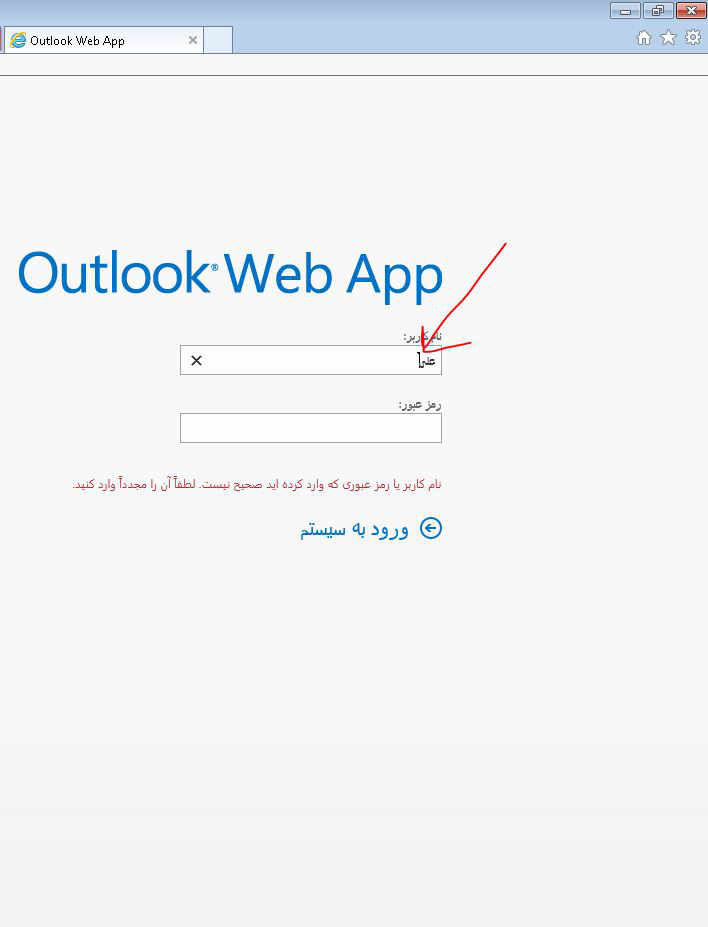
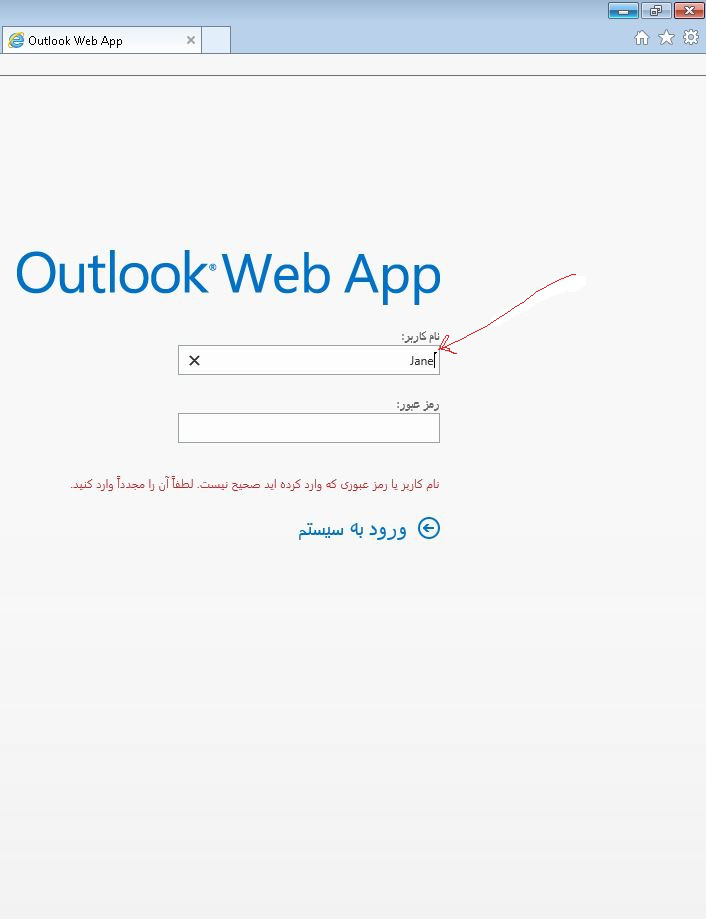
It's best to use IE for Outlook web emails as using other browser to view outlook emails doesn't always work the same.
I think that Firefox only shows this bidi marker on the cursor when Firefox detects that there are LTR and RTL keyboard layouts installed.
Why IE Detects But Firefox Does Not Detect? This is a very important issue Please contact the program team to resolve the issue. Thanks
Are you using a RTL Firefox local (Arabic or Persian/Urdu) or an LTR locale like en-US?
Yes, exactly