


Default dictionary problem

I was using Firefox from many years, but I still have a problem with the dictionary. I'm from italy, and I use Italian Firefox. If I install english dictionary, it becomes the default dictionary... and I can't revert this setting (I have to select always the italian dictionary when I type). The only way is to uninstall english dictionary. Could you make an option for select the default dictionary?
Seçilen çözüm
Did you try to change the spellchecker.dictionary pref to 'it'?
Bu yanıtı konu içinde okuyun 👍 1Tüm Yanıtlar (9)

How do I use the Firefox spell checker? https://support.mozilla.org/en-US/kb/how-do-i-use-firefox-spell-checker
Configuration Options for Writing Messages https://support.mozilla.org/en-US/kb/configuration-options-writing-messages
FredMcD said
How do I use the Firefox spell checker? https://support.mozilla.org/en-US/kb/how-do-i-use-firefox-spell-checker Configuration Options for Writing Messages https://support.mozilla.org/en-US/kb/configuration-options-writing-messages
I know how select spell check, but it revert back every day, every time I close Firefox... it goes back to english.
"Tools | Options | Composition | Spelling" Doesn't exist anymore on Firefox... and italian is the 1st language on content > languages.
This are my options:
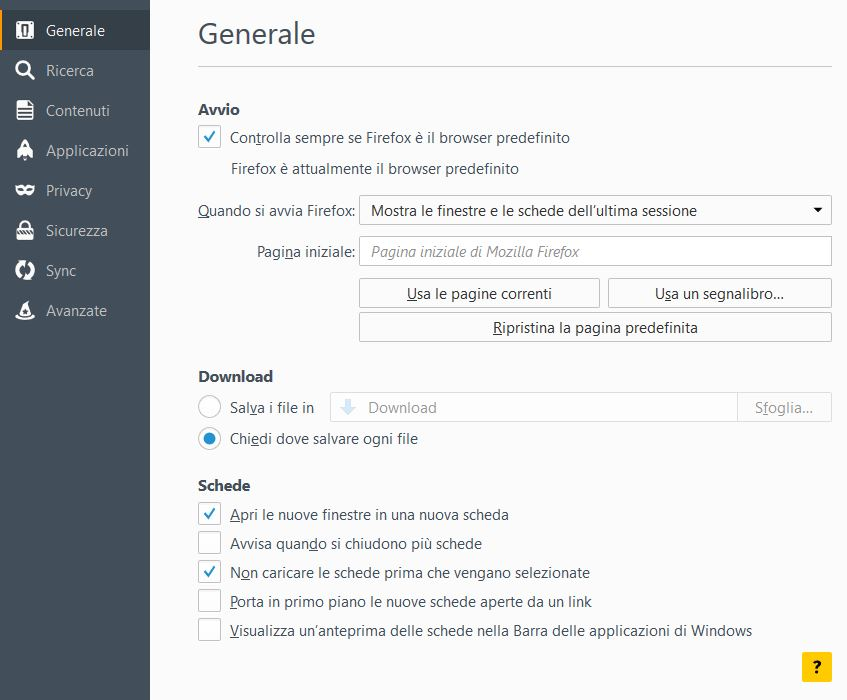
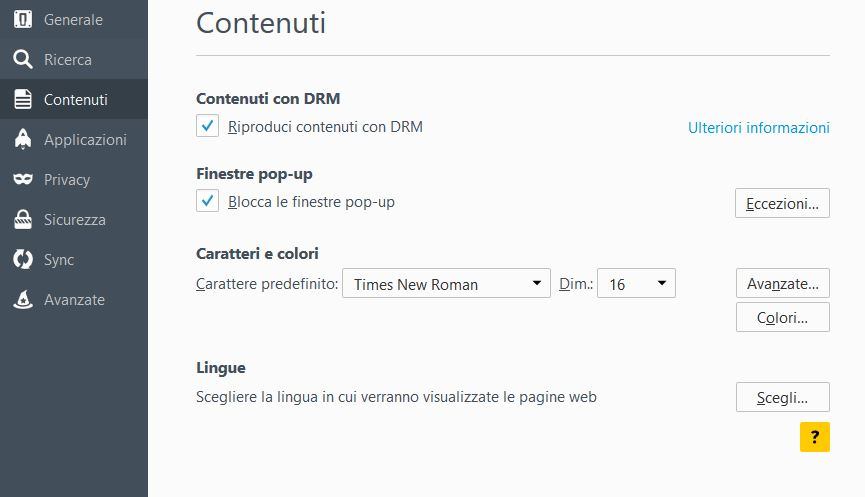
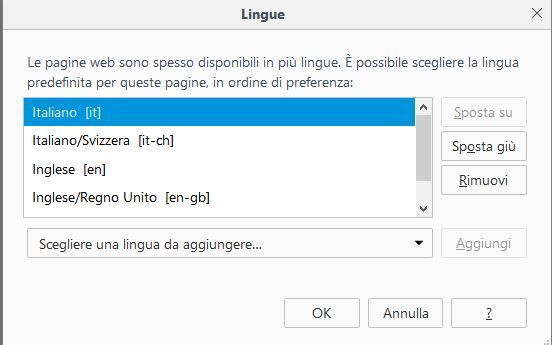
What is the value of spellchecker.dictionary?
You can open the about:config page via the location/address bar. You can accept the warning and click "I'll be careful" to continue.
en-gb
You can try to delete the content-prefs.sqlite file in the Firefox profile folder.
You can use this button to go to the current Firefox profile folder:
- Help > Troubleshooting Information > Profile Directory: Show Folder (Linux: Open Directory; Mac: Show in Finder)
- http://kb.mozillazine.org/Profile_folder_-_Firefox
cor-el said
You can try to delete the content-prefs.sqlite file in the Firefox profile folder. You can use this button to go to the current Firefox profile folder:
- Help > Troubleshooting Information > Profile Directory: Show Folder (Linux: Open Directory; Mac: Show in Finder)
- http://kb.mozillazine.org/Profile_folder_-_Firefox
It was a false "alarm". It seemed resolved... but it isn't true. It Still goes back to default "english" :(
Seçilen çözüm
Did you try to change the spellchecker.dictionary pref to 'it'?
cor-el said
Did you try to change the spellchecker.dictionary pref to 'it'?
I did it. I'll check if it goes back to en-GB. Thank you.