

Bu başlık arşivlendi.
Yardıma ihtiyacınız varsa lütfen yeni bir soru sorun.

Çözüldü
Arşivlendi
Quick Filter search not showing senders correctly

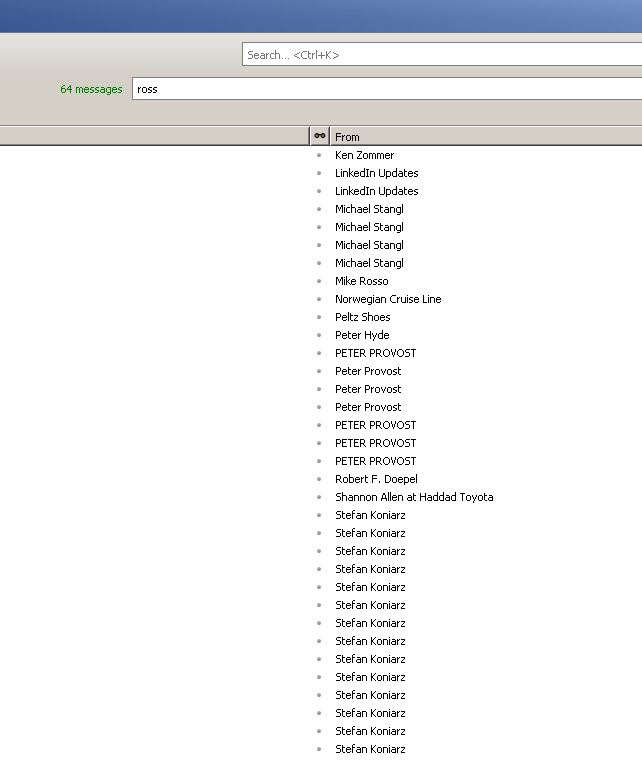
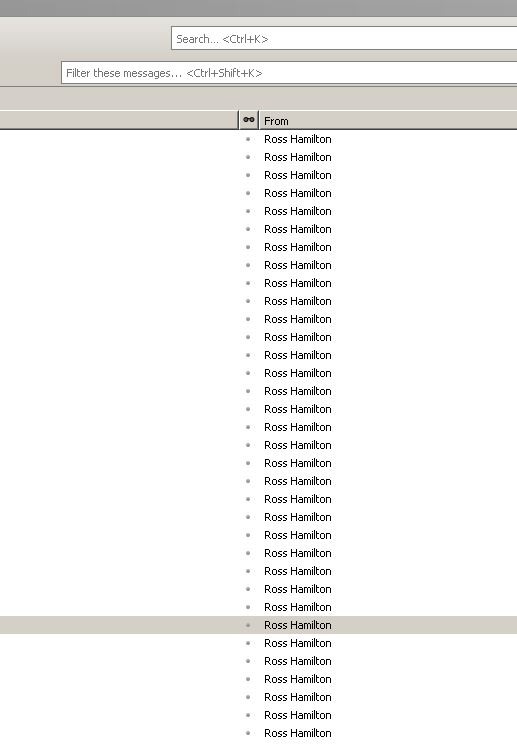
I am used to narrowing my search results by sender using the quick filter toolbar. For example, if I want to narrow my search to emails from Ross Hamilton I type "ross" in the quick filter bar to show messages with the word "ross". Now, however, when I type a name into the search bar it no longer shows mail from that sender (see "ross1.jpg". It does, however, show me messages that Ross was CCed on. This seams to be an issue that popped up in the last couple of weeks. See "ross2.jpg" for results when I clear the quick filter bar. running ver 31.6.0
Thanks
I am used to narrowing my search results by sender using the quick filter toolbar.
For example, if I want to narrow my search to emails from Ross Hamilton I type "ross" in the quick filter bar to show messages with the word "ross". Now, however, when I type a name into the search bar it no longer shows mail from that sender (see "ross1.jpg". It does, however, show me messages that Ross was CCed on. This seams to be an issue that popped up in the last couple of weeks. See "ross2.jpg" for results when I clear the quick filter bar.
running ver 31.6.0
Thanks
Tüm Yanıtlar (3)
wouldn't let me attach images the 1st time. Here they are

Seçilen çözüm
You'll also need to select 'Sender' when filtering for "ross".
duh :-P I never noticed that before. Thanks