


How can I correct background color and graphics in Firefox?

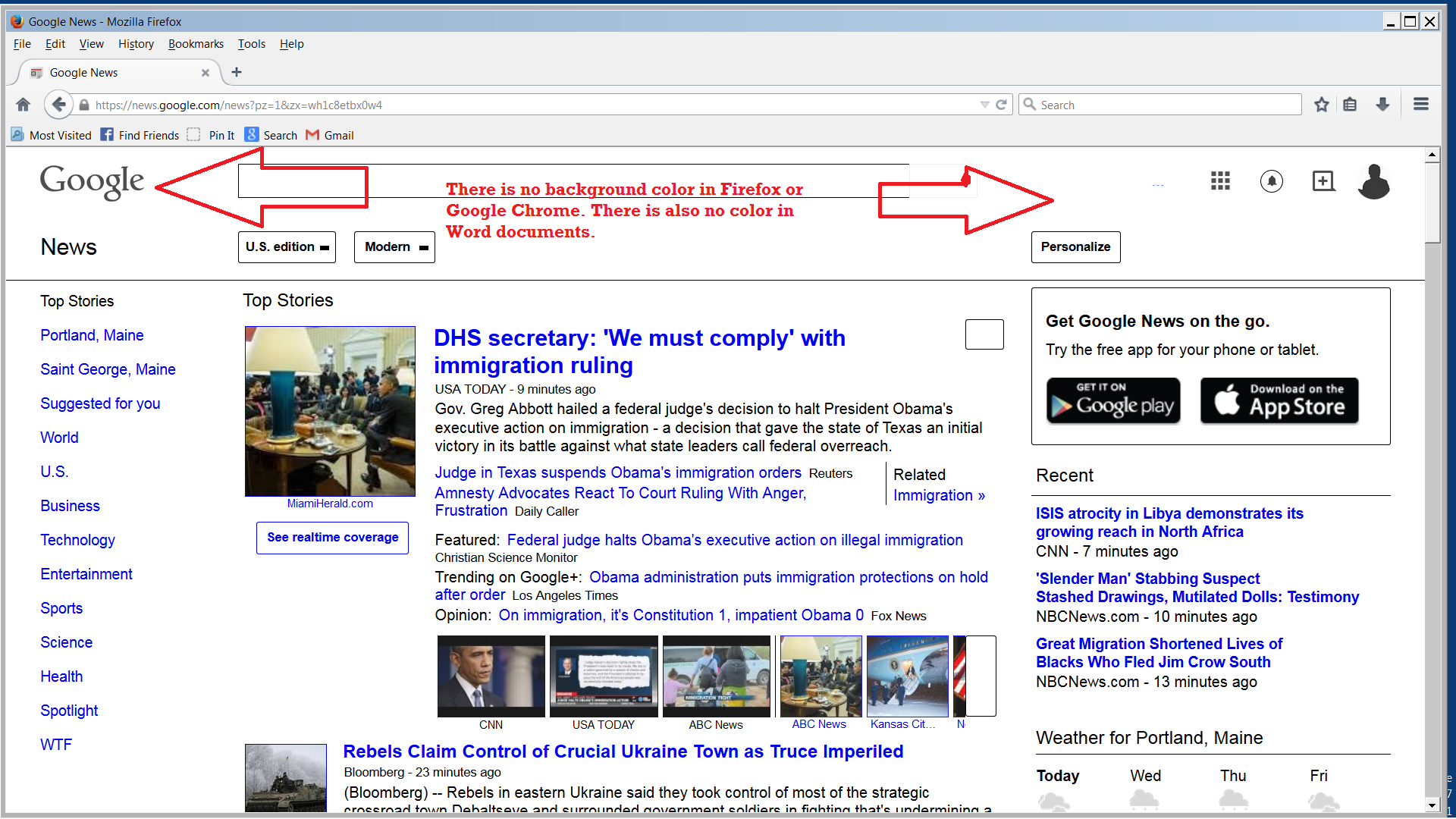
For some reason some background color images and fonts do not appear in Firefox. Other browsers are mostly fine. I've tried most common fixes to no avail. I'm running Windows 7 Ultimate.
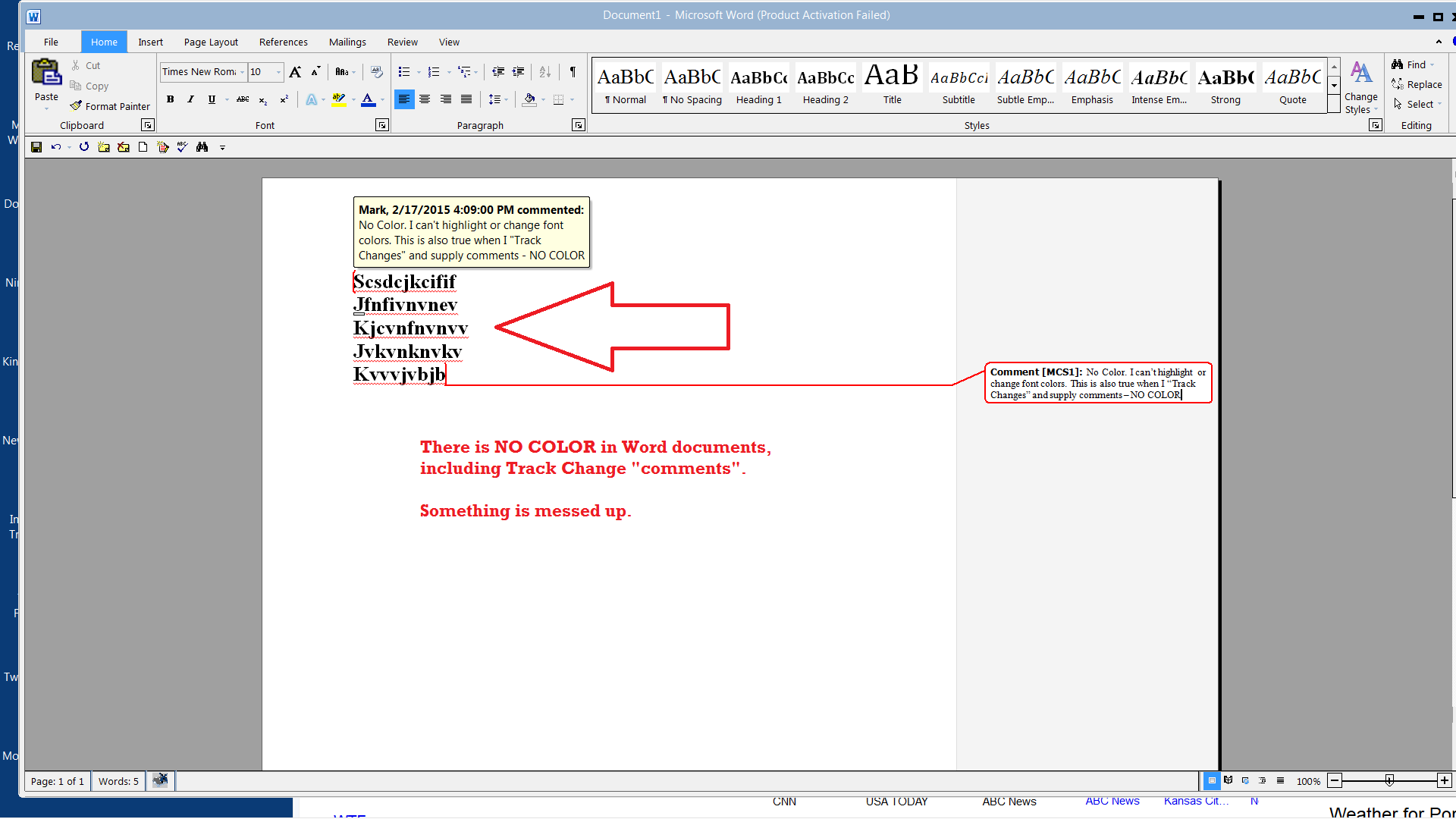
I've attached two screenshots. One is Firefox viewing Google. The other one may be relevant because I can't change the color of fonts in Word and other Office docs.
Anyway, I'm stumped on the Firefox side. The browser has been uninstalled, re installed, and refreshed.
Seçilen çözüm
Make sure that you haven't enabled a High Contrast theme in the Windows/Mac Accessibility settings.
Make sure that you allow pages to choose their own colors.
- Tools > Options > Content : Fonts & Colors > Colors : [X] "Allow pages to choose their own colors, instead of my selections above"
Note that these settings affect background images.
See also:
Bu yanıtı konu içinde okuyun 👍 0Tüm Yanıtlar (4)
Hi MarcCharles, Are there any changes recently made to your Window's Theme?
It might be an issue with hardware acceleration - please try updating your graphics driver.
I've tried with hardware acceleration and without. I've updated all drivers. I've searched Mozilla Forums and FAQs. To no avail. I've tried different themes, etc. Any ideas or suggestions helpful. But I may need to dump Firefox and go with Chrome (no issues).
Try this setting in Firefox: Change the fonts and colors websites use
Seçilen çözüm
Make sure that you haven't enabled a High Contrast theme in the Windows/Mac Accessibility settings.
Make sure that you allow pages to choose their own colors.
- Tools > Options > Content : Fonts & Colors > Colors : [X] "Allow pages to choose their own colors, instead of my selections above"
Note that these settings affect background images.
See also: