

Ова тема је архивирана.
Питајте друго питање ако вам је потребна помоћ.

Архивирано
Keyboard shortcuts are NOT working

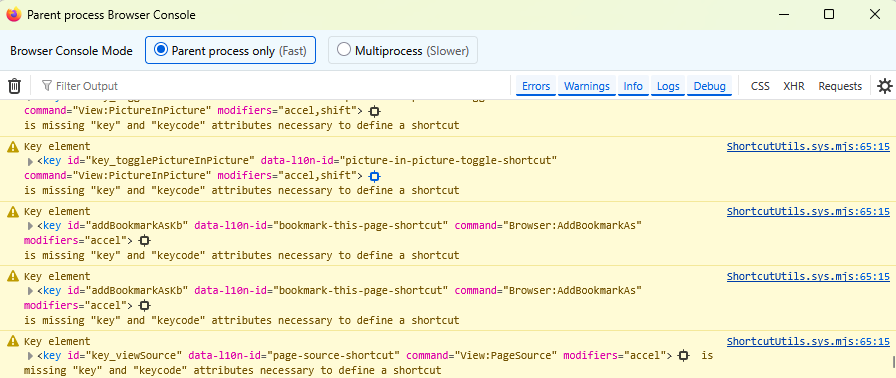
Most of the keyboard shortcuts are not working. Copy-paste works, but others for example, Ctrl + F doesn't work. Very confusing and frustrating. Attached is the screenshot of Browser Console and it does show missing attributes. Not sure if this is a browser issue (currently using 147.0.3 (64-bit)) or I need to make certain change settings. I would appreciate any suggestions to resolve this issue.
Most of the keyboard shortcuts are not working. Copy-paste works, but others for example, Ctrl + F doesn't work. Very confusing and frustrating. Attached is the screenshot of Browser Console and it does show missing attributes. Not sure if this is a browser issue (currently using 147.0.3 (64-bit)) or I need to make certain change settings. I would appreciate any suggestions to resolve this issue.
Сви одговори (1)
Hi,
This looks weird... I don't think it's related to any settings. Could you please try running Firefox in Troubleshoot Mode and see if the problem persists there?